
In this update2
Full notes
Full Espresso Tycoon update
Read the full published notes in a cleaner layout. The original post stays linked below.
What changed
- Store
Espresso Tycoon changes
Dear Coffee Lovers,
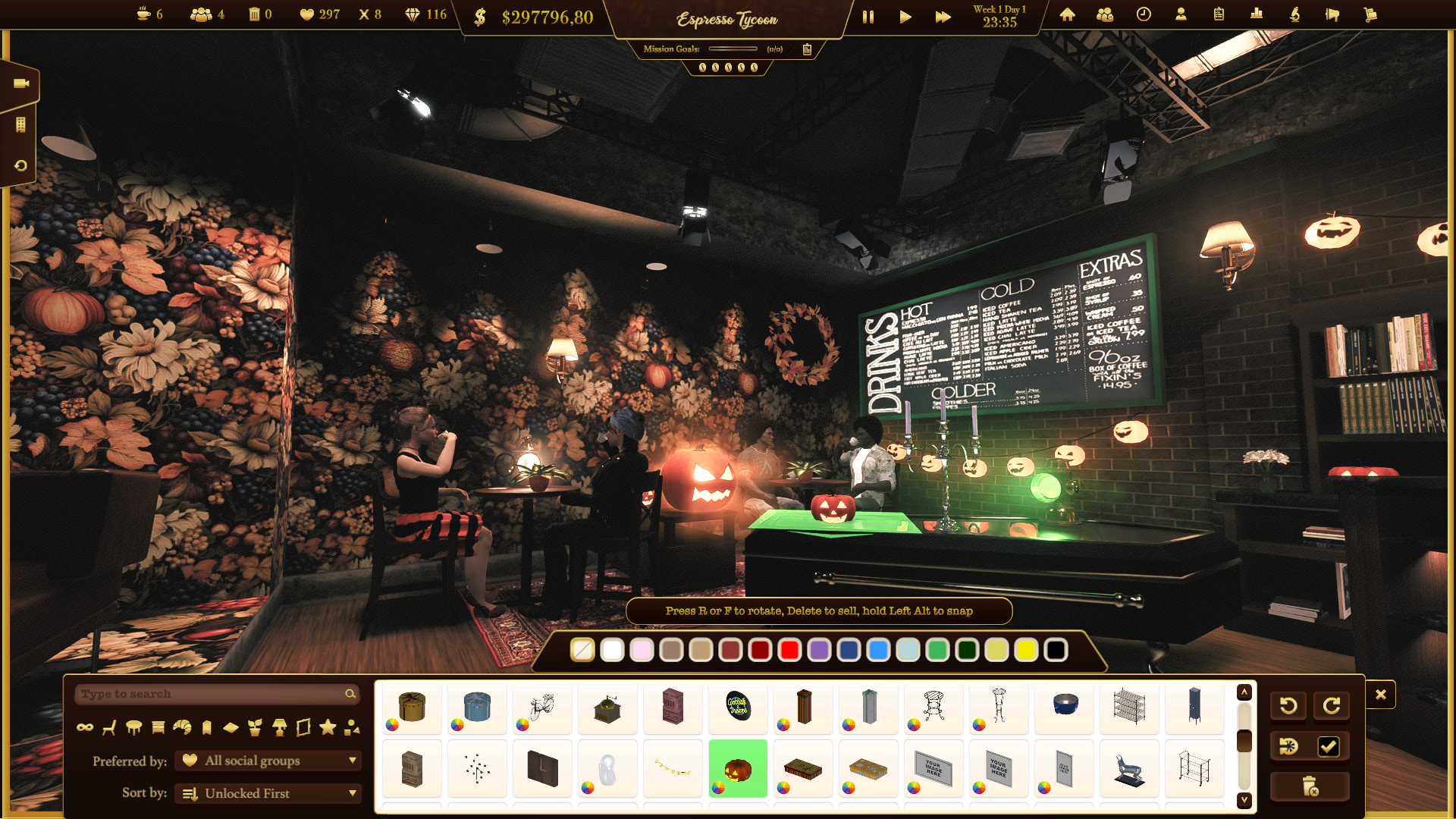
Spooky time has arrived! 🎃👻 Do you like it? 😄
You can make your spooky coffee shops in Espresso Tycoon! 🕸️☕✨
We wanted to remind you that in Espresso Tycoon, we have an entire series of fall and Halloween-themed decorations. 🍂🧙♀️
And, of course, pumpkin syrup as a coffee ingredient is a must! 🧋🍁
This is also a great time to show you how you can add your custom images as decor elements: 🖼️✨
HOW TO ADD YOUR PICTURES? You need to find the folder on your PC:
C:\Users\YOURNAME\AppData\LocalLow\DreamWay Games\Espresso Tycoon\GameState\CustomImages
YOURNAME - it's a placeholder here, there should be your name on your PC ːsteamhappyː
There are 3 files:
painting-1x1.png
painting-9x16.png
painting-16x9.png
You need to add pictures there with EXACTLY the same name.
And you can choose different picture frames (and different colors, too).
These are some drawings made by children from our DreamWay Games family ːsteamhappyː
HOW TO ADD YOUR LOGO? You need to go to the same folder that was mentioned before:
C:\Users\YOURNAME\AppData\LocalLow\DreamWay Games\Espresso Tycoon\GameState\CustomImages
YOURNAME - it's a placeholder here, there should be your name on your PC ːsteamhappyː
There are 3 files:
brand-1.png
brand-2.png
brand-3.png
You need to add pictures there with EXACTLY the same name. They will look best when they are white (because the colors will not look the same as in your picture - quite like the pictures in our Latte Arts).
ENJOY! And share your spooky coffee shops with us!
https://store.steampowered.com/app/1543280/Espresso_Tycoon/
P.S. Don't forget to join our Discord channel ːsteamhappyː Steam post image
Your Coffee Enthusiasts, DreamWay Games Team
Source
Changelog.gg summarizes and formats this update. How we read updates.