
Full notes
Full eSail Sailing Simulator update
Read the full published notes in a cleaner layout. The original post stays linked below.
What changed
- Gameplay
- Maps
- UI and audio
- Fixes
eSail Sailing Simulator changes
eSail V3 is an exciting new update that brings new features to the eSail community. As always, our updates are free for all eSail users. Thank you to our eSail users for the fantastic feedback we received during development and to our amazing community translators who have been working so hard on this release!
NEW FEATURES
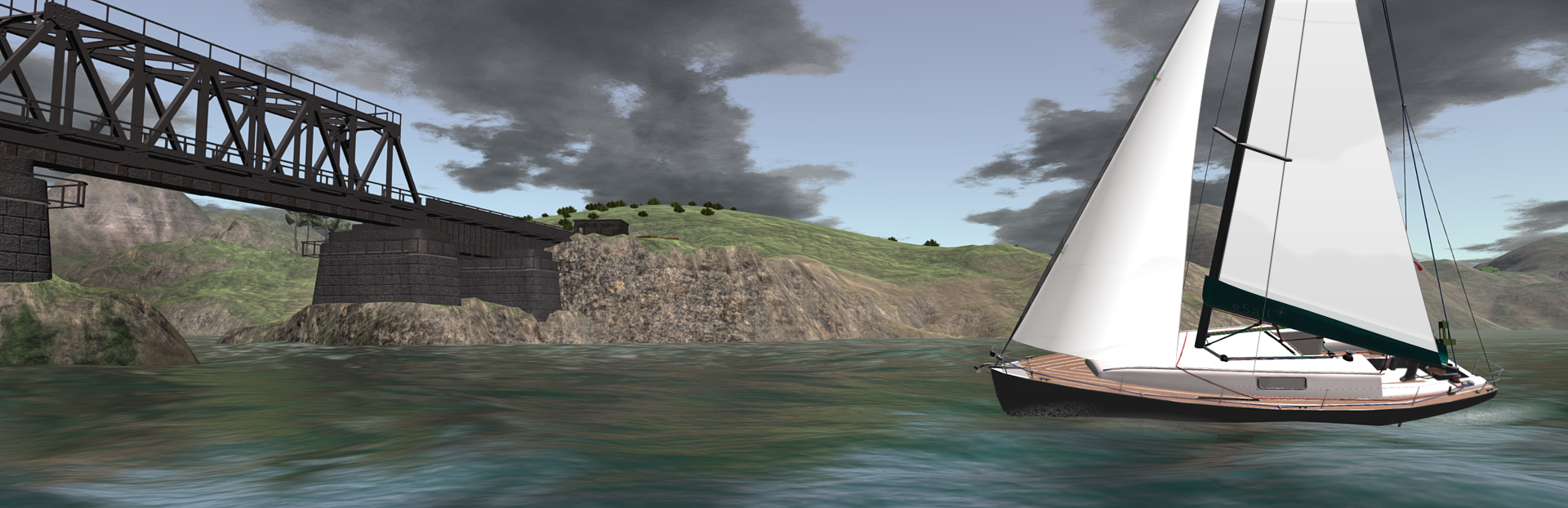
Better graphics. All terrain textures have been improved. There is also now more use of the 'Detailed World' setting which adds more objects including rocks, trees, roads and harbour details. Even the seaweed has been replaced with something a bit more appealing (although remember performance considerations do limit the detail!) Many buildings have been given window lights. This can help when night sailing.
Wind variability (Live Sailing). Now the wind responds to the shape of nearby land causing wind shifts. Anabatic and katabatic breezes cause patches on the water surface which the observant sailor can use to maximise speed! For more information see:
https://www.esailyachtsimulator.com/the-world-of-esail/wind/
New 'Trade Islands' added. These islands are slightly tidal so you have to be aware of tidal heights when sailing under the two bridges in these islands! There are published tide tables for the Trade Islands.
New chart for the Trade Islands. This is available once you have collected all the points of interest (POIs) for Navaronne etc. (this level is now classified as 'Atlantic Explorer').
A whole new set of POIs for the Trade Islands Once collected you will be a 'Tidal Explorer'.
Reference section and notebook. On the menu there is a new button for 'Reference'. Here you can look up any term or function featured in eSail. There is also a simple notebook for making - you guessed it - notes.
Boat detailing. We have started an ongoing process of adding more graphical detail to the boat. This includes a new masthead wind indicator.
Reciprocal button on the chart plotter. This enables you to quickly read a line from the opposite bearing.
The depth sounder now reads depth taking into account wave and tide height.
Hands and wheel centre adjustable brightness.
Each chart now is saved with zoom and position.
Added an ‘all lines delete’ button to charts.
Added Settings to modify keyboard steering and throttle.
Plan view - you can now plot the courses of boats, with boat names now visible on the plan. So before racing this can be turned on. In the event of possible foul play, take a screenshot so that we can see how the action has unfolded. Click on the chart plotter behind the compass, then the orange button.
Glance view added to Smart Button. Drag left or right on the button so see at 90 degrees. See the tooltip for keyboard shortcuts.
eSail Pro
Fixed bug where autopilot was always setting to apparent wind (in Wind Mode).
Tidal Curve tool. This interactive tool can be found in the chart drawer.
Tidal heights tutorials.
Added tack mode to autopilot. While using the autopilot hit the button to steer the boat onto the opposite tack.
All feedback is very welcome!
Source
Changelog.gg summarizes and formats this update. How we read updates.