
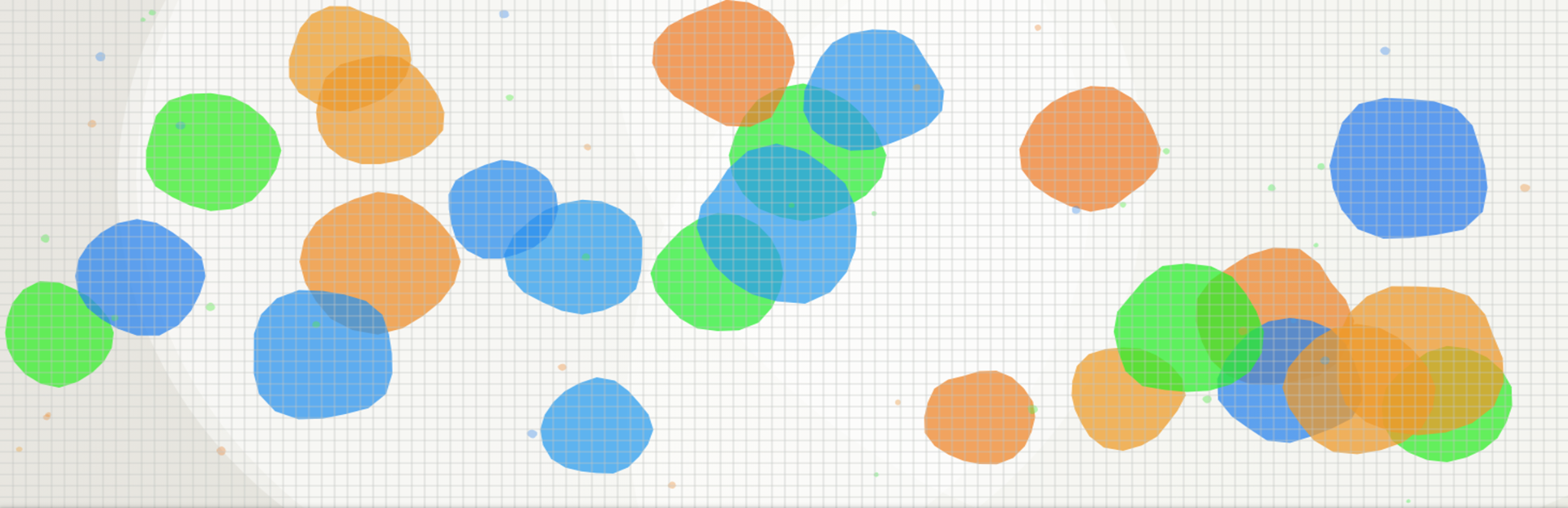
In this update4
Full notes
Full Ephemeral Art: Shapeweaver update
Read the full published notes in a cleaner layout. The original post stays linked below.
What changed
- Gameplay
- UI and audio
- Performance
Ephemeral Art: Shapeweaver changes
We are thrilled to introduce a powerful new way to experience and share your creations: Photo Mode.
With Photo Mode, you become the director of your own digital art gallery. Pause the action, refine the composition, and export high-resolution captures of your favorite moments.
🖼️ Frame the Perfect Shot
Photo Mode isn't just a pause button — it's a creative suite.
Zoom & Pan: Get up close to appreciate the fine texture details or zoom out to capture the full scope of your creation.
Canvas Frames: Give your shot a professional finish with stylish borders like Classic Gold, Neon Cyber, Instant Photo (Polaroid style), Cinema Film, or Rustic Wood.
Dynamic Layout: Move the game logo to any corner or hide it entirely to let your art speak for itself.
🎨 Total Visual Control
Even while your masterpiece is "paused," you have complete control over the atmosphere:
Manipulate Time & Motion: Want the background swirling but the shapes stationary? You can toggle Background Movement and Shape Movement independently. Let the background effects run until they align perfectly with your frozen shapes!
Lighting & Atmosphere: Change the mood instantly by adjusting the Scene Lighting or applying a Background Blur to make your foreground shapes pop.
📼 Retro & Artistic Filters
Transform the vibe of your screenshot with a suite of post-processing effects:
Canvas Filters: Apply artistic color grades like Sepia, Vignette, Cool/Warm, or go bold with Cartoon and Invert.
Screen Filters: Inject a dose of nostalgia with CRT Scanlines, Dot Matrix, Pixelate, or Grid overlays for that retro-tech aesthetic.
✨ High-Fidelity Capture
When you enter Photo Mode, the game automatically shifts into Quality Mode, ensuring your screenshot is rendered with the highest particle counts and sharpest resolution possible.
Jump in today and start sharing your creations with the world!
Source
Changelog.gg summarizes and formats this update. How we read updates.