
HomeGamesUpdatesPricingMethodology
Steam News11 December 20232y ago

Version 1.3 - Video settings update!

Hi all, Here's a patch to expand the graphical options in the "Video Settings" menu.

Full notes

Full Endure The Swarm update

Read the full published notes in a cleaner layout. The original post stays linked below.

What changed

0 fixes0 additions3 changes0 removals
  • Gameplay
  • Performance
changedFirstly, the resolution selector has been changed to a drop down so you can just select the intended resolution instead of needing to scroll through them individually.
changedNext a slew of options to help increase performance, they're mostly self explanatory (they're made so you can change them without needing to restart, so you can experiment) but to go through them:
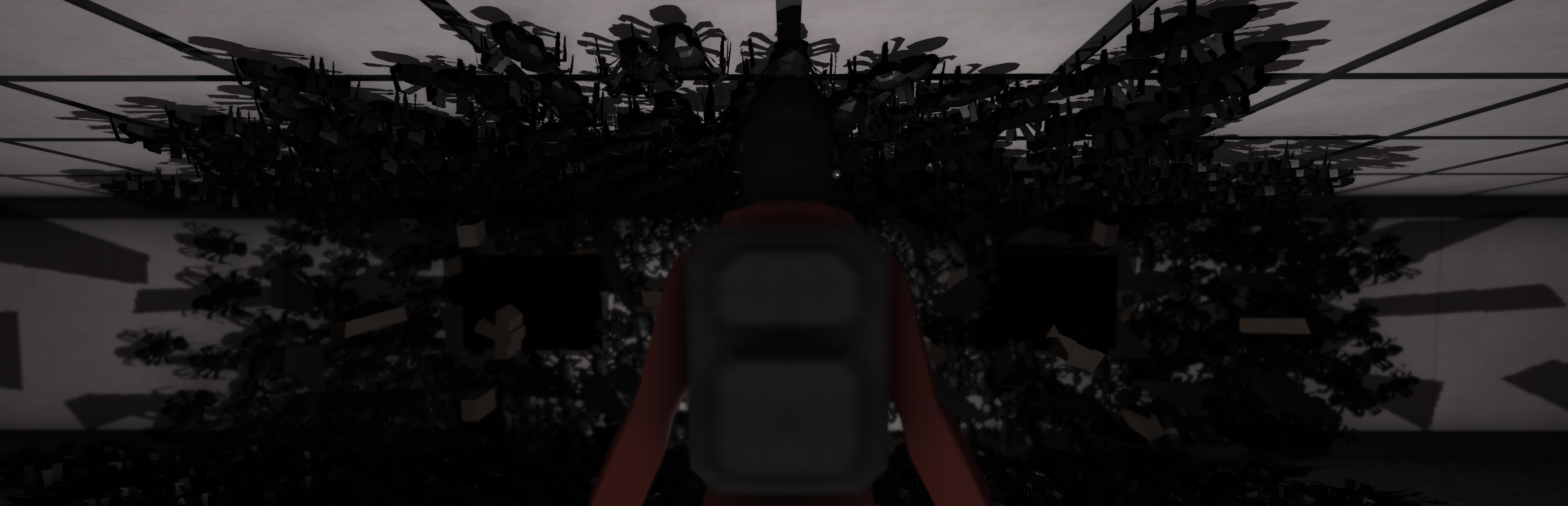
changedBackground - enables/disables rendering the background tiles Ambient Occlusion - enables/disables ambient occlusion (darkening in corners) Depth of Field - enables/disables the blurring mostly seen at the end of the level and in cutscenes Simple Spiders - replaces the normal animated spider swarm, and replaces it with a simple 2d version

Endure The Swarm changes

changedFirstly, the resolution selector has been changed to a drop down so you can just select the intended resolution instead of needing to scroll through them individually.
changedNext a slew of options to help increase performance, they're mostly self explanatory (they're made so you can change them without needing to restart, so you can experiment) but to go through them:
changedBackground - enables/disables rendering the background tiles Ambient Occlusion - enables/disables ambient occlusion (darkening in corners) Depth of Field - enables/disables the blurring mostly seen at the end of the level and in cutscenes Simple Spiders - replaces the normal animated spider swarm, and replaces it with a simple 2d version

Hi all, Here's a patch to expand the graphical options in the "Video Settings" menu.

Firstly, the resolution selector has been changed to a drop down so you can just select the intended resolution instead of needing to scroll through them individually.

Next a slew of options to help increase performance, they're mostly self explanatory (they're made so you can change them without needing to restart, so you can experiment) but to go through them:

Background - enables/disables rendering the background tiles Ambient Occlusion - enables/disables ambient occlusion (darkening in corners) Depth of Field - enables/disables the blurring mostly seen at the end of the level and in cutscenes Simple Spiders - replaces the normal animated spider swarm, and replaces it with a simple 2d version

Outside of Depth of Field, personally I would consider lowering the resolution first before touching any of these, especially on 4k displays. That said, hopefully with these you can tune the experience to your liking and get the game working on more hardware.

If you run into issues with any of these options, please let me know so I can fix them.

Source

Steam News / 11 December 2023

Open original post

Changelog.gg summarizes and formats this update. How we read updates.