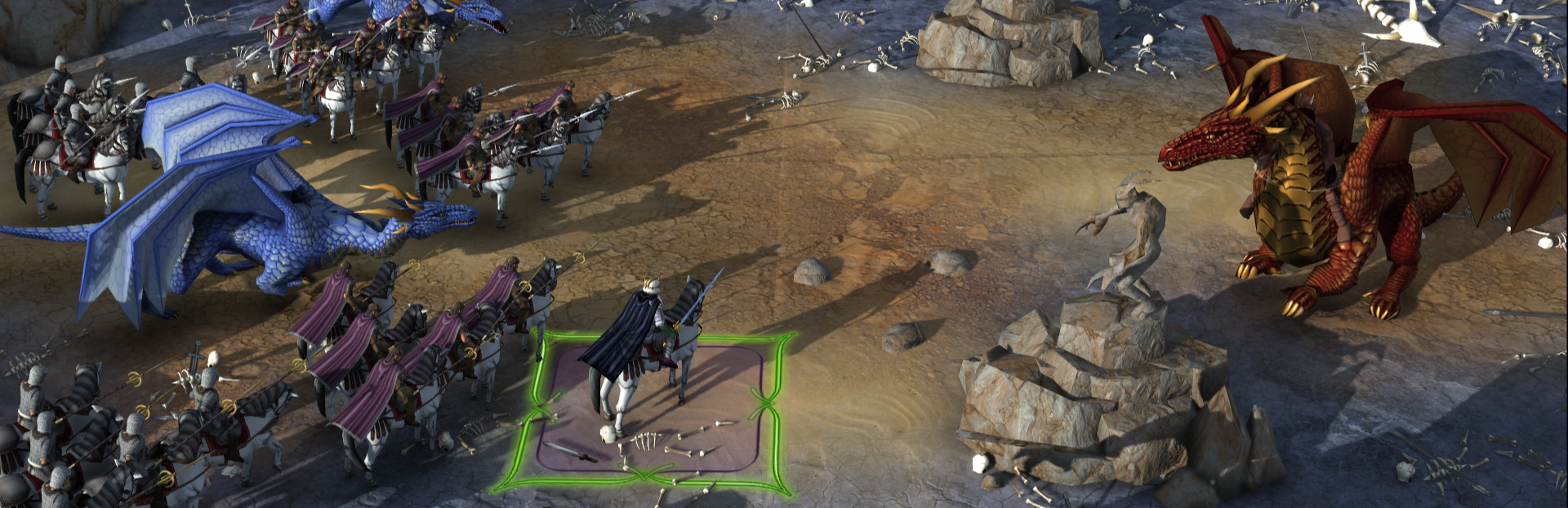
Battle forecasts, expanded modding tools, and stability fixes View the full changelog The biggest addition is a new battle forecast system.
In this update1
Full notes
Full Elemental: Reforged update
Read the full published notes in a cleaner layout. The original post stays linked below.
What changed
2 fixes3 additions0 changes0 removals
Performance
fixedBattle forecasts, expanded modding tools, and stability fixesView the full changelog
addedBattle forecasts, expanded modding tools, and stability fixesThe biggest addition is a new battle forecast system. The pre-battle screen now shows a predicted outcome before you commit to a fight, ranging from Crushing Victory down to Likely Defeat, color-coded green to red. If your champions are at risk of falling, it tells you.
addedBattle forecasts, expanded modding tools, and stability fixesModding support has been expanded. All game data can now be replaced by internal name, and new tools let modders control how duplicates are handled, remove core definitions, or skip entire files for total conversions. Load times for mods are faster, and a modding guide is available on the wiki and in the Steam guide section.
fixedBattle forecasts, expanded modding tools, and stability fixesThis update also resolves several crash scenarios that could occur during saving, loading, battles, and city destruction. Fullscreen mode now uses borderless windowed for better alt-tabbing and multi-monitor support, and the Builder's Forge received fixes for save duplication and favorites.
addedBattle forecasts, expanded modding tools, and stability fixesSome fixes only apply to new games, so we recommend starting fresh to get the full benefit.
Elemental: Reforged changes
fixedView the full changelog
addedThe biggest addition is a new battle forecast system. The pre-battle screen now shows a predicted outcome before you commit to a fight, ranging from Crushing Victory down to Likely Defeat, color-coded green to red. If your champions are at risk of falling, it tells you.
addedModding support has been expanded. All game data can now be replaced by internal name, and new tools let modders control how duplicates are handled, remove core definitions, or skip entire files for total conversions. Load times for mods are faster, and a modding guide is available on the wiki and in the Steam guide section.
fixedThis update also resolves several crash scenarios that could occur during saving, loading, battles, and city destruction. Fullscreen mode now uses borderless windowed for better alt-tabbing and multi-monitor support, and the Builder's Forge received fixes for save duplication and favorites.
addedSome fixes only apply to new games, so we recommend starting fresh to get the full benefit.
Battle forecasts, expanded modding tools, and stability fixes
The biggest addition is a new battle forecast system. The pre-battle screen now shows a predicted outcome before you commit to a fight, ranging from Crushing Victory down to Likely Defeat, color-coded green to red. If your champions are at risk of falling, it tells you.
Modding support has been expanded. All game data can now be replaced by internal name, and new tools let modders control how duplicates are handled, remove core definitions, or skip entire files for total conversions. Load times for mods are faster, and a modding guide is available on the wiki and in the Steam guide section.
This update also resolves several crash scenarios that could occur during saving, loading, battles, and city destruction. Fullscreen mode now uses borderless windowed for better alt-tabbing and multi-monitor support, and the Builder's Forge received fixes for save duplication and favorites.
Some fixes only apply to new games, so we recommend starting fresh to get the full benefit.