
In this update5
Full notes
Full DVR Simulator update
Read the full published notes in a cleaner layout. The original post stays linked below.
Repeated intro
Hello everyone,
What changed
- Compatibility
- Performance
- Maps
- Gameplay
- Fixes
- UI and audio
DVR Simulator changes
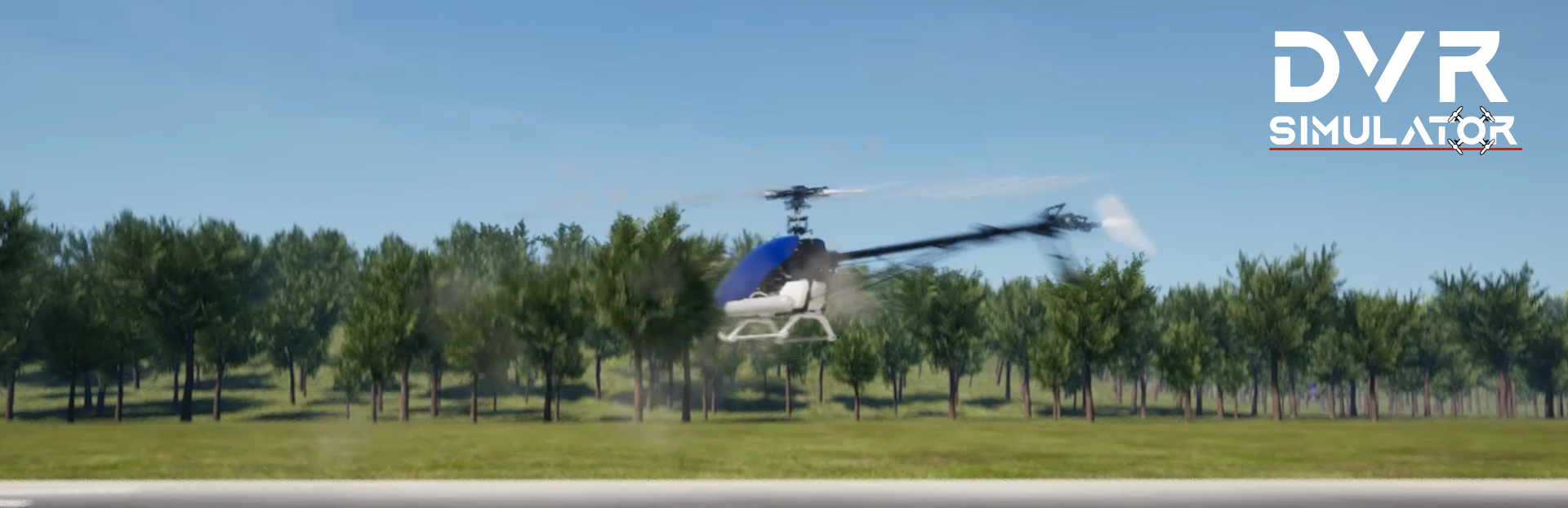
A new update just before Christmas! The version 2.1.0 brings many fixes, it also brings back the helicopter integration, which was previously in BETA in the Unity build. Now it's ported to Unreal with its improved physics engine. This version is also the foundation of the new version on Oculus AppLab, which will introduce even more new features, such as... Mixed Reality!
What's news?
Added
Helicopter Mode (two helicopters for now)
[Windows] Added an option to change the rendering API (needs game reload)
Added an option to select what kind of map you want: Medium Quality (VR, mobile) or HQ
Added an option to enable/disable VR from the main menu
Added a deadzone value applied on yaw/pitch/roll
Changed / Fixed
Fixed the external player spawn
Fixed the center of mass of the TBS Source One V3
Using Vulkan by default
Removed Hand Tracking support (for now)
[Oculus Quest] Added Passthrough support
[Oculus Quest] Added official support for Quest with the Unreal Build (see itch.io)
If you're interested to try the new DVR Simulator on the Meta Quest and the Mixed Reality mod, you can get the game on itch.io, if you already got the game on Steam, just send me a message with your invoice number and I'll send you a free key :)
The Helicopter Mod
When you select an Helicopter you can tweak it using the drone editor. To open the editor, enter in pause mode (Escape, Start button) and select Editor. The parameters that are interesting for you are:
Engine Power
Stabilization Speed
Drag Factor
I don't think that it's relevant to explain the Engine Power right :) ? The Stabilization speed allows you to get a totally robotic helicopter (when put to 10) or a slow flybar style helicopter (when set to 4). The drag factor is how the helicopter is affected by the air when moving. A slow value will make it fast, but hard to control. A higher value will make it float.
Finally the Rates are SUPER important. Most gyros have values like:
Pitch/Roll: rotation 300°/sec
Yaw: rotation 600°/sec
You can reach those values by changing the value of RCRate. Finally it's recommanded to add some RCExpo, especially if you use a gamepad!
What's next?
In a next update I'll more control on the calibration process, allowing multiple systems to work together to provided a better compatibility. New maps are coming too ;)
Join us on Discord to talk about FPV, Simulator, Robot, Helicopters, Airplane, well, about a lot of things ;)
Merry Christmas and best wishes and fly safe,
demonixis
Source
Changelog.gg summarizes and formats this update. How we read updates.