
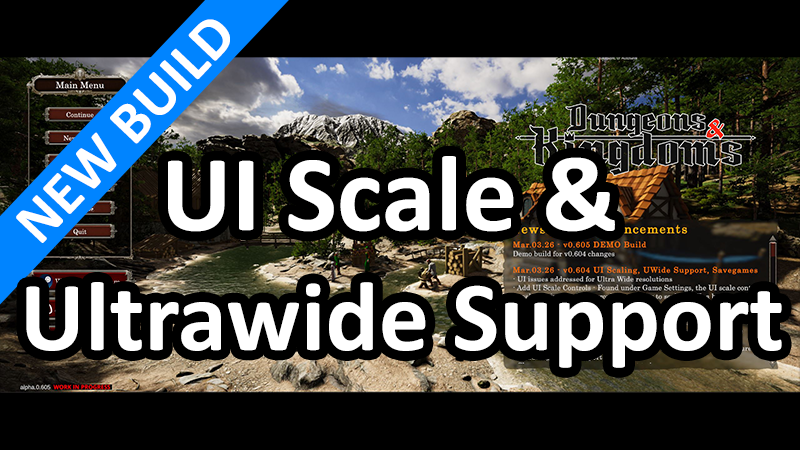
In this update3
Full notes
Full Dungeons & Kingdoms update
Read the full published notes in a cleaner layout. The original post stays linked below.
What changed
- UI and audio
- Gameplay
- Performance
- Maps
- Compatibility
- Balance
Dungeons & Kingdoms changes
Full Game Build: 0.604
Demo Build: 0.605
Highlights
Ultra Wide resolutions now supported
UI Scaling added
Save data size reduced by 99%
Change Notes
UI issues addressed for Ultra Wide resolutions
Add UI Scale Controls - Found under Game Settings, the UI scale control panel remains fixed size providing a slider to scale all UI, a button to set back to the default of 1:1, and a close button, is saved/loaded with other game settings
All game settings are now saved when a new savegame is made, previously they were only saved when hitting the Apply button in the settings menu
Fix several UI issues that were exposed by adding the UI scale feature and adding UWide support
Optimize savegame, reduce file size from ~250MB to ~1MB for a new game save. Savedata size will still increase with terrain changes and builder content etc.
Change savegame screenshot format to jpg
Optimize savegame terrain texture data to only what changed instead of the entire splatmap
Track the correct screenshot name in save header
Maintain backwards compatibility with previous savegame versions for both terrain texture data and screenshot formats
Fix bug being unable to cause damage with unarmed combat
Fix bug in movement behaviour with timers persisting after scene is unloaded
Fix bug when loading adventure scenes due to unneeded pool items not being configured
Known Issues
There are still some minor issues with the UI at various resolutions or scale. These will be addressed as the UI is reworked
Savegame data optimization is not complete. Save data is still in plain text JSON format which is on purpose while the game is still under heavy development
Source
Changelog.gg summarizes and formats this update. How we read updates.