
Full notes
Full DROSS update
Read the full published notes in a cleaner layout. The original post stays linked below.
Repeated intro
Hey everyone,
What changed
- Gameplay
- Performance
I know it’s been a while—about three months since my last update—and I want to kick things off by saying I’m really sorry for the silence and for taking the Dross demo offline. I didn’t plan for it to be down this long, and I feel bad about leaving you all hanging. Your patience means a ton to me, and I’ve been working my butt off behind the scenes to make this game better than ever. Sometimes that means stepping back to rip things apart and rebuild them right.
What’s Been Happening? So, what’s been keeping me busy? Well, I’ve been tearing into just about every system in DROSS to fix, refactor, and optimize it. The demo being offline wasn’t the goal, but it’s given me the space to do some heavy-duty upgrades. Here’s the rundown of the big stuff:
Player Movement and Actions:
I’ve totally redone how you move and interact with the world. It used to feel a bit clunky, but now it’s smoother and more responsive. Whether you’re dodging or swinging, it should feel natural and fun.
Script Optimization: Before, I had these massive scripts trying to do everything at once—like a jack-of-all-trades mess. For example, every weapon had its own code for bullet trails, holes, and damage calculations, which led to bugs and inconsistencies. I’ve split those up into smaller, focused scripts and built a central Weapon Manager to handle it all. Now, everything runs through one system. If it works there, it works everywhere. Less places for me to screw up. no more weird glitches where one gun behaves differently from another.
Object Pooling:
Early on, I was creating and destroying stuff like bullet holes, trails, ammo casings, and even enemies every time they were created or destroyed. It got the job done when starting, but it tanked performance, especially when things got chaotic. I’ve switched to pooling with an object Pool Manager. Now these objects get reused instead of trashed. It’s a huge boost for optimization—you’ll notice the game running way smoother.
Enemy Behavior:
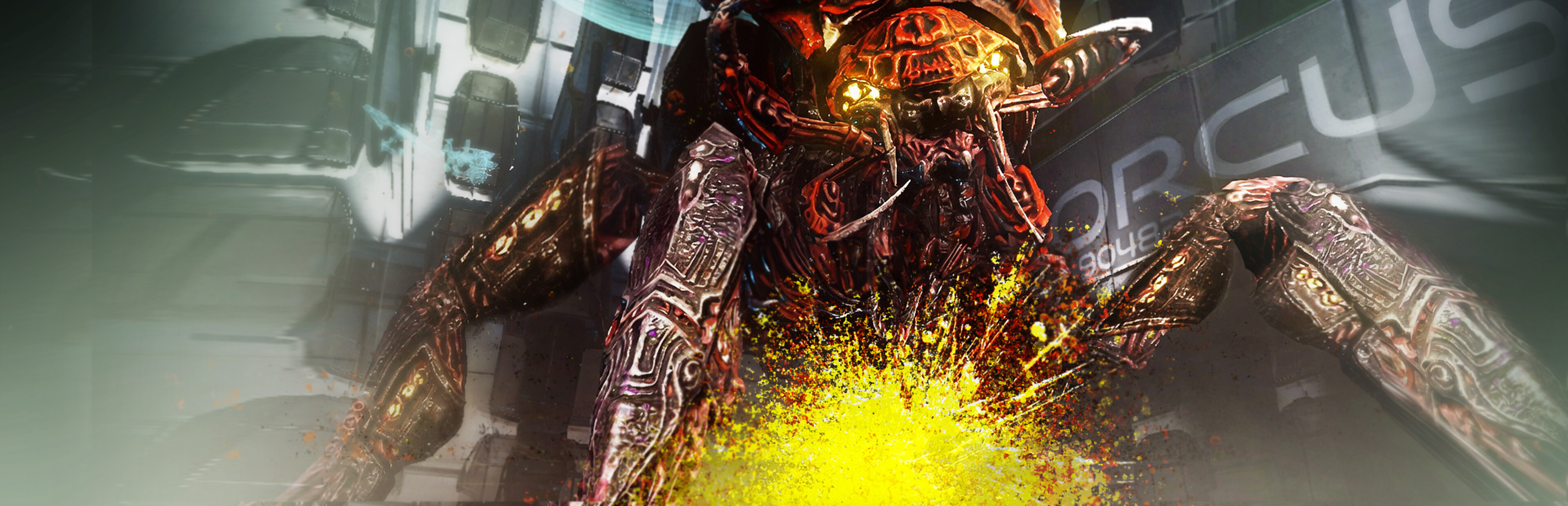
Enemies got a big upgrade too. I’ve moved them to behaviour trees, which let them act smarter and more varied without choking the system. Plus, I’m using behaviour inheritance that are shared across enemy types, keeping the code clean and efficient as possible. They’ll do cooler stuff now, and it won’t slow things down. Here’s an enemy behaviour that I have created, and took quite a while to do so. Enemies will face the player. And move closer and farther away before they are ready to attack. Moving away from the the player, essentially walking backwards still keeps the big facing the player. However, the walk animation plays in reverse. This is a huge improvement over turning around to move back, and then resuming facing the player. This is very cool in large numbers, as the enemies circle the player.
Culling Manager:
This is a amazing new tool I’ve added. The Culling Manager determines and stores where the player is. And figures out what needs to be active based on that. Enemies don’t check if they can see you unless you’re in their chunk of the level, and room art only turns on when you’re nearby.
It also controls animations
enemies far off play at roughly 10 frames per second, saving resources without you noticing a difference up close.
No more pointless distance checks
the players location is saved. And only changes when the player is exiting it’s current chuck and entering another. It’s all handled by the level’s chunk system. And not having individual enemies measure their distances to closest player saves a tonne of resources.
Unity 6 GPU Graphics Drawer:
Here’s some new tech stuff —with the release of Unity 6, i now can use Unity’s new GPU features for rendering. Instead of each enemy being a heavy skinned mesh renderer, they’re now built from meshes that can be batched together. This slashes draw calls, letting me throw way more enemies on screen at once without lag. Picture bigger, crazier fights that still run like butter.
The long wait to .8.2: I know I’ve been super quiet, and I should’ve been more upfront about what’s been going on. It’s tough to admit when things are harder or slower than I expected—I thought I’d have this wrapped up way sooner. Taking the demo offline wasn’t my first choice, but it had far too many issues. I wasn’t happy with it. And it wasn’t giving the impression I wanted. I’m pouring everything I’ve got into these changes to make DROSS worth the wait. I’m doing my best, and I’m sorry for not keeping everyone in the loop better.
So What’s Next?
Right now, I’m pushing hard to finish these fixes and optimizations for version 0.8.2 of the demo. It’s shaping up to be a massive leap forward in stability and performance, and I can’t wait to get it back online for everyone to play. I’m hoping “soon” is the word—I’m not locking in a date yet, but I’m close, and I’ll keep you posted as I nail things down.
This update feels like a fresh start for DROSS, and I’m stoked for everyone to dive in again. Your support—whether it’s feedback, encouragement, or just sticking around—keeps me going, and I can’t thank you enough for that.
Look Forward to version 0.8.2:
Please keep an eye out for version 0.8.2—it’s going to be good, and I hope you’ll love where DROSS is headed. If you’re as excited as I am, maybe tell a friend about it or spread the word. I’m not the best at shouting about my own stuff, but I’d love for more people to check it out when it’s ready. Big, big thank you to all of you—talk to you soon!
Cheers, ~SALT_
P.S. I’ll aim to be better about updates from here on out. You deserve it!
Source
Changelog.gg summarizes and formats this update. How we read updates.