
Full notes
Full Drones of War: FPV Drone Simulator update
Read the full published notes in a cleaner layout. The original post stays linked below.
What changed
- Gameplay
- Maps
- Fixes
- Balance
- UI and audio
Drones of War: FPV Drone Simulator changes
Drones of War v4.0.4 Notes
-----------------------------------------------------------------------------------------------------
Battery information was adjusted by changing the voltage to properly tune the gas reaction.
Thermal and trigger will reset when leaving the map.
[Fade-out added to objects when approaching them in train maps.
Fixed the issue where selecting ammunition for push impact in the main menu required double-clicking.
Personnel explosives can now destroy armored units in 4 hits (this info was added to the kill feedback card as HP).
Hitboxes of trees in the Rural map were adjusted.
Fixed the issue where the “overall” option in Settings behaved differently from other settings.
Left shelf in the menu was changed to include drone, battery, and munitions; GCU added to the middle area and booster antenna to the right.
Drone propellers in the calibration preview now rotate at the correct angle.
The Skydagger dagger was added to the main menu.
Helicopter size in the Rural map was reduced and its speed increased.
Gameplay duration and kill count were added to the screen on the desk.
Player completion data for maps was added to the cloud.
Analog effect was completely revised to match the reference game.
Ambient lighting in the main menu was increased.
Batteries were added to the sections near the screen.
The GCU will be placed on the vise and the actively played version will be displayed.
A soldier was added to the menu and the menu buttons were repositioned to the center.
When selecting thermal or lock kit for components in the menu, the add-on now appears on the drone.
When hovering over thermal or lock kit in the component selection menu, a video showing its purpose is displayed.
Automatic calibration was added to the controller menu, allowing users to follow prompts with animated drone + controller calibration.
Two-stage interference effect added to the analog screen depending on distance.
Old wooden drone ramp replaced with the new one.
A “retry” button was added when a map is successfully completed.
Warning card moved to the upper middle and fiber break warnings were added.
OSD screen added and all values matched with real data.
All fonts changed to Press Start 2P.
All values except item 7 were adjusted according to active gas control.
[Value 1 stays between -10/-30 at the drone takeoff point and decreases further (towards -130) as the drone moves away.
Value 2 starts at 2:100 / 100 and drops as distance increases; below 80 triggers RX Loss, displayed at location 8.
Altitude value increases as the drone climbs.
Flight time displayed in mm:ss starting from 00:00 on the ground.
Battery status fluctuates sharply based on throttle during flight; initial value 4.20V, with below values shown as 25.2V.
Hover current 8–15A, mid-throttle 20–40A, full throttle 50A; values are linked to controller throttle.
ANGL (Angle) and AIR (Acro) labels added.
Status section updated with ARM/DISARM, LQ 2:100 (RX LOSS below 80), and Trigger Ready/Not Ready indicators.
Keyboard inputs added; users can now control the drone with keyboard and mouse without a controller.
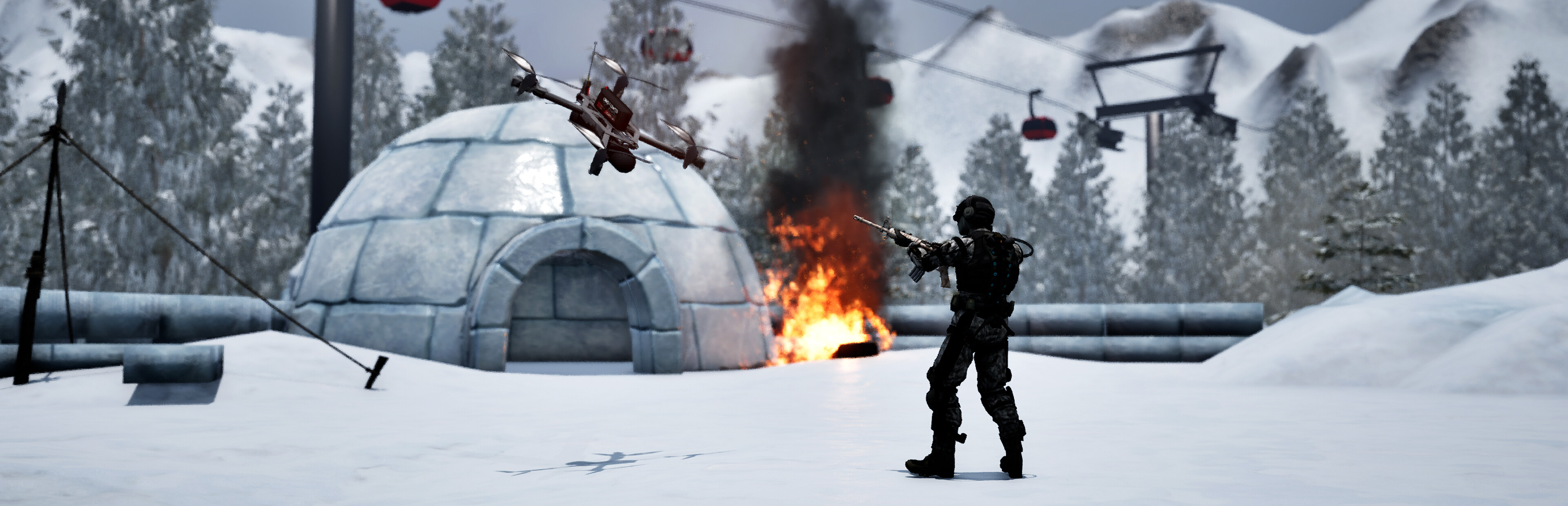
Fiber Optic (Peak) map added.
[Dedicated rear camera angle added for the Peak map.
[5KM and 10KM fiber optic selection options added to the menu, exclusive to the Peak map.
Distance monitoring added to the OSD screen.
Sudden fiber-cable breaks and warning card added during abrupt movements.
In the fiber map, the cable will snap instantly when going too far (users can monitor this via the distance value).
Fiber components added to the preview drone in the menu.
Main menu music added.
Source
Changelog.gg summarizes and formats this update. How we read updates.