
Full notes
Full Dreamcore: Rabbit Hole update
Read the full published notes in a cleaner layout. The original post stays linked below.
What changed
- Gameplay
- Performance
- Maps
- Fixes
- UI and audio
Dreamcore: Rabbit Hole changes
Dear players! As promised, we’ve added retro-style settings, adjustable running speed, and also introduced a number of fixes and improvements. Please take a look at the list of changes:
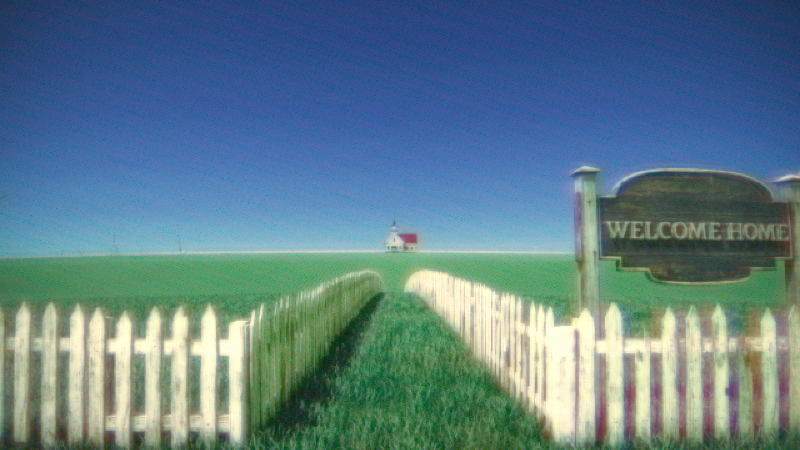
Added retro-style mode (available on first launch and in the game settings). When the retro frame is enabled, we fully change the game’s render resolution (on some systems this may improve performance). However, we expect that technical issues may occur on certain hardware. If you encounter any problems, please let us know.
Added adjustable running speed (Yes, we hear you—now you can sprint through the maps like a ninja :) )
Fixed portals between levels (artifacts in doorways and an incorrect portal in the Basketball Gym level)
Added new loading screens
Fixed UI scaling for different resolutions
Added the ability to switch between DX11 and DX12 (If you experienced rendering issues, it’s recommended to try DX11 and don’t forget to restart the game)
Improved vegetation rendering (This should fix rendering on Intel GPUs, as well as switching to DX11; however, since we don’t have such hardware, we can’t guarantee the result, so we appreciate your help and feedback in the Steam community and discussions)
We sincerely thank you for your love for our game and for your patience with its shortcomings.
Source
Changelog.gg summarizes and formats this update. How we read updates.