
Full notes
Full Dragon Shelter update
Read the full published notes in a cleaner layout. The original post stays linked below.
What changed
- Store
- Maps
- Performance
Dragon Shelter changes
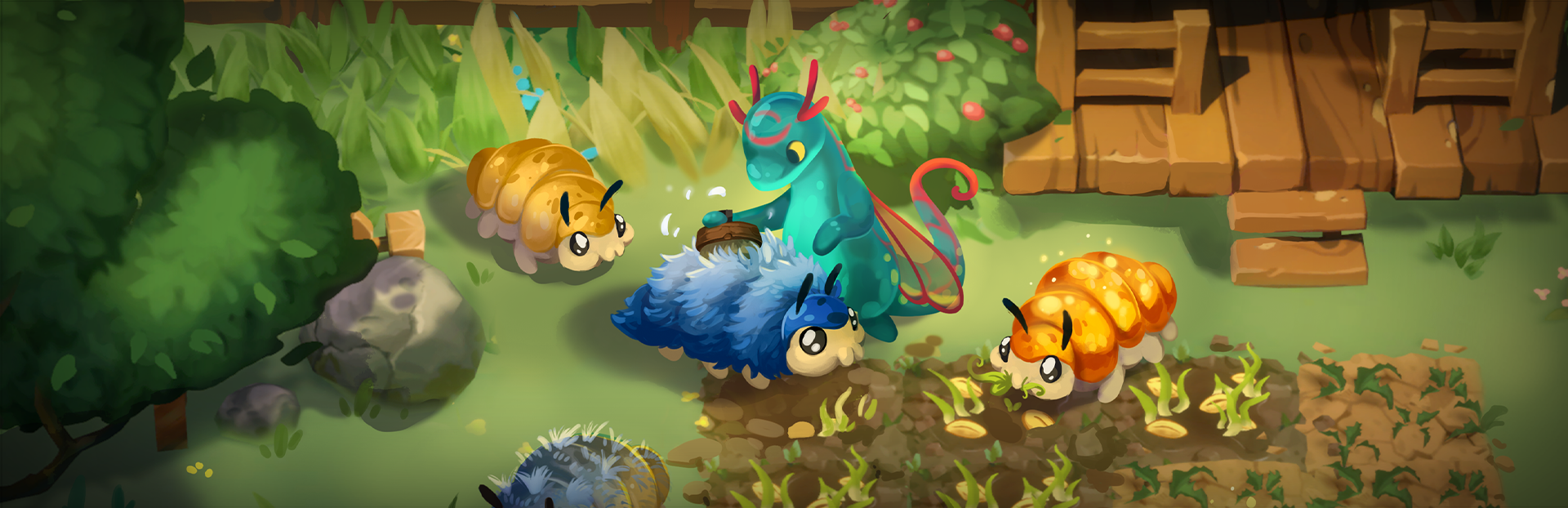
Every piece of artwork for Dragon Shelter begins long before the final illustration comes together. Here's a peek behind the curtain, showing our process step by step, from a rough idea to a finished piece of key art.
Sketching the Idea ✏️
We begin with loose sketches to explore the composition and establish the mood. This is where we experiment freely, trying different character poses, layouts, and visual ideas. Nothing is set in stone yet – the goal is to explore as many directions as possible and discover what works best.
Steam post imageSteam post image
Choosing the Composition 🖼️
Once a direction feels right, we refine and lock in the composition, then test it across different sizes and formats. We also reserve space for the logo, ensuring the layout stays balanced whether it's used on a store page, banner, or poster.
Kitchen scene
Town scene
Blocking in Base Colors 🎨
Next, we establish the base colors to define the overall palette and confirm that the composition works well in full color. This stage helps us evaluate the mood and color harmony before investing time in finer details.
Kitchen scene
Town scene
Using 3D Assets 🏠
To support the painting process, we sometimes use 3D assets created by our modelers for the game when building the backgrounds for certain scenes. We first assemble the composition in Unity, allowing us to establish the camera angle, perspective, and overall layout.
Our artists then paint over the scene by hand in Photoshop using a drawing tablet, transforming it into a fully hand-painted illustration. This technique helps us maintain accurate perspective and keeps every detail consistent with our in-game assets.
Rendering 🖌️
With the composition and references in place, we gradually render the artwork, building up form, texture, lighting, and depth until every element feels cohesive and readable.
Kitchen scene
Town scene
Finishing Touches ✨
Finally, we bring everything together with the last layer of polish. We refine the lighting, atmosphere, and all the small details that give the artwork its warmth and personality. The result is a piece of key art that captures the cozy, hopeful world of Dragon Shelter.
Kitchen scene
Town scene
We hope you enjoyed this look behind the scenes! Let us know in the comments if you'd like to see more developer diaries about how we bring Dragon Shelter to life.
Until then, join our community on Bluesky, X, TikTok, Instagram, and YouTube.
And if you haven't already, wishlist Dragon Shelter and follow our Steam page to stay up to date with future announcements. It really is one of the best ways to support our team. 💚
Wild Forest Studio & Curve Games
Source
Changelog.gg summarizes and formats this update. How we read updates.