
In this update5
Full notes
Full Dragon Gate: Tournament update
Read the full published notes in a cleaner layout. The original post stays linked below.
What changed
- Performance
- Gameplay
- Balance
- UI and audio
- Fixes
Dragon Gate: Tournament changes
This update focuses on improving gameplay feel, adding polish to presentation, and laying the groundwork for the upcoming content updates. You’ll notice smarter AI, better performance, new visual effects, and a reworked tutorial experience.
Gameplay Changes
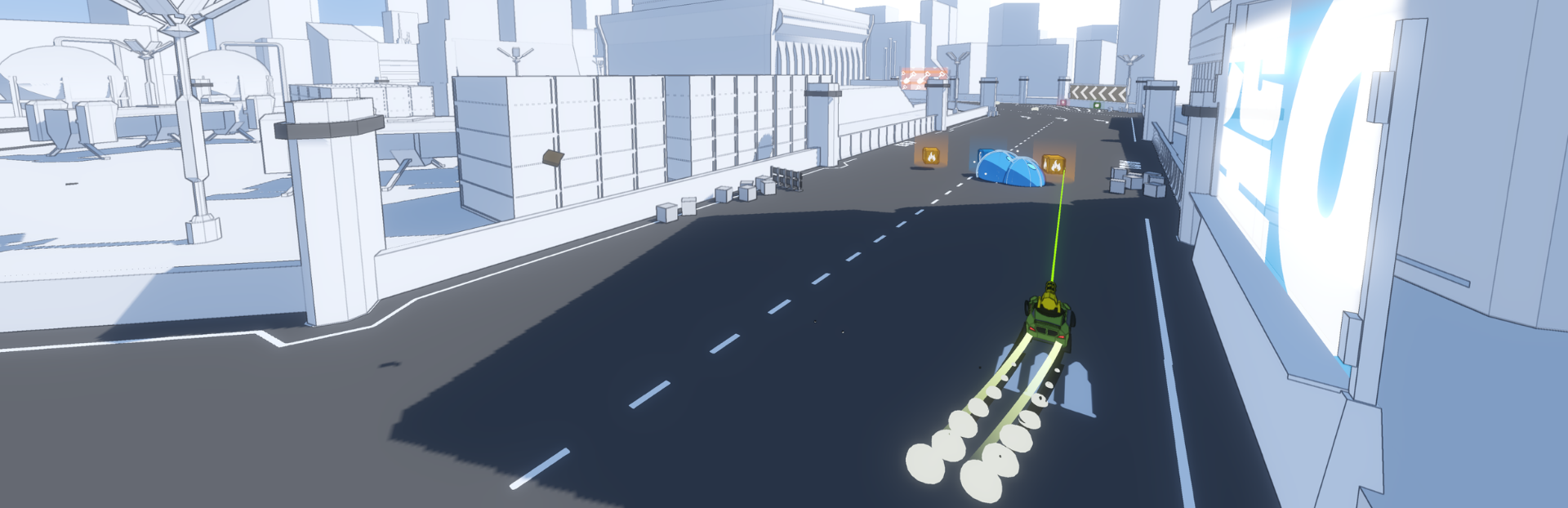
Added a new tutorial track: Nullspace
You can now rotate your vehicle by 180° while driving to shoot backwards; driving in reverse has been improved accordingly
Taking damage now slightly reduces your top speed
Reworked respawn system using AI pathfinding for more reliable and consistent player placement
Improved AI behavior: better pathfinding, smarter navigation around obstacles, and dodging of hazards like mines and homing missiles
Adjusted vehicle collisions — it’s now harder to flip opponents by ramming them
Homing rockets no longer generate hype
Teleports now use a smooth transition instead of being instant
Portals no longer teleport projectiles to prevent confusing situations
Added manga-style onomatopoeia to explosions, collisions, and other intense moments
Improvements
Added controller hints during countdowns to highlight the Kickstarter boost feature
Added tire squeal sounds for drifting
Added new main menu and racing music tracks
The tutorial now skips player setup and starts instantly with one human player and three AIs
Redesigned main menu diorama
Updated track selection screen visuals
Adjusted the vehicle damage model — less dramatic physics and fewer debris particles
Updated vehicle visuals for better clarity and style
Added anime-style speed line vignette during races
Improved scene transitions for a smoother flow
Added a shader compilation disclaimer to the main menu
Performance optimizations:
Enabled occlusion culling
Reduced draw calls
Increased physics solver thresholds
Replaced the 3D trail rendering system
Enabled shader baking for all platforms
VFX improvements:
Jump effects
Homing rocket visuals
Equalizer crosshairs
Added LuftikusGames and Godot Engine splash screens on startup
Improved the “Add to Wishlist” screen after races
Enhanced ceremony platform visuals with fire bursts and confetti
Updated billboards and decorations across all tracks
Balanced several audio levels, including the orbital beam
Numerous UI and readability updates
Fixes
Fixed a crash that occurred on startup
Fixed mistimed tutorial dialogues
Fixed a bug preventing homing missiles from spawning
Fixed exhaust particle stutter
Fixed an issue where wreckages and hazards could block spawn points during countdown
Fixed several particle and VFX visual glitches
Removed
Removed Polar Rush (Blue Track) from track selection
Removed power-ups: Barrier, Booster, EMP, and Gravity Gun
Removing content is never ideal, but sometimes necessary. For more details on these changes, check out the latest Developer Update.
More ahead
This update marks another big step toward more polished racing experience with your friends.
Your feedback continues to shape the game — keep sharing your thoughts, ideas, and bug reports on the Discord Channel. Join the Discord Community
Thanks for racing with me,
Luftikus Games
Source
Changelog.gg summarizes and formats this update. How we read updates.