
Full notes
Full Dr.Pumpkin Chapter 2: The SCP hunt update
Read the full published notes in a cleaner layout. The original post stays linked below.
What changed
1 fix1 addition1 change0 removals
- Gameplay
- UI and audio
- Fixes
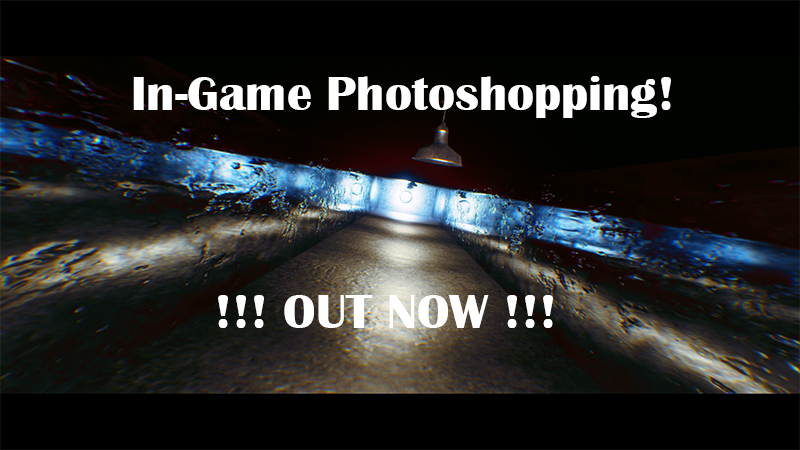
addedSo, I added an in-game Photo editor!
changedPress "P' to take a screenshot (all controls are at the bottom of the widget) Press "L" to open your gallery of all your amazing work!
fixedBugs: - Fixed Enemy going through certain trees - Some Achievements don't show - made the main menu ugly
Dr.Pumpkin Chapter 2: The SCP hunt changes
addedSo, I added an in-game Photo editor!
changedPress "P' to take a screenshot (all controls are at the bottom of the widget) Press "L" to open your gallery of all your amazing work!
fixedBugs: - Fixed Enemy going through certain trees - Some Achievements don't show - made the main menu ugly
So, I added an in-game Photo editor!
It's very straightforward to use it:
Press "P' to take a screenshot (all controls are at the bottom of the widget) Press "L" to open your gallery of all your amazing work!
How can I upload my work into Steam artwork? Click here to watch the tutorial
Bugs:
- Fixed Enemy going through certain trees
- Some Achievements don't show
- made the main menu ugly
I did more stuff but I forgot and I didn't kept track,
Source
Changelog.gg summarizes and formats this update. How we read updates.