
Full notes
Full Dot Art Logic update
Read the full published notes in a cleaner layout. The original post stays linked below.
What changed
1 fix1 addition1 change0 removals
- Gameplay
- UI and audio
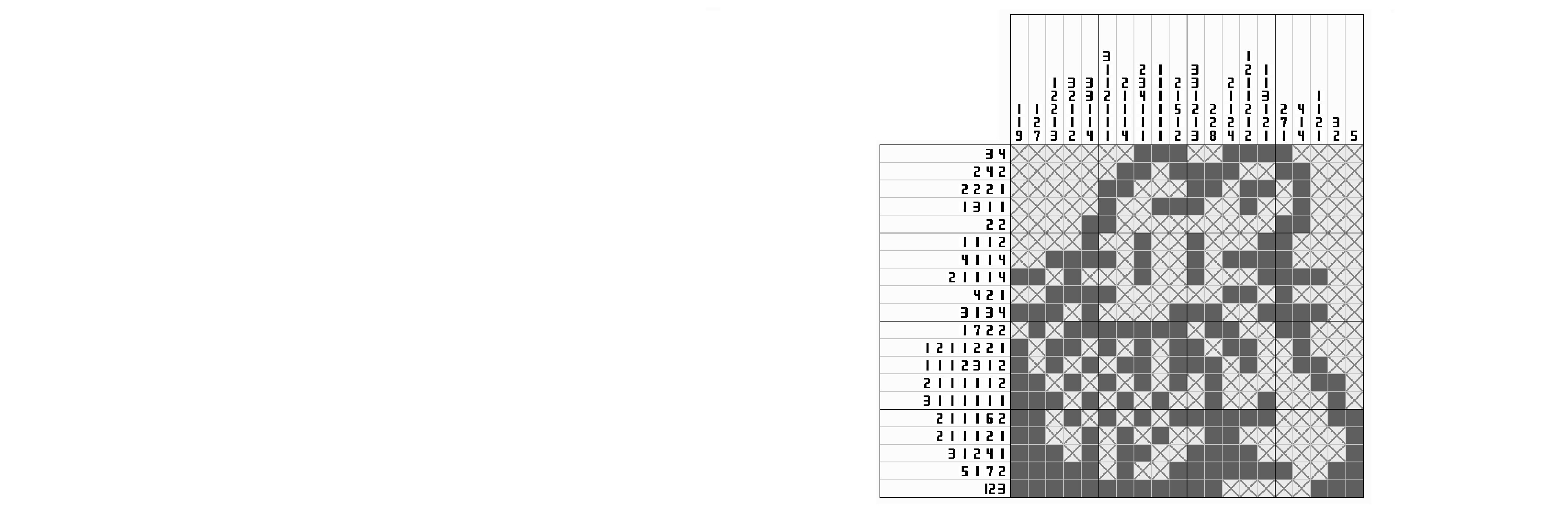
changedChanged the background color from white to light gray.
addedAdded a new option to toggle "Save and Quit": You can now choose whether to automatically create suspend data when closing the game via the "X" button or Alt+F4.
fixedFixed typos and puzzle errors. (Note: Puzzle #265 in Color Mini has been replaced. This puzzle will be moved to the Color category in a future update.)
Dot Art Logic changes
changedChanged the background color from white to light gray.
addedAdded a new option to toggle "Save and Quit": You can now choose whether to automatically create suspend data when closing the game via the "X" button or Alt+F4.
fixedFixed typos and puzzle errors. (Note: Puzzle #265 in Color Mini has been replaced. This puzzle will be moved to the Color category in a future update.)
Changed the background color from white to light gray.
Added a new option to toggle "Save and Quit": You can now choose whether to automatically create suspend data when closing the game via the "X" button or Alt+F4.
Fixed typos and puzzle errors. (Note: Puzzle #265 in Color Mini has been replaced. This puzzle will be moved to the Color category in a future update.)
Source
Changelog.gg summarizes and formats this update. How we read updates.