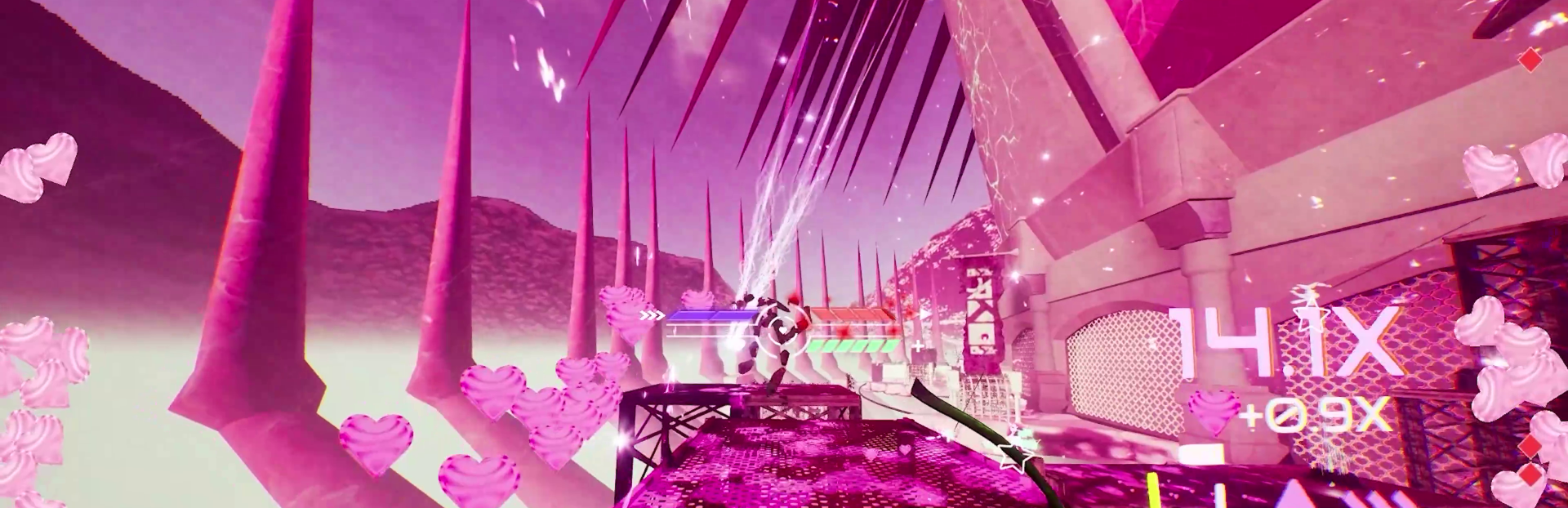
⋆。°✩ We’ve been hard at work to make your gameplay experience more slay! ✩°。⋆ Buckle in, girlypops! We’ve just released a new hotfix to tackle some of those issues you’ve been reporting!
In this update3
Full notes
Full Don't Stop, Girlypop! update
Read the full published notes in a cleaner layout. The original post stays linked below.
What changed
2 fixes2 additions3 changes0 removals
Gameplay
Store
changed⋆。°✩ We’ve been hard at work to make your gameplay experience more slay! ✩°。⋆
addedKeep on reading to see what we’ve been up to!New Features:
addedKeep on reading to see what we’ve been up to!Inverted X/Y axes: Added Inverted X/Y Axis options for both mouse and controller inputs. This lets you reverse horizontal or vertical look directions according to your preferred aiming or camera‑control style. - ADS Sensitivity option: Added a dedicated ADS (Aim Down Sights) Sensitivity option for the Nailgun (sniper). This lets you fine-tune your aiming speed specifically while looking down the scope, providing more precise control during long‑range engagements. - Weapon scroll can now be fully rebound: You can assign weapon scrolling to any key or input, instead of being limited to the default scroll‑wheel behavior.
fixedKeep on reading to see what we’ve been up to!Fixed an issue where players could get stuck when resetting to the checkpoint in the initial spawn area of E1M2. The respawn point has been moved, so this shouldn’t happen anymore. - Fixed an issue where the Reload keybind didn’t work on the reincarnation screen after being rebound: The ‘R’ key is now fully free to rebind.
fixedKeep on reading to see what we’ve been up to!The reincarnation screen now uses the correct input action, so the reload prompt works as expected. - Fixed an issue where Scroll Wheel callouts appeared in low resolution during gameplay. They should now display at the intended clarity. - Fixed an issue where the “Requires Key” warning did not appear when attempting to exit the keybinding screen without assigning a key to an action. This warning now displays correctly - Fixed an issue where scrolling resulted in the wrong weapon order. - Fixed missing/incorrect scroll‑wheel icon references in menus. - Restored scroll‑wheel image in level select menu footer where needed. - Fixed an issue where the scroll wheel became non‑functional when assigned to certain actions during gameplay - Mouse‑wheel inputs are now treated as momentary mouse‑axis inputs, allowing them to work correctly with these bindings.
changedKeep on reading to see what we’ve been up to!Note: The mouse wheel only sends brief, single‑frame inputs and cannot be “held.” As a result, some actions like continuous movement might behave unusually when bound to the wheel. While the binding is now functional, we don’t recommend using the scroll wheel for actions that require holding.
Don't Stop, Girlypop! changes
changed⋆。°✩ We’ve been hard at work to make your gameplay experience more slay! ✩°。⋆
addedNew Features:
addedInverted X/Y axes: Added Inverted X/Y Axis options for both mouse and controller inputs. This lets you reverse horizontal or vertical look directions according to your preferred aiming or camera‑control style. - ADS Sensitivity option: Added a dedicated ADS (Aim Down Sights) Sensitivity option for the Nailgun (sniper). This lets you fine-tune your aiming speed specifically while looking down the scope, providing more precise control during long‑range engagements. - Weapon scroll can now be fully rebound: You can assign weapon scrolling to any key or input, instead of being limited to the default scroll‑wheel behavior.
fixedFixed an issue where players could get stuck when resetting to the checkpoint in the initial spawn area of E1M2. The respawn point has been moved, so this shouldn’t happen anymore. - Fixed an issue where the Reload keybind didn’t work on the reincarnation screen after being rebound: The ‘R’ key is now fully free to rebind.
fixedThe reincarnation screen now uses the correct input action, so the reload prompt works as expected. - Fixed an issue where Scroll Wheel callouts appeared in low resolution during gameplay. They should now display at the intended clarity. - Fixed an issue where the “Requires Key” warning did not appear when attempting to exit the keybinding screen without assigning a key to an action. This warning now displays correctly - Fixed an issue where scrolling resulted in the wrong weapon order. - Fixed missing/incorrect scroll‑wheel icon references in menus. - Restored scroll‑wheel image in level select menu footer where needed. - Fixed an issue where the scroll wheel became non‑functional when assigned to certain actions during gameplay - Mouse‑wheel inputs are now treated as momentary mouse‑axis inputs, allowing them to work correctly with these bindings.
⋆。°✩ We’ve been hard at work to make your gameplay experience more slay! ✩°。⋆
Buckle in, girlypops! We’ve just released a new hotfix to tackle some of those issues you’ve been reporting!
Keep on reading to see what we’ve been up to!
Version 1.0.7
New Features:
AddedInverted X/Y axesAdded Inverted X/Y Axis options for both mouse and controller inputs. This lets you reverse horizontal or vertical look directions according to your preferred aiming or camera‑control style. - ADS Sensitivity option: Added a dedicated ADS (Aim Down Sights) Sensitivity option for the Nailgun (sniper). This lets you fine-tune your aiming speed specifically while looking down the scope, providing more precise control during long‑range engagements. - Weapon scroll can now be fully rebound: You can assign weapon scrolling to any key or input, instead of being limited to the default scroll‑wheel behavior.
Bug Fixes:
Fixed an issue where players could get stuck when resetting to the checkpoint in the initial spawn area of E1M2. The respawn point has been moved, so this shouldn’t happen anymore. - Fixed an issue where the Reload keybind didn’t work on the reincarnation screen after being rebound: The ‘R’ key is now fully free to rebind.
The reincarnation screen now uses the correct input action, so the reload prompt works as expected. - Fixed an issue where Scroll Wheel callouts appeared in low resolution during gameplay. They should now display at the intended clarity. - Fixed an issue where the “Requires Key” warning did not appear when attempting to exit the keybinding screen without assigning a key to an action. This warning now displays correctly - Fixed an issue where scrolling resulted in the wrong weapon order. - Fixed missing/incorrect scroll‑wheel icon references in menus. - Restored scroll‑wheel image in level select menu footer where needed. - Fixed an issue where the scroll wheel became non‑functional when assigned to certain actions during gameplay - Mouse‑wheel inputs are now treated as momentary mouse‑axis inputs, allowing them to work correctly with these bindings.
Note: The mouse wheel only sends brief, single‑frame inputs and cannot be “held.” As a result, some actions like continuous movement might behave unusually when bound to the wheel. While the binding is now functional, we don’t recommend using the scroll wheel for actions that require holding.