
In this update4
Full notes
Full Dinkum update
Read the full published notes in a cleaner layout. The original post stays linked below.
What changed
- Compatibility
Dinkum changes
G’day, mates!
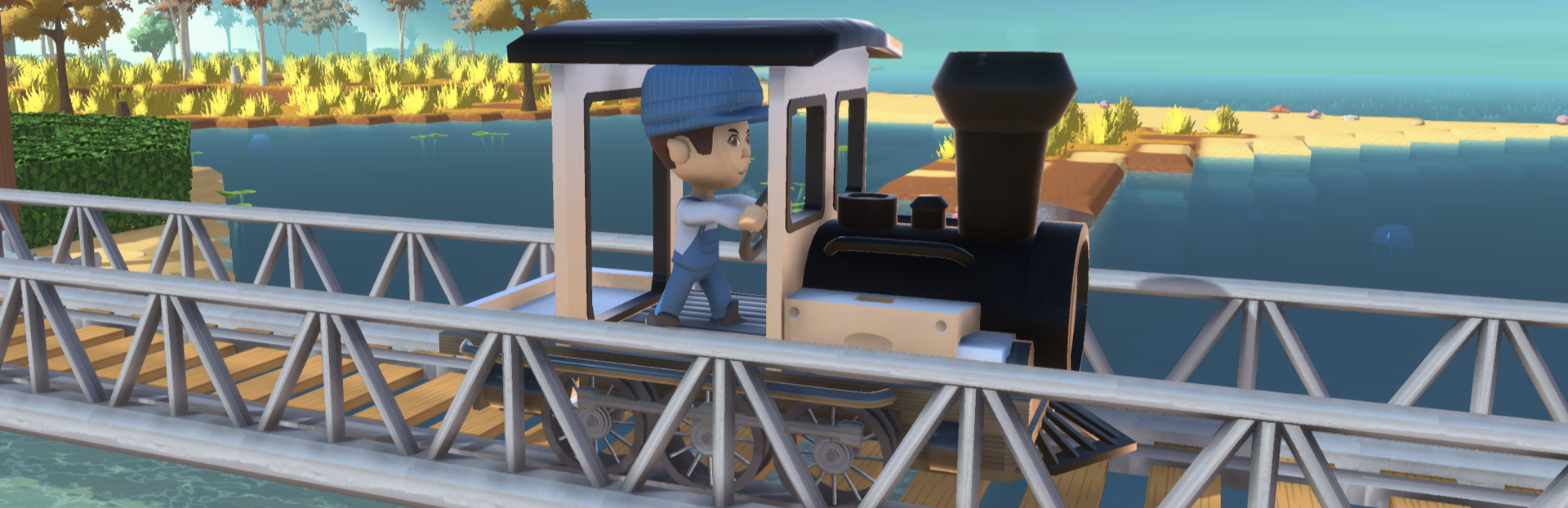
Recently, we shared a sneak peek at the upcoming Animal Tracks Update and some of the new content in development. Now, we’re excited to give you the chance to experience it a little early through the Beta Build! Hop in and try out new features — like the train, the animal breeding system, and more — and share your thoughts with us! Please read the guide below carefully before joining.
How to Access the Beta Build
Joining the beta build is simple! Follow the steps below:
In your Steam Library, right-click Dinkum and select Properties.
Go to the Betas tab. Enter the code DinkumKraftonBeta in the “Enter beta access code” field and click Check Code.
Once verified, click the newly appeared blue button to select the beta build.
If the process is successful, you’ll see “beta-experimental” listed under the beta participation field.
Wait for the build to update, then click Play to launch the game!
If you wish to return to the regular version later, simply:
Right-click Dinkum in your Steam Library and select Properties.
Go to the Betas tab. Change the beta participation field to “None”.
Wait for the update to finish and launch the game again.
Save File Location & Backup Instructions
Save files created in the beta build are not compatible with the regular build until the update goes live on the 29th, so they cannot be loaded when playing on the regular version. To protect your valuable progress, please back up your save files before joining the beta. Even if your beta save file overwrites an old one, we won’t be able to restore it, so please follow this guide carefully!
Your save files can be found here (default path):
C:\\Users[YourUsername]\\AppData\\LocalLow\\James Bendon\\
You can access it by pressing Windows + R and entering the path above, or by clicking the version number at the bottom right corner of the game’s loading screen. Inside the Dinkum folder, you’ll find subfolders named like Slot[Number], each containing a save file. Copy your desired save folder and paste it somewhere safe and easy to find. After finishing the beta, you can restore your backed-up save file to continue playing as usual.
If you forgot to back up and saved in the beta build, you’ll still be able to access your progress once the Animal Tracks Update is officially released in the regular build.
Feedback & Bug Reports
If you encounter any issues or bugs while playing the beta, please report them through the official Discord channels: #trouble-shooting, #bug-report, #ask-anything
When posting, please make sure to include the Beta-test tag so we can sort reports efficiently. All feedback and reports will be reviewed and shared with the development team.
Important Notes
Please keep these in mind while participating in the beta:
Please note that once a save file has been overwritten, it cannot be recovered.
Multiplayer is available between players who are using the beta version.
We do not recommend attempting multiplayer with users on a different version (standard build), as this may cause save file corruption or other issues.
Save files created in the beta build can be continued normally once the Animal Tracks Update is officially released on the standard version.
Since the update may cause compatibility issues with existing mods, we recommend playing the beta build without any mods installed.
We hope this guide helps you enjoy a fun and safe beta experience! We’re already looking forward to hearing your thoughts on the new update.
See you in the game, HooRoo~!
Source
Changelog.gg summarizes and formats this update. How we read updates.