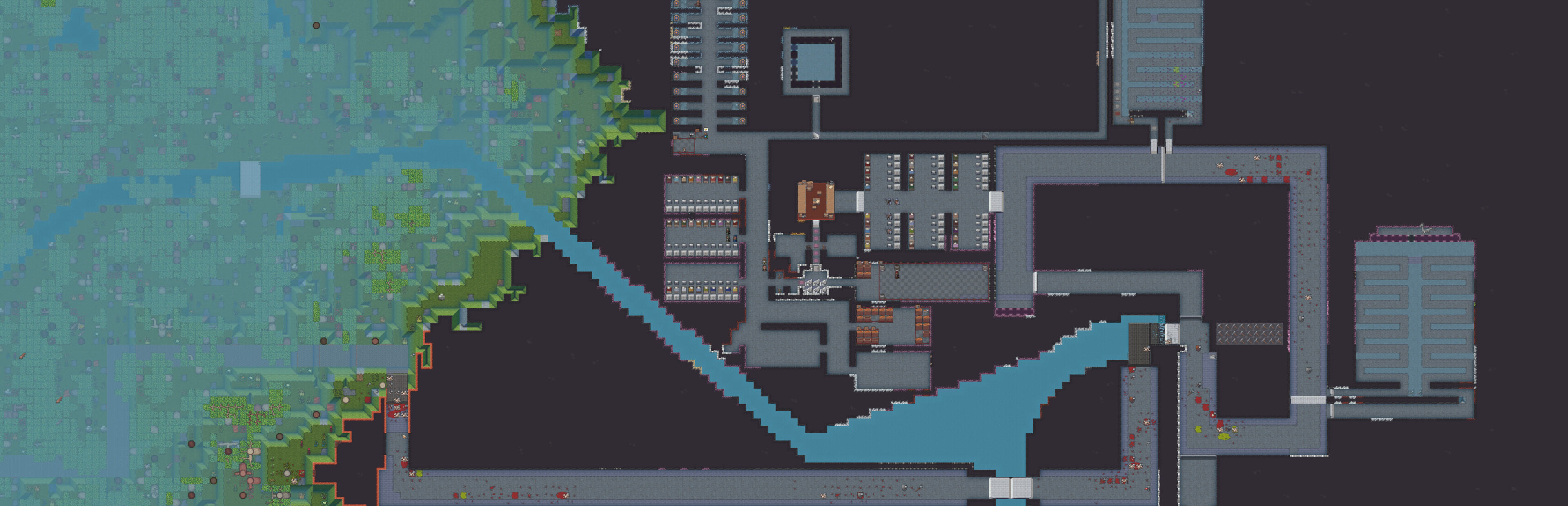
Highlights Compatibility with DF 53.04 This release is primarily for compatibility with Dwarf Fortress 53.04.
In this update11
Full notes
Full DFHack - Dwarf Fortress Modding Engine update
Read the full published notes in a cleaner layout. The original post stays linked below.
What changed
1 fix6 additions2 changes1 removal
Compatibility
Gameplay
UI and audio
changedCompatibility with DF 53.04This release is primarily for compatibility with Dwarf Fortress 53.04.
addedBetter support for Siege UpdateSeveral tools have been enhanced or updated to work better with the siege update. Autolabor, blueprint, buildingplan, gui/design, RemoteFortressReader, Stonesense, and quickfort all have received updates for the new content, and we also added a siege manager (which went in before we knew Tarn was adding one to 53.04 so now you have choices).
addedPSAsAs always, remember that, just like the vanilla DF game, DFHack tools can also have bugs. It is a good idea to save often and keep backups of the forts that you care about. Some DFHack tools that worked in previous (pre-Steam) versions of DF have not been updated yet and are marked with the "unavailable" tag in their docs. If you try to run them, they will show a warning and exit immediately. You can run the command again to override the warning (though of course the tools may not work). We make no guarantees of reliability for the tools that are marked as "unavailable". The in-game interface for running DFHack commands ( gui/launcher ) will not show "unavailable" tools by default. You can still run them if you know their names, or you can turn on dev mode by hitting Ctrl-D while in gui/launcher and they will be added to the autocomplete list. Some tools listed as "unavailable" in the docs do not compile yet and are not accessible at all, even when in dev mode. If you see a tool complaining about the lack of a cursor, know that it's referring to the keyboard cursor (which used to be the only real option in Dwarf Fortress). You can enable the keyboard cursor by entering mining mode or selecting the dump/forbid tool and hitting Alt-K (the DFHack keybinding for toggle-kbd-cursor ). We're working on making DFHack tools more mouse-aware and accessible so this step isn't necessary in the future.
addedNew Features"item": new "--total-quality" option for use in conjunction with "--min-quality" or "--max-quality" to filter items according to their total quality
removedFixes"buildingplan": Bolt throwers will no longer be constructed using populated bins.
addedFixes"RemoteFortressReader": updated siege engine facing enums for new diagonal directions
DFHack - Dwarf Fortress Modding Engine changes
changedThis release is primarily for compatibility with Dwarf Fortress 53.04.
addedSeveral tools have been enhanced or updated to work better with the siege update. Autolabor, blueprint, buildingplan, gui/design, RemoteFortressReader, Stonesense, and quickfort all have received updates for the new content, and we also added a siege manager (which went in before we knew Tarn was adding one to 53.04 so now you have choices).
addedAs always, remember that, just like the vanilla DF game, DFHack tools can also have bugs. It is a good idea to save often and keep backups of the forts that you care about. Some DFHack tools that worked in previous (pre-Steam) versions of DF have not been updated yet and are marked with the "unavailable" tag in their docs. If you try to run them, they will show a warning and exit immediately. You can run the command again to override the warning (though of course the tools may not work). We make no guarantees of reliability for the tools that are marked as "unavailable". The in-game interface for running DFHack commands ( gui/launcher ) will not show "unavailable" tools by default. You can still run them if you know their names, or you can turn on dev mode by hitting Ctrl-D while in gui/launcher and they will be added to the autocomplete list. Some tools listed as "unavailable" in the docs do not compile yet and are not accessible at all, even when in dev mode. If you see a tool complaining about the lack of a cursor, know that it's referring to the keyboard cursor (which used to be the only real option in Dwarf Fortress). You can enable the keyboard cursor by entering mining mode or selecting the dump/forbid tool and hitting Alt-K (the DFHack keybinding for toggle-kbd-cursor ). We're working on making DFHack tools more mouse-aware and accessible so this step isn't necessary in the future.
added"item": new "--total-quality" option for use in conjunction with "--min-quality" or "--max-quality" to filter items according to their total quality
removed"buildingplan": Bolt throwers will no longer be constructed using populated bins.
Highlights
Compatibility with DF 53.04
This release is primarily for compatibility with Dwarf Fortress 53.04.
Better support for Siege Update
Several tools have been enhanced or updated to work better with the siege update. Autolabor, blueprint, buildingplan, gui/design, RemoteFortressReader, Stonesense, and quickfort all have received updates for the new content, and we also added a siege manager (which went in before we knew Tarn was adding one to 53.04 so now you have choices).
Announcements
PSAs
As always, remember that, just like the vanilla DF game, DFHack tools can also have bugs. It is a good idea to save often and keep backups of the forts that you care about. Some DFHack tools that worked in previous (pre-Steam) versions of DF have not been updated yet and are marked with the "unavailable" tag in their docs. If you try to run them, they will show a warning and exit immediately. You can run the command again to override the warning (though of course the tools may not work). We make no guarantees of reliability for the tools that are marked as "unavailable". The in-game interface for running DFHack commands ( gui/launcher ) will not show "unavailable" tools by default. You can still run them if you know their names, or you can turn on dev mode by hitting Ctrl-D while in gui/launcher and they will be added to the autocomplete list. Some tools listed as "unavailable" in the docs do not compile yet and are not accessible at all, even when in dev mode. If you see a tool complaining about the lack of a cursor, know that it's referring to the keyboard cursor (which used to be the only real option in Dwarf Fortress). You can enable the keyboard cursor by entering mining mode or selecting the dump/forbid tool and hitting Alt-K (the DFHack keybinding for toggle-kbd-cursor ). We're working on making DFHack tools more mouse-aware and accessible so this step isn't necessary in the future.
Changelog
New Tools
"gui/siegemanager": manage your siege engines at a glance.
New Features
Added"item"new "--total-quality" option for use in conjunction with "--min-quality" or "--max-quality" to filter items according to their total quality
Fixes
"buildingplan": Bolt throwers will no longer be constructed using populated bins.
Adjusted"RemoteFortressReader"updated siege engine facing enums for new diagonal directions
"suspendmanager": treat reinforced walls as a blocking construction and buildable platform
Misc Improvements
Added"autolabor"support for new dyeing and siege-related labors
"blueprint": support for reinforced walls and bolt throwers
"gui/design": can now construct reinforced walls
"quickfort": support for reinforced walls and bolt throwers
"stonesense": queued constructions of reinforced walls are now visible
Structures
several arrays indexed by enums have been recoded to use the enum's size to size the array so that these will automatically update when the enum is updated, reflecting Bay12 practice