
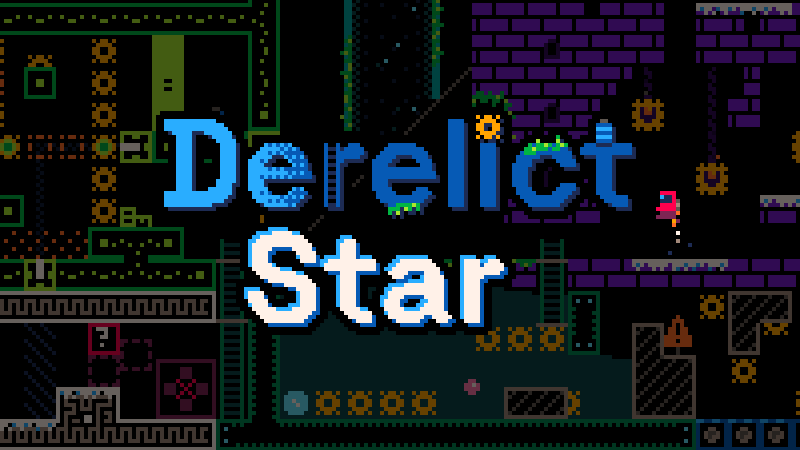
Derelict Star
Steam News 29 April 202622d ago

Update v1.0.8.0

Added two new shortcuts to toggle between fullscreen and windowed mode: F11 and Alt+Enter Some users reported the game started up on the incorrect monitor, which was a pain to deal with when the game was fullscreen. Thi…

Update log

Full Derelict Star update

The complete published notes, normalized for clean reading and source attribution.

Extracted changes

2 fixes2 additions1 change0 removals
  • Gameplay
  • UI and audio
  • Fixes
  • Performance
addedAdded two new shortcuts to toggle between fullscreen and windowed mode: F11 and Alt+Enter Some users reported the game started up on the incorrect monitor, which was a pain to deal with when the game was fullscreen. This should make the process easier to deal with by toggling fullscreen with the hotkey, moving the window, and toggling again. By default the game will always start on the screen that currently contains your mouse pointer.
fixedFixed bug where the "always run" assist option would continually trigger the reset sound when passing through a reset tile
fixedFixed some broken cross reference links on some help pages
addedAdded some missing details/interactions to a few help pages
changedUpdate the font used in the game to a bitmap font rather than a true type font Had a user report that the game was failing to render text, and saw some screenshots of text from another user that was a little garbled. To sidestep both of these issues I decided to use a bitmap font (e.g. rasterize the font on my machine) to reduce potential failure points. Now older hardware won't have to render the font so it's more likely to show up the way I intend it to. Since the game font is pixelated already, there should be no adverse effects from this change.
  • Added two new shortcuts to toggle between fullscreen and windowed mode: F11 and Alt+Enter

    • Some users reported the game started up on the incorrect monitor, which was a pain to deal with when the game was fullscreen. This should make the process easier to deal with by toggling fullscreen with the hotkey, moving the window, and toggling again. By default the game will always start on the screen that currently contains your mouse pointer.

  • Fixed bug where the "always run" assist option would continually trigger the reset sound when passing through a reset tile

  • Fixed some broken cross reference links on some help pages

  • Added some missing details/interactions to a few help pages

  • Update the entrance to a specific green room again so you're less likely to accidentally lose progress

  • Update the font used in the game to a bitmap font rather than a true type font

    • Had a user report that the game was failing to render text, and saw some screenshots of text from another user that was a little garbled. To sidestep both of these issues I decided to use a bitmap font (e.g. rasterize the font on my machine) to reduce potential failure points. Now older hardware won't have to render the font so it's more likely to show up the way I intend it to. Since the game font is pixelated already, there should be no adverse effects from this change.

Source

Steam News / 29 April 2026

Open original