
HomeGamesUpdatesPricingMethodology
Steam News14 February 20233y ago

Dev Update #27: Build 15 (New Loading Screens, Small Fixes)

Hey guys, Just a smaller update today, some QoL fixes, general fixes and new loading screens.

Full notes

Full Dead Monarchy update

Read the full published notes in a cleaner layout. The original post stays linked below.

Repeated intro

Hey guys,

What changed

0 fixes3 additions3 changes1 removal
  • Gameplay
  • Maps
  • UI and audio
addedJust a smaller update today, some QoL fixes, general fixes and new loading screens.
removedDiagonal attacks now rotate to the nearest straight grid tile, meaning after an attack, combatant directions will no longer be left on diagonal angles which makes it hard to tell if you are flanking from the back/left/right.
changedA player marker will now appear on the character when the camera is zoomed out further in the overworld map.
changedStreamlined combat UI, only the current phase UI and battle log UI will appear during enemy turns during combat.
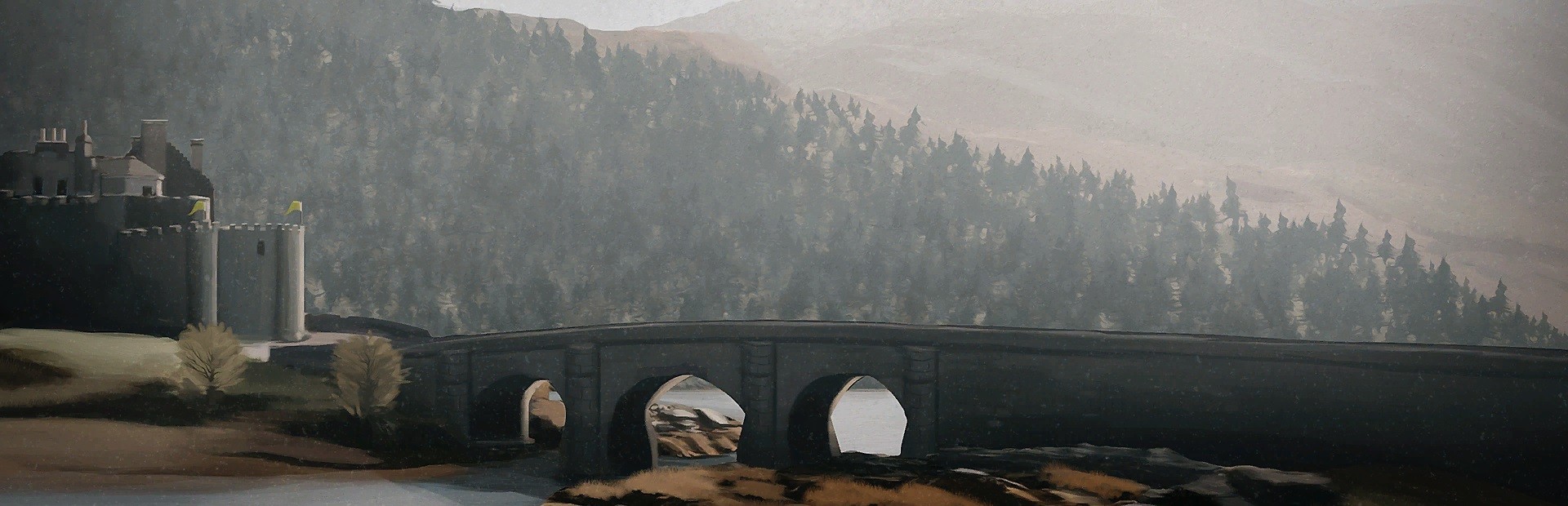
addedAdded 25 new loading screen art.
changedUpdated initialisation screen tooltips in regards to what is needed to play on Emperor difficulty.

Dead Monarchy changes

addedJust a smaller update today, some QoL fixes, general fixes and new loading screens.
removedDiagonal attacks now rotate to the nearest straight grid tile, meaning after an attack, combatant directions will no longer be left on diagonal angles which makes it hard to tell if you are flanking from the back/left/right.
changedA player marker will now appear on the character when the camera is zoomed out further in the overworld map.
changedStreamlined combat UI, only the current phase UI and battle log UI will appear during enemy turns during combat.
addedAdded 25 new loading screen art.

Just a smaller update today, some QoL fixes, general fixes and new loading screens.

  • Diagonal attacks now rotate to the nearest straight grid tile, meaning after an attack, combatant directions will no longer be left on diagonal angles which makes it hard to tell if you are flanking from the back/left/right.

  • A player marker will now appear on the character when the camera is zoomed out further in the overworld map.

  • Streamlined combat UI, only the current phase UI and battle log UI will appear during enemy turns during combat.

  • Added 25 new loading screen art.

  • Updated initialisation screen tooltips in regards to what is needed to play on Emperor difficulty.

  • Resized floating texts in combat so they don't overlap in cases where two sets of floating text trigger side by side.

  • You can now disable the majority of the UI when traversing across the overworld map. There were some reports of camera stutter when panning across, this is linked to the UI. You can press H to enable/disable most of the UI, just leaving the current days/hours UI but it should result in a much smoother camera. There is also a button to enable/disable the UI in the top right hand corner.

Cheers, Kevin.

Source

Steam News / 14 February 2023

Open original post

Changelog.gg summarizes and formats this update. How we read updates.