
In this update1
Full notes
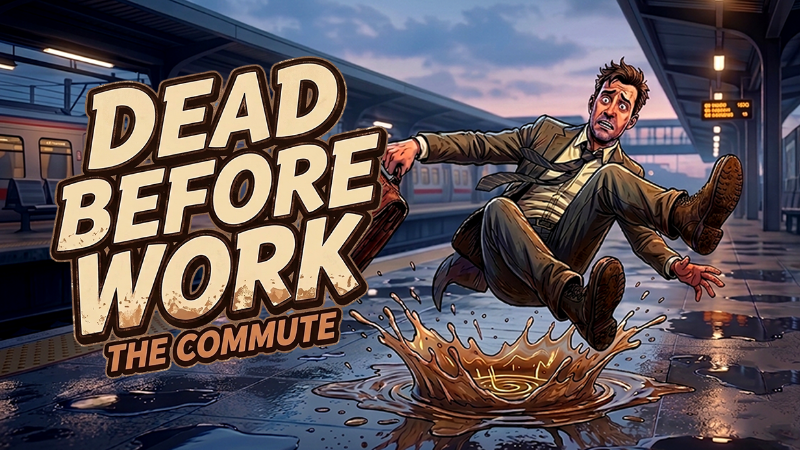
Full DEAD BEFORE WORK: THE COMMUTE update
Read the full published notes in a cleaner layout. The original post stays linked below.
What changed
- Gameplay
- Security
- UI and audio
DEAD BEFORE WORK: THE COMMUTE changes
💡 Update Notice: Major Improvements & Fixes
Hi everyone,
We have just deployed a new update to improve your experience and resolve some known issues. Here are the major changes and fixes in this patch:
-----------------------------------------------------------------
📊 1. Online Leaderboard Adjustments & Fixes
-----------------------------------------------------------------
No More Mock Data: When you select the Online Leaderboard, offline "MOCK" ranking members will no longer appear. Your actual, real-time ranking will now be accurately displayed as a proper numerical value.
Our Apologies: For those who played the game early on and encountered strange or glitched ranking numbers, we sincerely apologize for the confusion and any inconvenience caused.
-----------------------------------------------------------------
🎬 2. GIF Generation Error & Windows Defender Resolution
-----------------------------------------------------------------
Why the block happens: The GIF generation feature saves files directly to your Desktop. Because of this, Windows Defender is highly likely to flag and block this action as a false positive, even if you are running the game as an Administrator.
- Error Panel AddedWe have added a new error panel that displays a text notification if the GIF generation fails, making it easier to see if the system has blocked the process.
Special Thanks: Thank you so much to the community member who reported this issue to us!
-----------------------------------------------------------------
🛡️ How to Allow the Game Through Windows Defender
-----------------------------------------------------------------
If your GIF generation fails due to Windows Defender, please follow these simple steps to approve and allow the game:
[Method A: Via Protection History (Recommended)]
Open your Windows Start menu and search for "Windows Security".
Go to "Virus & threat protection" and click on "Protection history".
Look for the recent blocked action related to the game, click it to expand the details.
Click the "Actions" button and select "Allow on device".
METHOD B: VIA CONTROLLED FOLDER ACCESS
Open "Windows Security" > "Virus & threat protection".
Scroll down to "Ransomware protection" and click "Manage ransomware protection".
Click "Allow an app through Controlled folder access".
Click "Add an allowed app" and select "Recently blocked apps", then choose the game's .exe file to whitelist it.
Thank you for your continued support and valuable feedback!
Best,
The Developer
Source
Changelog.gg summarizes and formats this update. How we read updates.