
Full notes
Full DayZ update
Read the full published notes in a cleaner layout. The original post stays linked below.
What changed
- Store
- Gameplay
- Server
- Maps
https://store.steampowered.com/app/2968040/DayZ_Frostline/
⚠️Disclaimer⚠️ Information shared in our development blog represents a work in progress, not the final product. The contents and features discussed are subject to change before release. We aim to provide insight and foster community engagement, but details may evolve as development continues. Thank you for joining us on this journey, and for understanding that what you see here is a glimpse into the process.
Dear Survivors, With the Frostline Expansion release on the horizon, we want to give the community a behind-the-scenes look at our development process. We've been regularly publishing Dev Blogs on our forums, and you can check them out here. This progress report serves as a summary of those Dev Blogs, and offers an extra layer of insight into our creative works, processes, and achievements.
1.26 Changes you can look forward to Before we get into the Frostline Expansion, we'd like to start with a few changes that will also impact the base game with update 1.26. Even though we're concentrating on releasing a paid DLC, that doesn't mean we aren’t implementing any changes or improvements to the base game with 1.26. Our efforts on Frostline are for the betterment of DayZ as a whole. Notably, the view distance in the game has been substantially increased, and you'll have full control over it via the settings on the client side.
We’ve also made significant efforts for us and community server owners to have more control over weather elements like wind and fog. The current fog system is tied to distance fog value and overcast, and is defined by the config, which evidently is limiting. With update 1.26, the dev team, modders, and server owners will have full dynamic control over the fog through a new script API. The fog will also affect the visibility of the sky, which is perfect for those who wish to create areas that have less visibility and a gloomier atmosphere.
More control over weather means more capabilities for us to create dynamic weather patterns and changes. Wind is one element we will have more control over. It will be a definitive factor in providing visual hints via the direction of snowfall, rain, or the direction and intensity of trees being affected by the wind. While the change in weather won’t be predetermined or occur in patterns players can predict, those who observe their surroundings and anticipate environmental challenges will have a strategic advantage. Think of the blizzards of Sakhal and the thunderstorms of Livonia.
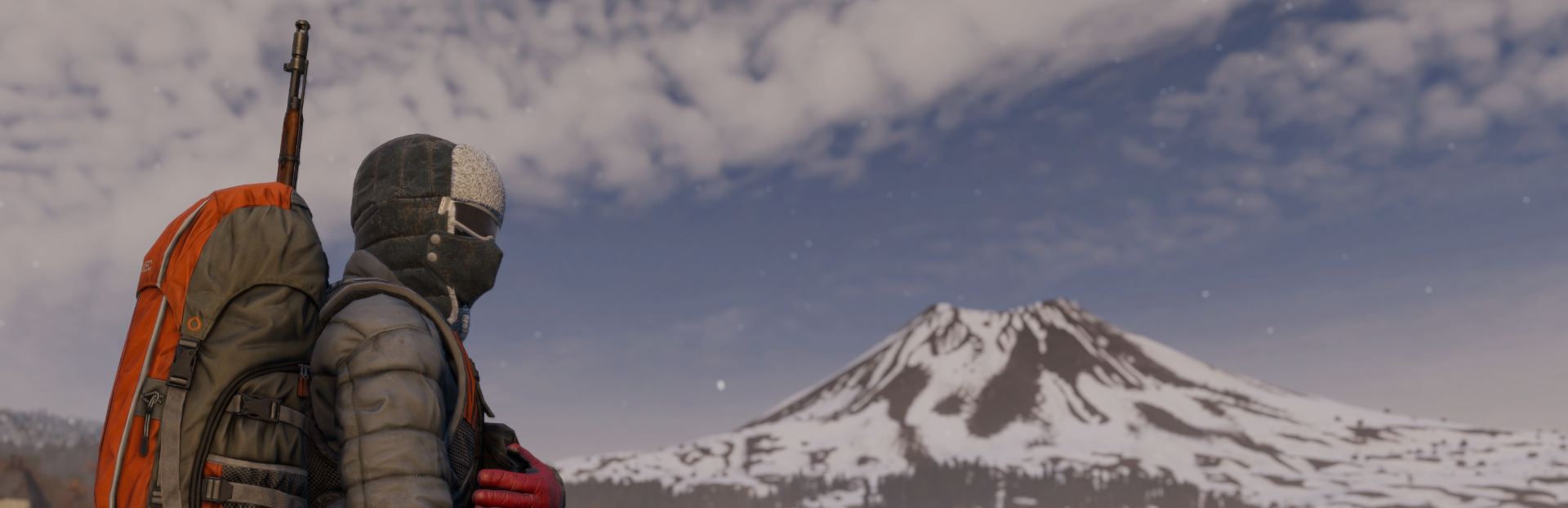
Snow in Frostline One of the map’s main features is the snow and its integration into the environment. The snowfall particles are newly created / added to the terrain, and have been significantly improved since the last time you saw them in the official teaser. As you can see in the example below, these particles are not just white dots, but nuanced, weighted elements that enhance immersion and are even affected by light.
Moreover, the snow on the ground will gradually thaw when a fireplace is placed upon it. Cars driving over the snow, meanwhile, will leave behind distinctive tire tracks.
Thanks to the Enfusion team, we have updated super, multi, and plant shaders to allow texture projection in any defined direction. This is particularly beneficial for rocks and trees, as they no longer need to be placed or textured in a specific way. Snow will always be projected from top to bottom, ensuring a more realistic appearance. This is especially beneficial for the modding community.
Source
Changelog.gg summarizes and formats this update. How we read updates.