
HomeGamesUpdatesPricingMethodology
Steam News11 May 20261mo ago

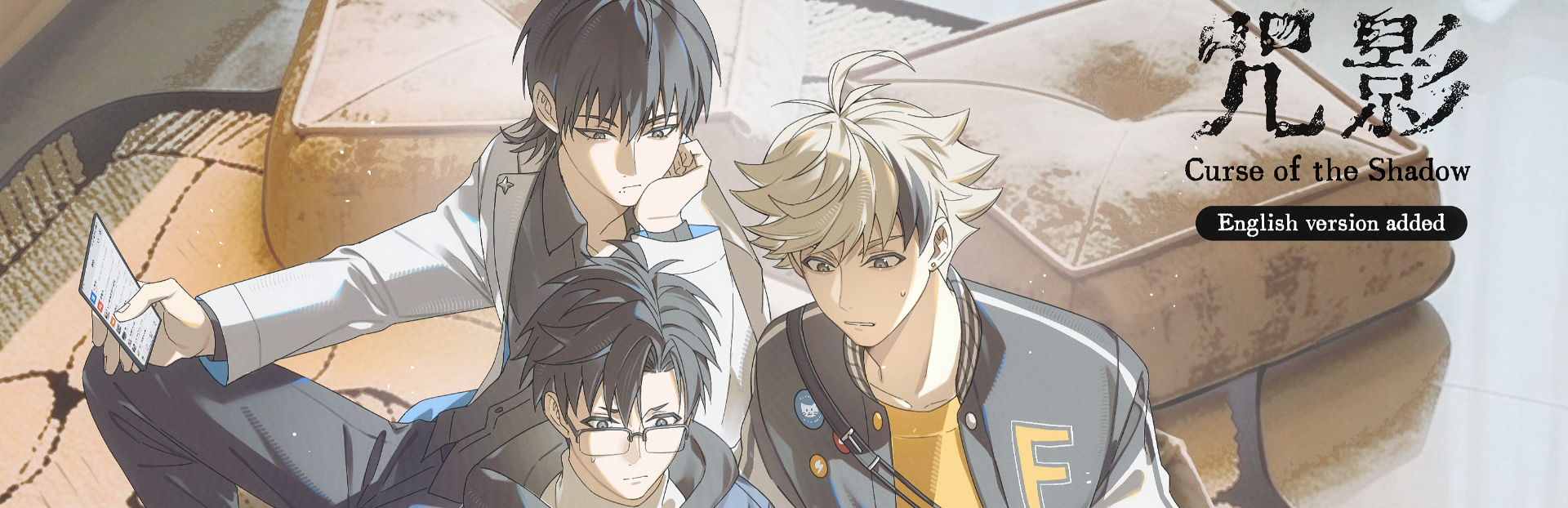
Curse of the Shadow-English version added

If you have downloaded the Chinese build, please change the language to English via: right-click the game → Properties → Language → English, then allow the game to update.

Full notes

Full 咒影 Curse of the Shadow update

Read the full published notes in a cleaner layout. The original post stays linked below.

What changed

0 fixes0 additions4 changes0 removals
  • UI and audio
  • Performance
  • Store
changedIf you have downloaded the Chinese build, please change the language to English via: right-click the game → Properties → Language → English, then allow the game to update.
changedIf the game crashes or fails to launch, please try bypassing Steam by opening the game's .exe file directly from the game folder. If the issue persists, please request a refund in a timely manner.
changedIf you see screen flickering or black blocks flashing, try restarting the game a few times. If that doesn't fix it, please refund the game promptly.
changedThank you for your purchase and support!

咒影 Curse of the Shadow changes

changedIf you have downloaded the Chinese build, please change the language to English via: right-click the game → Properties → Language → English, then allow the game to update.
changedIf the game crashes or fails to launch, please try bypassing Steam by opening the game's .exe file directly from the game folder. If the issue persists, please request a refund in a timely manner.
changedIf you see screen flickering or black blocks flashing, try restarting the game a few times. If that doesn't fix it, please refund the game promptly.
changedThank you for your purchase and support!
  1. If you have downloaded the Chinese build, please change the language to English via: right-click the game → Properties → Language → English, then allow the game to update.

  2. If the game crashes or fails to launch, please try bypassing Steam by opening the game's .exe file directly from the game folder. If the issue persists, please request a refund in a timely manner.

  3. If you see screen flickering or black blocks flashing, try restarting the game a few times. If that doesn't fix it, please refund the game promptly.

  4. If the game freezes after clicking all investigation points, please go back to the story before the investigation system and try again.

In short, if you run into any weird bugs, try restarting the game. If that doesn't help, please refund the game promptly.

Thank you for your purchase and support!

Source

Steam News / 11 May 2026

Open original post

Changelog.gg summarizes and formats this update. How we read updates.