
In this update3
Full notes
Full Craftomation 101: Programming & Craft update
Read the full published notes in a cleaner layout. The original post stays linked below.
What changed
- Compatibility
- Store
- Server
- UI and audio
Craftomation 101: Programming & Craft changes
Hello mates!
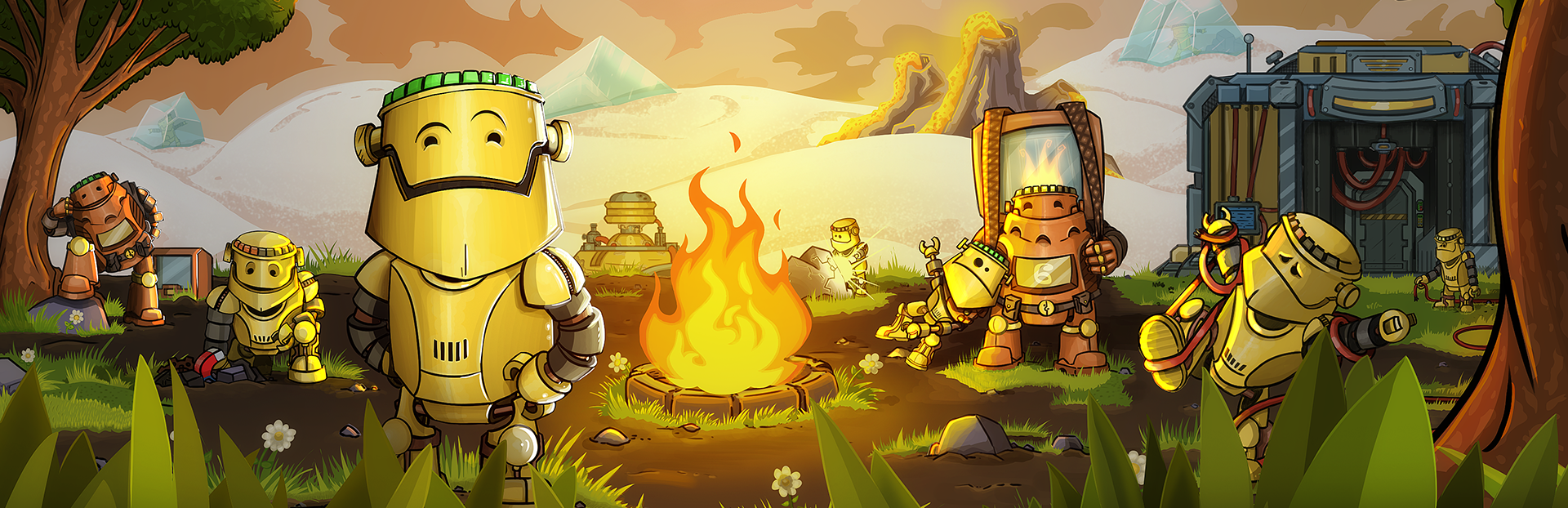
Tiny news, but very important for automation-based happiness. Today we released a Steam startup movie for Craftomation 101, featuring our hardworking little craftomates.
Yes, that means every time you launch your Steam Deck or Big Picture Mode on PC, you can now be greeted by tiny robots who are probably already thinking about logs, sticks, benches, production chains, and why someone left all the berries in the wrong chest again. You can get the startup movie with Steam Points in the Steam Points Shop.
How to equip the startup movie on Steam Deck
Just press Equip Now in the Shop, and Steam should take care of the rest.
How to find the startup movie on PC
Open Steam on your PC.
Go to the View menu.
Select Big Picture Mode.
Open Settings.
Go to Customization.
Choose the Craftomation 101 startup movie with our craftomates.
That’s all for today. Small news, small robots, big startup energy. As always, thank you for playing, reporting bugs, sharing screenshots, and teaching your craftomates to do increasingly suspiciously efficient things. Want some more Craftomation 101? We got you! Here's what you can do:
Sign up for testing the pre-release closed version of the game
Suggest your ideas for the game on our Discord server
Help us translate the game into your native language
Subscribe to our YouTube channel and follow studio news
Follow Craftomation 101 on Twitter
Leave a comment under a video of your favorite content maker to let them know about the game
Sign up for our Newsletter
Source
Changelog.gg summarizes and formats this update. How we read updates.