
In this update14
Full notes
Full Craftomation 101: Programming & Craft update
Read the full published notes in a cleaner layout. The original post stays linked below.
What changed
- Compatibility
- UI and audio
- Maps
- Gameplay
- Store
- Server
Craftomation 101: Programming & Craft changes
Hey everyone! New version is here — and this one is all about your requests! But before we tell you what’s coming, we want to stress one important thing: THIS UPDATE IS A BETA!!! ONCE AGAIN: BETA! This is an unstable version, potentially full of bugs. It’s for those who really can’t wait to take a look and are ready to help us test it.
Briefly, how to test it:
Step 1
Find the game in your Steam Library, right-click it, and select “Properties.”
Step 2
In the pop-up window, go to the “Betas” tab.
Step 3
Under “Beta Participation,” select the branch “unstable” and close the window. The correct version will automatically start downloading. Enjoy!
Something broke?
We’d be extremely grateful if you report any issues through the in-game feedback form or on our Discord.
Want to return to the default branch?
No problem! Just repeat Step 1, but this time choose “None” instead of “unstable.” When you restart the game, the “Continue” button will be unavailable, along with your beta saves. To pick up where you left off before joining the beta, just click “Load Game.”
And now — on to the update!
Community-driven improvements:
Favorites for your functions
You asked, we delivered! Now you can mark your most-used functions as favorites. A little star icon in the interface makes it easy to save them, and they’ll be available in every game — no need to rewrite them each time.
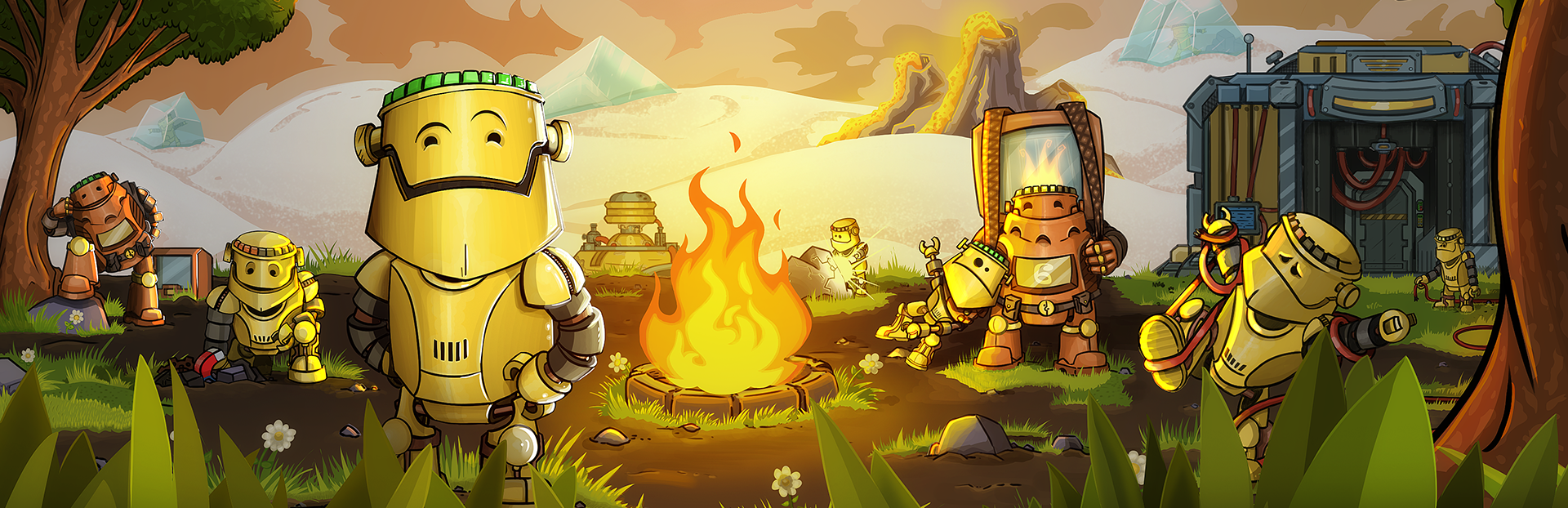
Control your campfires
Another popular request: you can now extinguish campfires manually before the fuel runs out. Just use the С button on your keyboard to control your fires!
Rebalanced Command Center objectives
The objectives on new maps have been rebalanced to make them more engaging. Note: to experience the new objectives, you’ll need to start a new game — old saves will keep the previous objectives.
Visual improvements
The tunnel maps now feature falling rocks with smooth animations — much nicer to watch.
This update is a big thank you to the community — your feedback shapes the game, and we’re thrilled to bring your ideas to life. More updates are coming soon. Stay tuned!
Don’t forget about our amazing DLCs!
For those who love our visuals, remember you can get the special art pack and support the developers. https://store.steampowered.com/app/2795690/Craftomation_101_Art_Pack/
Bundle
Also, don’t forget our bundle with Nimbatus is still available — you can get both programming games for yourself or your friends with a 10% discount. https://store.steampowered.com/bundle/65502/Space_Programming_Duo/
How to join the development?
Want some more Craftomation 101? We got you! Here's what you can do:
Suggest your ideas for the game on our Discord server
Help us translate the game into your native language
Subscribe to our YouTube channel, and follow studio news
Follow Craftomation 101 on Twitter
Leave a comment under a video of your favorite content maker, to let them know about the game
Sign up for our Newsletter
Source
Changelog.gg summarizes and formats this update. How we read updates.