
In this update5
Full notes
Full Craftica update
Read the full published notes in a cleaner layout. The original post stays linked below.
What changed
- Gameplay
- UI and audio
- Maps
- Performance
Craftica changes
New Chinese Name with a New Logo
The Chinese name of this game is changed now from 开物天工 To 匠造奇境. This new name is less confusing and more recognizable, and reflects better the game and its English name. A new and better logo also comes along with this name change.
Game Update
Operation Simplifications
Previously the operations in the game was a bit too complicated, which make it hard for new players to become familiar with building quickly. This update solved this problem by comprehensive simplifications for hotkeys, mouse and hotbar.
Firstly the switch among view, making and mining modes is now done using mouse clicks. Secondly, the hotbar widget supports an adaptive layout to display different things for different modes, which makes it simpler switch between items, variants and block shapes using simpler hotkeys and mouse wheel operation.
To simplify building, this update also adds support for rule-based placement. When an object item is being placed near another object, if there is a predefined rule to determine a proper placement for the object in relative the other, the rule will be used to calculate the proper placement location and orientation. Now the game has generated nearly twenty thousand of rules automatically or semi-automatically for the standard items. This makes the previously tedious building now much simpler.
Device Items
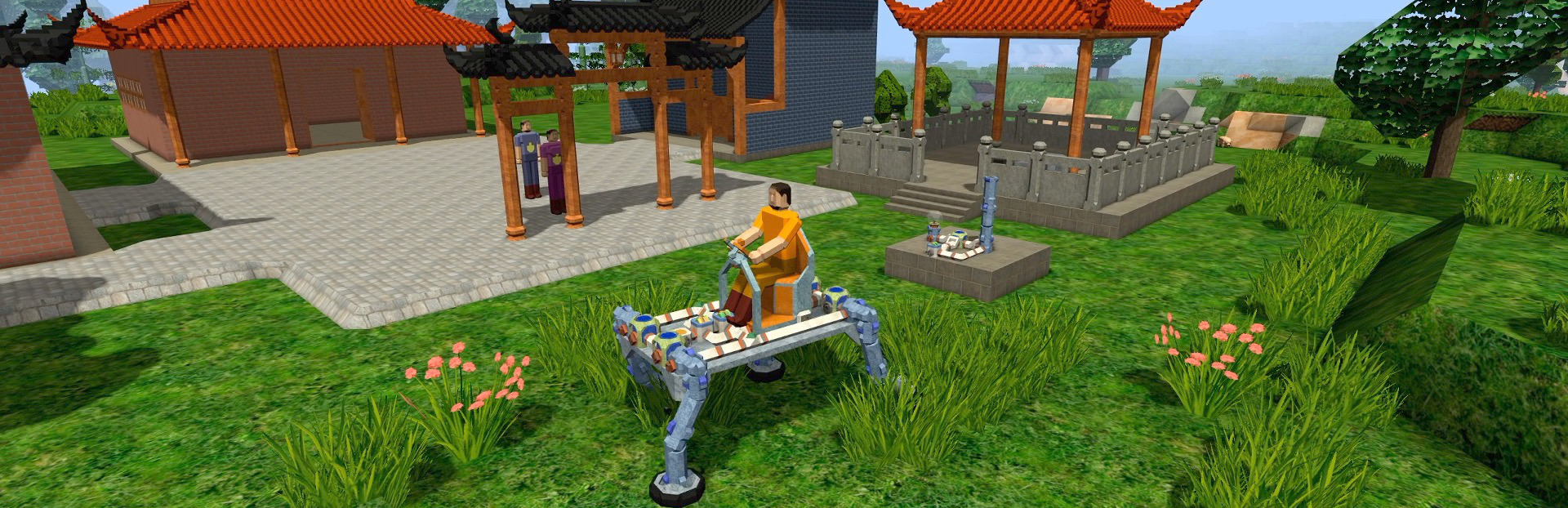
Another huge improvements in this update is the addition of a number of standard mechanical and electronic device items that can be used to build complex circuit as well as machines that can be controlled by circuits.
Circuits in this game emulates those in the real world with great simplifications. Like circuits in the real world, Craftica uses physical connection between components to construct functional circuits. These circuits are mainly powered by electric energy and driven by data exchanges.
Minecraft Schematic Importing Support
The final big improvements is the support for importing Minecraft Schematic model files. With this update, players can choose a Minecraft Schematic file to import when creating a new game in the development mode. Currently only .schematic file is supported, .schem file will be supported the upcoming updates.
Internal Improvements
This update brings a lot of significant improvements, including some improvements in the internal design. One such major improvement is the addition of a new chunk type named Section. The support of this new chunk type makes it possible to build without concerning or understanding much about the object concept in the game. This makes it easier for beginners to start building complex objects. It also increases the degrees of freedom to build for experienced players. This improvement also makes it possible to simplify the operations in the game.
The support of section chunks also makes it possible to support better procedural generation of biomes and villages. But this update mainly improves the implementation, with only a few improvements on the algorithm.
The terrain generation also has signification improvements on the implementation, to support generation with multiple threads, and to avoid potential generation problems along the terrain octant borders. Also these improvements mainly focus on implementation rather than the algorithm.
Internal Optimizations
Other significant internal improvements mainly focus on optimizations. Some of which improve the multi-threading support, and make it safer and more efficient to use threads.
Another major optimization is on rendering. It reduces the faces for rendering by merging some adjacent faces on the same plane with the same material. After the optimization, the number of faces can be greatly reduced. For some big and complex scenes imported from Minecraft Schematic files, the final faces can be reduced to one third of the un-optimized number of faces.
This update also made significant optimization for physics simulation. This is mainly done in two ways, firstly simpler collision shapes are used for many of the standard items; secondly some rigid bodies that are fixed together are merged into single objects. This way the rigid bodies in the game world simulation can be greatly reduced, making it more efficient and stable to simulate.
Still, there are rooms for further significant optimizations, which will be implemented the future updates.
Source
Changelog.gg summarizes and formats this update. How we read updates.