
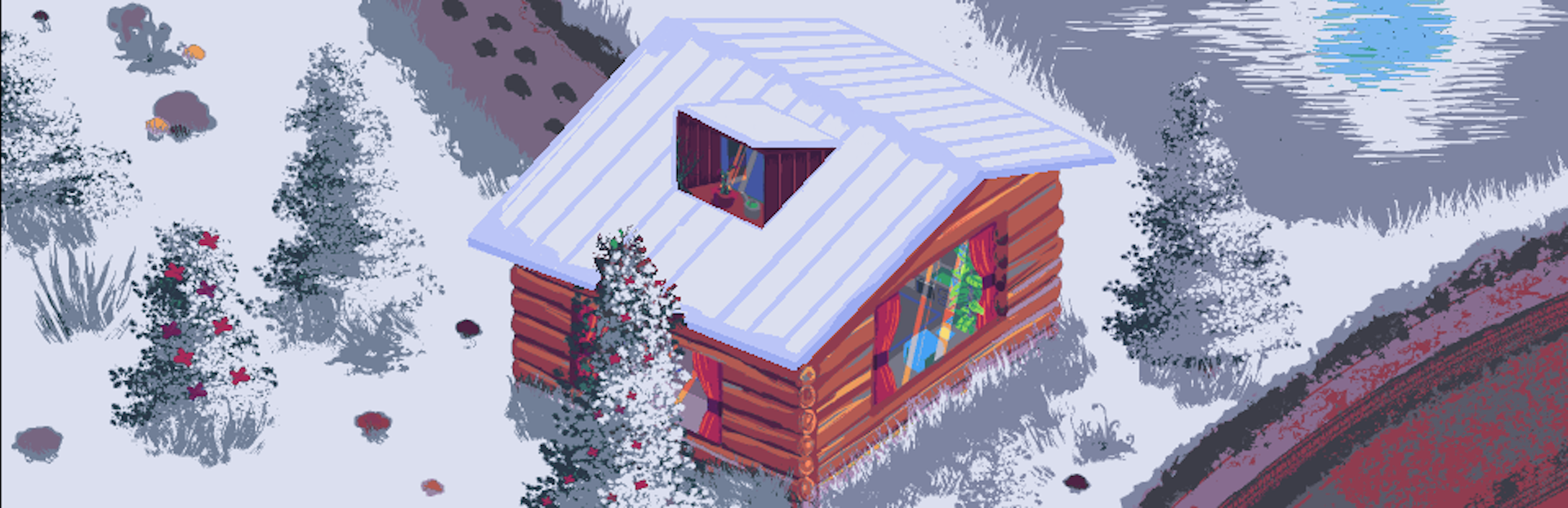
In this update3
Full notes
Full CottageVille update
Read the full published notes in a cleaner layout. The original post stays linked below.
What changed
- UI and audio
- Gameplay
- Fixes
CottageVille changes
New Features
Lobby System - Join public lobbies to meet other cottage owners:
Study Nooks: college/university students, this is where you get to place your cottage - next to other students.
- Quiet Hourslooking for a quiet, cozy time? Join this lobby, the audio player is disabled here on purpose.
Cowork Cottages: a lobby for those who are trying to be productive at work.
A New Interactive Item (??) - The "Interact" mode let's you interact with some items in the room, such as the piano or the arcade machine. This update brings another interactable, but we'll let you find it for yourself. ;)
Settings Menu - Available in the main menu, let's you adjust audio and graphics settings.
Visibility Toggler - New UI visibility toggler (the previous eye icons were too annoying). This one is much more better, smoother, and only shows up when you need it - just hover to the top of the screen and it'll show up.
Discord Integration - Connect your Discord account to display your activities.
Achievements - Added collectible achievements through interactions (currently Steam-only).
UI/UX Improvements
Improved the main menu drastically with a new UI layout
Enhanced main menu with improved user authentication flow
Added a smoother transition between main menu and cottage view
Added more UI visual feedback and fixed overlay detection
Enhanced emoji sender menu with better animations
Improved the logging text
Enhanced tutorials for better player guidance
Bug Fixes
Fixed UI interaction issues
Fixed emoji sender overlap issue
Fixed activity text overflow
Fixed character interacting with hidden items
Enjoy your cozy time, and may you all have a very Merry Christmas!
Source
Changelog.gg summarizes and formats this update. How we read updates.