
Full notes
Full Combo Bombo update
Read the full published notes in a cleaner layout. The original post stays linked below.
What changed
- Gameplay
- UI and audio
Combo Bombo changes
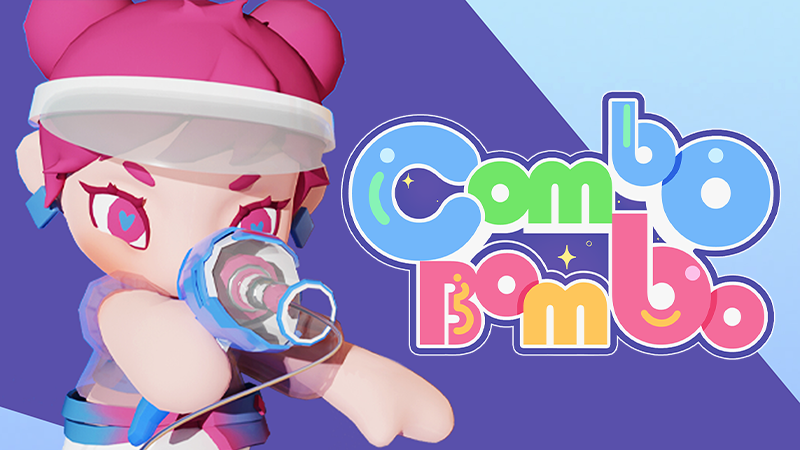
We've designed some exclusive avatars for our game!
To access and set your new avatars, simply follow these easy steps:
Launch Steam and sign in to your account.
Add Combo Bombo to your library.
Head over to your profile by clicking on your current profile picture in the upper-right corner and click "View my profile".
Click the "Edit Profile" button.
Under "Avatar", click "See All" under your avatars and browse to the "Combo Bombo" under "Your Game Avatars".
Choose your favorite avatar from our collections.
Scroll down and click "Save Changes" to confirm your new avatar.
Steam post image Steam post image Steam post image Steam post image Steam post image Steam post image Steam post image
Source
Changelog.gg summarizes and formats this update. How we read updates.