
Full notes
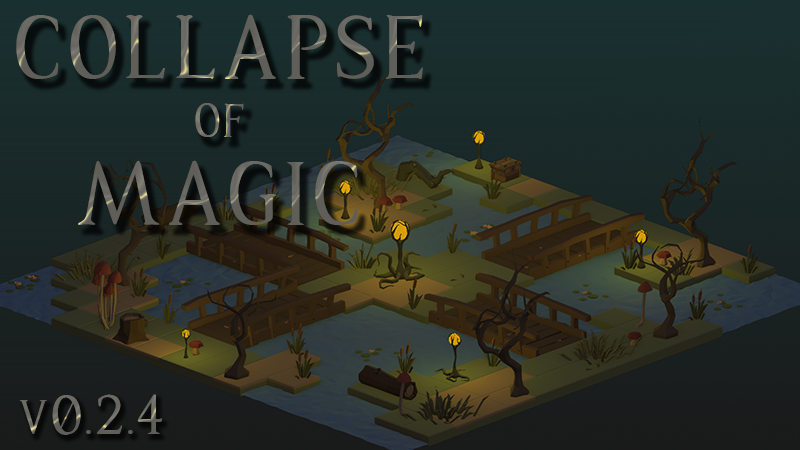
Full Collapse of Magic update
Read the full published notes in a cleaner layout. The original post stays linked below.
Fixes a scaling issue related to using a non-native monitor resolution
If you ran into this issue, you may need to delete your settings file for this fix to apply properly: - Open a file explorer, and in the address bar type: "%APPDATA%\..\LocalLow\CollapseOfMagic" (without quotes) - Delete the file named "settings.json"
Source
Changelog.gg summarizes and formats this update. How we read updates.