
Full notes
Full Coldage update
Read the full published notes in a cleaner layout. The original post stays linked below.
What changed
- Gameplay
- UI and audio
- Events
Coldage changes
Happy Friday everyone!
Here are the new release notes and updates for the demo this week.
New
UI - Mouseover window explaining each row on the notepad
UI - Characters without active facets are now colored black to indicate that they are exhausted
UI - The conditions in the current chapter are now shown as a bookmark, the highlighted bookmark is the active condition
UI - Detail text for a full-screen view of responses, events, and facets (right-click to view)
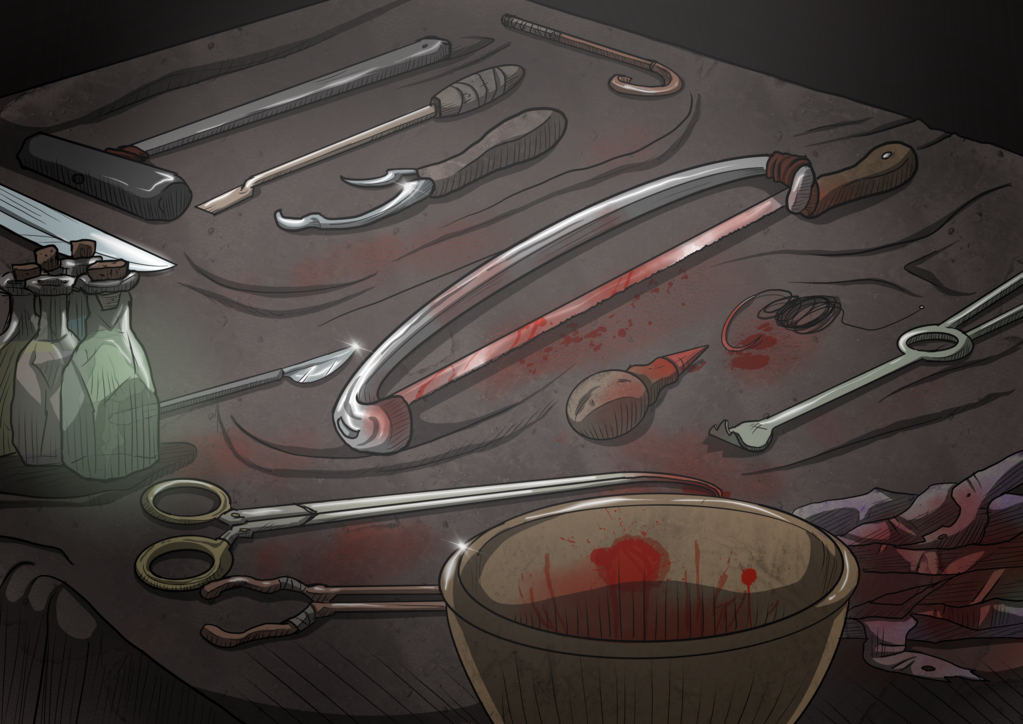
Art - Response 'Wound Care' picture
Art - Response 'Investigate' picture
Art - Rake Facet 'Lucky' picture
Art - Adana Facet 'Stealth' picture
Changes
UI - Keywords in the text is now replaced with in-line icons
UI - Icons on events are now presented from left to right, instead of having fixed locations
UI - Full-screen view now has next beside the picture instead of over it
UI - If you click the inkpot before having satisfied the response, only the unsatisfied rows in the notepad will be showing a splash effect (as opposed to all rows)
UI - Notepad rows that are not relevant to the currently chosen response will now be hidden
UI - Mouseover windows design is now specific to what you mouseover, not like before where all pictures shared the same design
UI - Icons redesigned so all icons are now on a colored circular background
Fixes
Bugfix - hope is not reduced when characters have a breakdown
Bugfix - skipping the intro video would cause an exception later during the gameplay
Bugfix - Nomad events in chapter two is now displayed
Source
Changelog.gg summarizes and formats this update. How we read updates.