
Full notes
Full Cloud House - Virtual Arts Space update
Read the full published notes in a cleaner layout. The original post stays linked below.
What changed
- UI and audio
- Gameplay
Cloud House - Virtual Arts Space changes
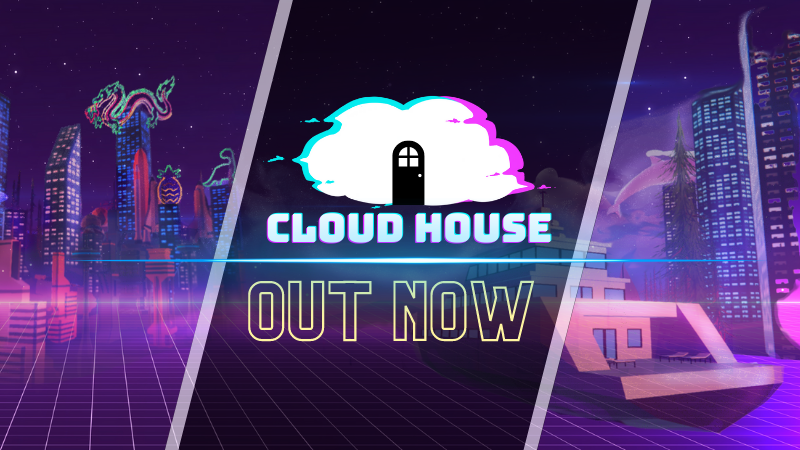
Cloud House is officially out on Steam! A sincere thank you to all our partners, friends and supporters for their help and generosity over the years.
Below, you can find a short guide on how to get started with the game:
Love Letters to 42 (Single-Player)
To access Single-Player from the start screen, click on the button in the top left corner labeled "Switch to Love Letters to 42 Singleplayer Story Experience"
Click "New Game" to begin your journey
To return to Cloud House from the title screen, click on the button in the bottom right corner labeled "Switch to Cloud House Multiplayer Virtual World"
Cloud House (Multiplayer Virtual World)
To get started, type in your chosen nickname in the text field in the lower middle
Navigate the character options by clicking on the characters to the left and right of the centre one
Once you have found a character you like, ensure that it is in the centre of the screen and click on it to select it. The text box on the right side labelled "Choose your character:" should display the name of the character you have chosen
When you are happy with your character and nickname, click on the "Select" button in the bottom right corner
You can either click on "Play" to set up your own room, or you can join an existing room by clicking on "View Rooms" in the bottom left corner and selecting the room you want to join
Have fun exploring Cloud House in the virtual world!
We hope you enjoy your time inside Cloud House, whether alone or with friends, in the past or the future.
The Doodle People
Source
Changelog.gg summarizes and formats this update. How we read updates.