
HomeGamesUpdatesPricingMethodology
Steam News17 April 20262mo ago

Villager View Update: new POV and camera mode

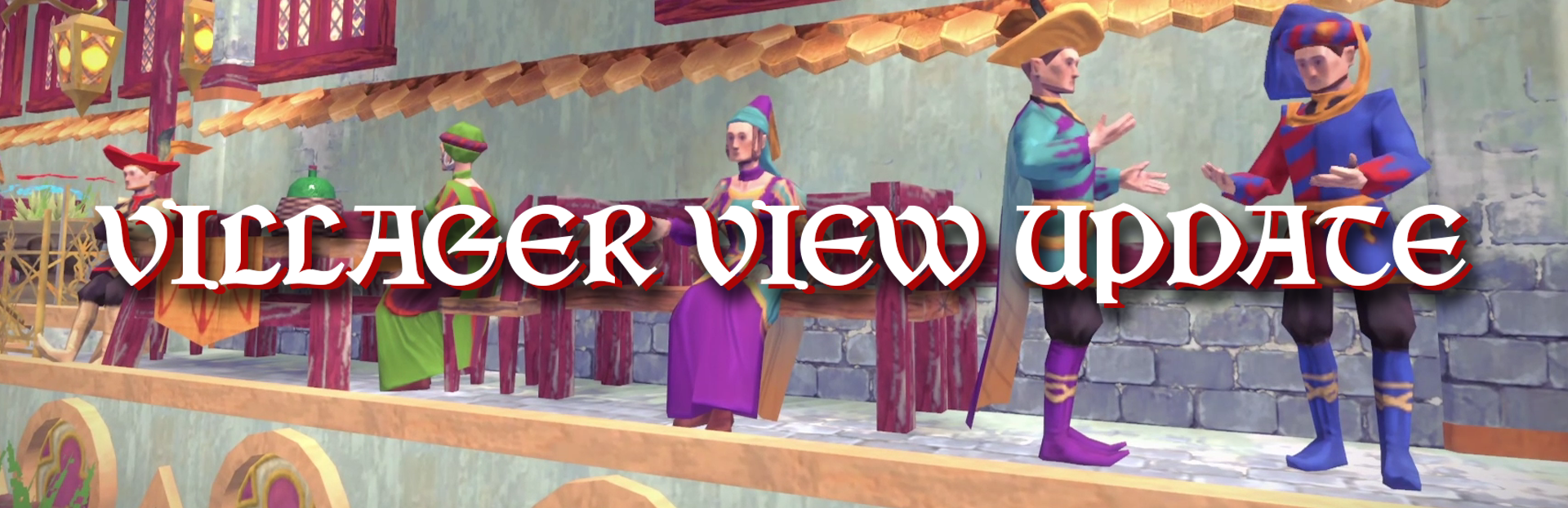
Hello dear Monarchs, Hear comes our latest update because what better way to understand what your citizens experience in your city than to step into their shoes?

In this update2

Full notes

Full City Tales - Medieval Era update

Read the full published notes in a cleaner layout. The original post stays linked below.

Repeated intro

Hello dear Monarchs, Hear comes our latest update because what better way to understand what your citizens experience in your city than to step into their shoes?

What changed

0 fixes3 additions2 changes0 removals
  • Gameplay
addedNew Update ContentThis update brings two new features:
changedNew Update ContentVillager View : now, you can see your city from your citizens perspective by clicking on the villager icon, experience the glory of your buildings, the layout of your fieldom and the details of what makes your city unique!
changedNew Update ContentCamera Mode Improved : what better way to celebrate your city than to have the best tools to frame it! Now with the photo mode improved, you can change the time of the day, the filter colors, the contrast and many other features to create the best shot possible! To take a screenshot, use F12 on Steam or directly your other screenshot tools!
addedScreenshot ContestTo celebrate this new release, we are organizing a screenshot contest : share with us your best city's screenshot to try to win a DLC or Firesquid Game!
addedScreenshot ContestAdd your name and the name of your city with the mention "contest"

City Tales - Medieval Era changes

addedThis update brings two new features:
changedVillager View : now, you can see your city from your citizens perspective by clicking on the villager icon, experience the glory of your buildings, the layout of your fieldom and the details of what makes your city unique!
changedCamera Mode Improved : what better way to celebrate your city than to have the best tools to frame it! Now with the photo mode improved, you can change the time of the day, the filter colors, the contrast and many other features to create the best shot possible! To take a screenshot, use F12 on Steam or directly your other screenshot tools!
addedTo celebrate this new release, we are organizing a screenshot contest : share with us your best city's screenshot to try to win a DLC or Firesquid Game!
addedAdd your name and the name of your city with the mention "contest"

New Update Content

This update brings two new features:

  • Villager View: now, you can see your city from your citizens perspective by clicking on the villager icon, experience the glory of your buildings, the layout of your fieldom and the details of what makes your city unique!

  • Camera Mode Improved: what better way to celebrate your city than to have the best tools to frame it! Now with the photo mode improved, you can change the time of the day, the filter colors, the contrast and many other features to create the best shot possible!

    To take a screenshot, use F12 on Steam or directly your other screenshot tools!

Screenshot Contest

To celebrate this new release, we are organizing a screenshot contest: share with us your best city's screenshot to try to win a DLC or Firesquid Game!

  1. Share your picture on our Discord in the dedicated Screenshots Gallery channel

  2. Add your name and the name of your city with the mention "contest"

  3. Results will be announced on April 27th!

  4. The prizes for this contest are:

    • #1st Place winner: A key for a Firesquid Game + City Tales' Fluffy Animals DLC key + City Tales' Supporter Pack key

    • #2nd Place winner: City Tales' Fluffy Animals DLC key + City Tales' Supporter Pack key

By participating in this playtest, you give the authorization to share your screenshots on our social media with your name credited.

Good luck everyone, have fun visiting your city among your citizens!

-The City Tales Team-

Source

Steam News / 17 April 2026

Open original post

Changelog.gg summarizes and formats this update. How we read updates.