
HomeGamesUpdatesPricingMethodology
Steam News21 January 20233y ago

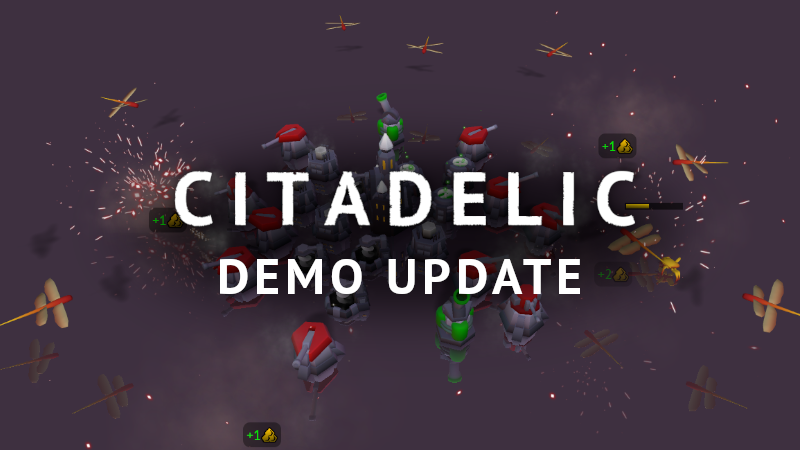
Citadelic demo update: stats and UX improvements

A new update to the demo version of Citadelic has been released. It includes the following changes: Statistics are shown at the end of each run.

Full notes

Full Citadelic update

Read the full published notes in a cleaner layout. The original post stays linked below.

What changed

0 fixes3 additions1 change0 removals
  • Gameplay
  • UI and audio
addedA new update to the demo version of Citadelic has been released. It includes the following changes:
changedCamera rotation sensitivity can be changed in the Settings. The tooltip there also explains that middle mouse button can be held in-game to rotate the camera.
addedStructure customization tooltips now show a hint that right click can be used to unselect the structure.
addedKeyboard can be used to close in-game tooltips and panels (backspace by default).

Citadelic changes

addedA new update to the demo version of Citadelic has been released. It includes the following changes:
changedCamera rotation sensitivity can be changed in the Settings. The tooltip there also explains that middle mouse button can be held in-game to rotate the camera.
addedStructure customization tooltips now show a hint that right click can be used to unselect the structure.
addedKeyboard can be used to close in-game tooltips and panels (backspace by default).

A new update to the demo version of Citadelic has been released. It includes the following changes:

  • Statistics are shown at the end of each run.

  • Active upgrades and augments of a structure are now visible when moving your cursor over it.

  • Camera rotation sensitivity can be changed in the Settings. The tooltip there also explains that middle mouse button can be held in-game to rotate the camera.

  • Game controller hints are not visible if the player is using a mouse when a controller is plugged in.

  • Minor text changes when selecting modifiers and difficulty.

  • Camera is zoomed in closer to the game area by default.

  • Structure customization tooltips now show a hint that right click can be used to unselect the structure.

  • Keyboard can be used to close in-game tooltips and panels (backspace by default).

Source

Steam News / 21 January 2023

Open original post

Changelog.gg summarizes and formats this update. How we read updates.