
HomeGamesUpdatesPricingMethodology
Steam News16 October 20258mo ago

Custom Colour Palettes

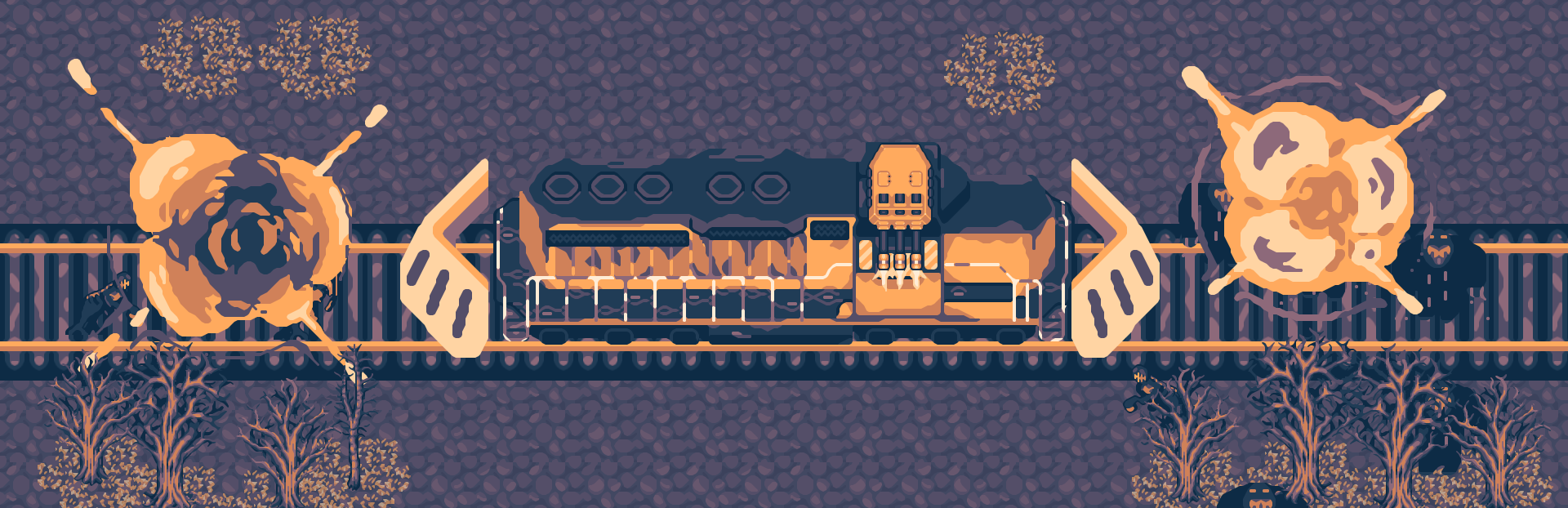
Choo Choo Engineers! I've added the option for you to define three custom colour palettes which can recolour the game. You can access them from Game Settings > Colour Palette.

Full notes

Full Choo Choo Survivor 2 update

Read the full published notes in a cleaner layout. The original post stays linked below.

What changed

0 fixes1 addition1 change0 removals
  • Gameplay
  • UI and audio
addedI've added the option for you to define three custom colour palettes which can recolour the game. You can access them from Game Settings > Colour Palette.
changedYou can then click on the Edit button for any of the three custom colours and then type in or copy paste in the hexadecimal colour codes into each of the input fields. Press Apply to apply that colour scheme. You must ensure that each colour is unique and not transparent to avoid sprite atlas corruption.

Choo Choo Survivor 2 changes

addedI've added the option for you to define three custom colour palettes which can recolour the game. You can access them from Game Settings > Colour Palette.
changedYou can then click on the Edit button for any of the three custom colours and then type in or copy paste in the hexadecimal colour codes into each of the input fields. Press Apply to apply that colour scheme. You must ensure that each colour is unique and not transparent to avoid sprite atlas corruption.

Choo Choo Engineers!

I've added the option for you to define three custom colour palettes which can recolour the game. You can access them from Game Settings > Colour Palette.

You can then click on the Edit button for any of the three custom colours and then type in or copy paste in the hexadecimal colour codes into each of the input fields. Press Apply to apply that colour scheme. You must ensure that each colour is unique and not transparent to avoid sprite atlas corruption.

If the game sprite atlas does get corrupted it is not over for the game. Just go back to palettes and select the first palette SLS08. Shut the game down and then restart it, and all should be good.

A great place to find interesting colour schemes (almost all of the Choo Choo Survivor 2 colour schemes are from there) is a website called Lospec and you can easily copy paste the hexadecimal codes from there.

Thanks,

GTGD

Source

Steam News / 16 October 2025

Open original post

Changelog.gg summarizes and formats this update. How we read updates.