
In this update3
Full notes
Full Cats & Dice update
Read the full published notes in a cleaner layout. The original post stays linked below.
What changed
- Gameplay
- Fixes
- UI and audio
- Store
Cats & Dice changes
This update to the demo is mostly for bug fixes and certain quality of life features that have been requested.
Bug Fixes
Using "Bane Removal" ticket on the 'nullify bonus' bane now works correctly without having to exit to the title screen.
Buying an item by placing it in an already occupied item-slot will deduct its cost twice. This has now been fixed.
Fixed the game potentially crashing if you're loading a save-file that exited mid-way through a tutorial.
Quality of Life changes
There is now an option for windowed borderless fullscreen.
You can now drag and drop dice/cats/items instead of pressing once to pick them up and then pressing again to drop them.
In addition to the spacebar, you can now press 1-6 with your keyboard while hovering over a dice to send it straight to the position you want. If the dice-slot in that position is already occupied, it will displace the prior dice.
While holding a dice, dropping it onto another dice in the dice-tray will swap the two dice. Previously this is only possible for dice placed in the dice-slot.
Added a short-cut button (it's to the left of the dice-slots) where one click will slot in all dice automatically. This is mostly for situations where you are all out of rerolls, or you are going to win/lose regardless and it does not matter where you place the dice.
Polish
Better presentation of cats/items change when you reroll in the shop.
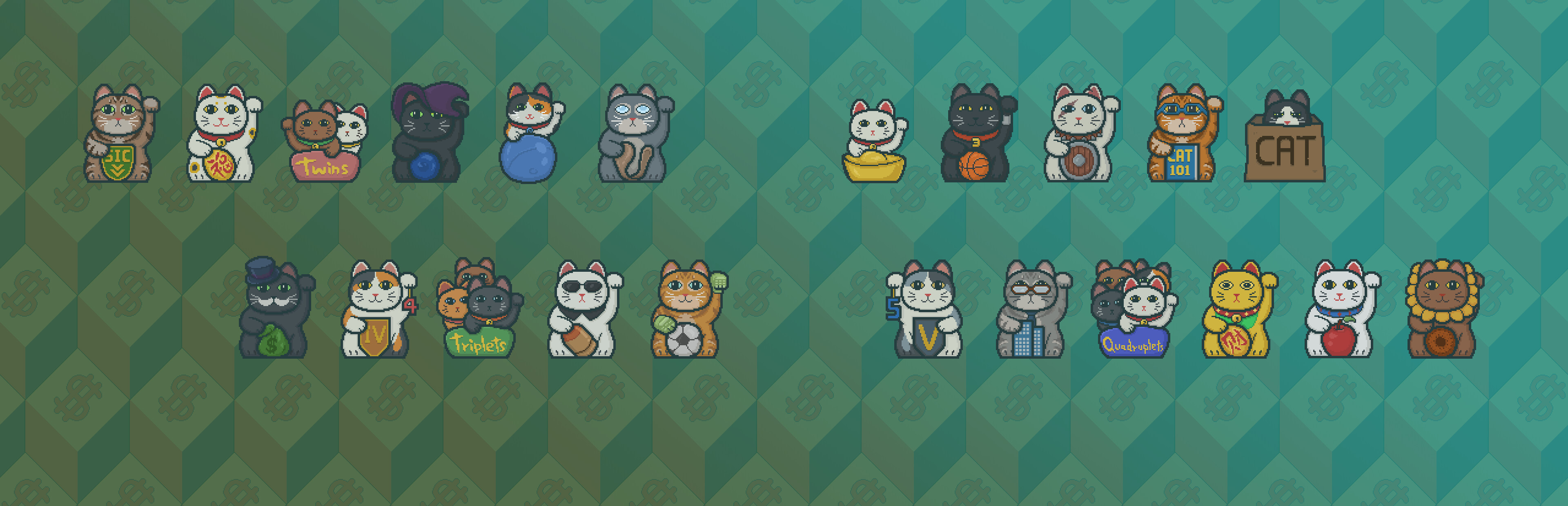
Added shadows for cats and they now slowly float around their positions. The floating also serves a informational purpose where if you get the bane that restricts cats from changing positions, they will stop floating and simply stay still like before.
Thank you for playing. Feedback will always be appreciated so please leave them here on the forum or in discord.
Cheers! Yong
Source
Changelog.gg summarizes and formats this update. How we read updates.