
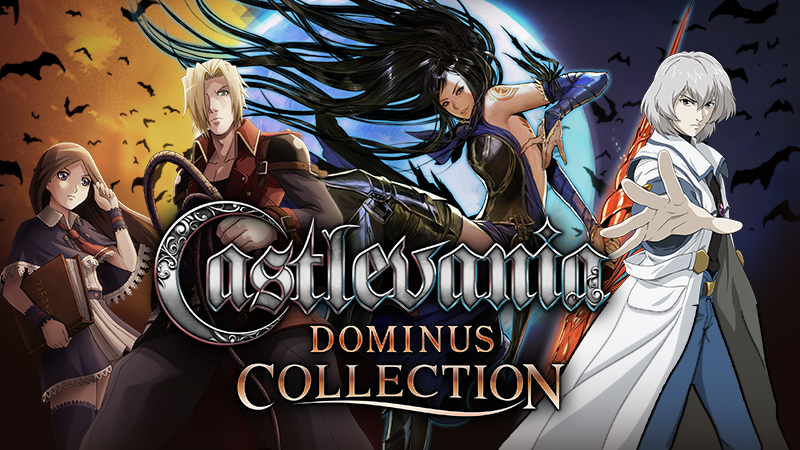
Full notes
Full Castlevania Dominus Collection update
Read the full published notes in a cleaner layout. The original post stays linked below.
What changed
- Performance
Castlevania Dominus Collection changes
Thank you for playing Castlevania Dominus Collection.
If you feel that the game performance is noticeably slower when playing Castlevania Dominus Collection, changing your monitor setting to 60 Hz (59 Hz or higher)’ in the Windows settings may resolve the issue.
[Change settings] Settings (Windows) ⇒ System ⇒ Display ⇒ Advanced display settings ⇒ Select refresh rate
If you cannot select 60 Hz in the monitor settings, you may be able to select 60 Hz by making the following changes: - ・Change the monitor connection method HDMI => DP ・Change the display resolution 4K ⇒ 2K ・Change to a cable above HDMI 2.0
If the above still does not resolve the issue, then please do not hesitate to contact us.
Thank you for all your continued support towards Castlevania Dominus Collection, and we hope you enjoy the game.
Sincerely, Castlevania Dominus Collection Dev team
Source
Changelog.gg summarizes and formats this update. How we read updates.