
Full notes
Full Casino Tycoon: Sin & Win update
Read the full published notes in a cleaner layout. The original post stays linked below.
What changed
0 fixes1 addition2 changes0 removals
- Maps
- UI and audio
- Performance
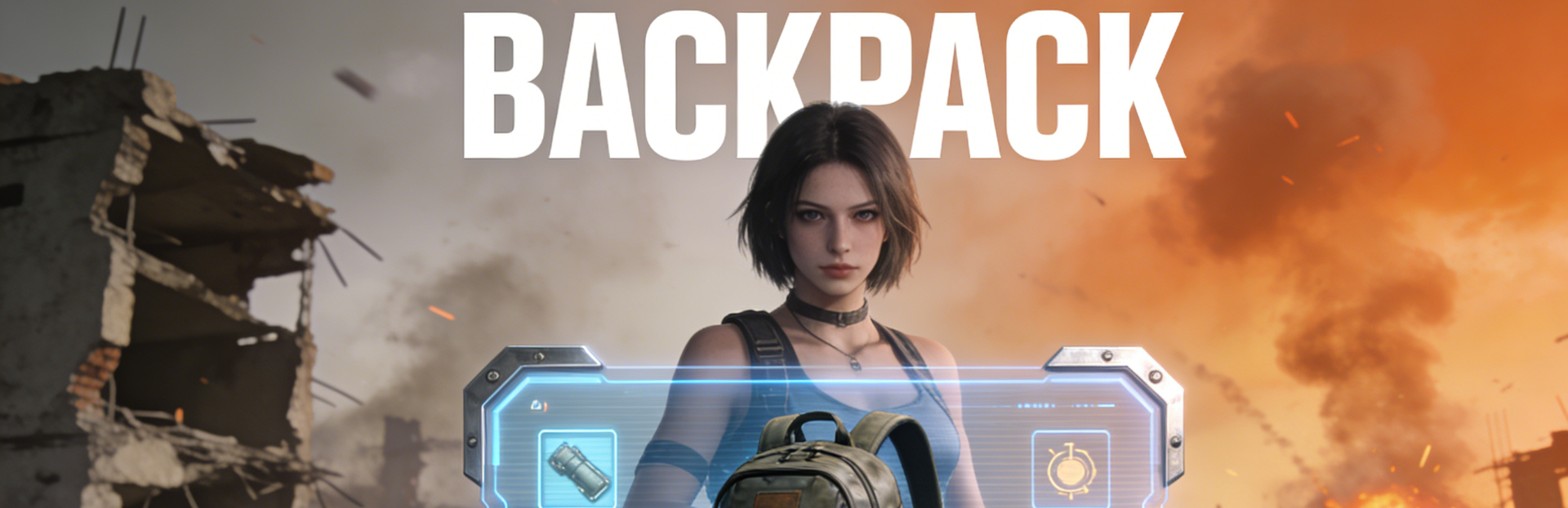
addedAdd Inventory function, players can open Inventory by pressing the I key. Randomly dropped items in the map can be picked up and equipped
changedInventory, Map, and Quest have been integrated into the consent interface. Simultaneously, press the M key to open the map and the J key to open Quest, keeping them unchanged
changedOptimization of UI interface
Casino Tycoon: Sin & Win changes
addedAdd Inventory function, players can open Inventory by pressing the I key. Randomly dropped items in the map can be picked up and equipped
changedInventory, Map, and Quest have been integrated into the consent interface. Simultaneously, press the M key to open the map and the J key to open Quest, keeping them unchanged
changedOptimization of UI interface
Add Inventory function, players can open Inventory by pressing the I key. Randomly dropped items in the map can be picked up and equipped
Inventory, Map, and Quest have been integrated into the consent interface. Simultaneously, press the M key to open the map and the J key to open Quest, keeping them unchanged
The Save Game feature has been developed and currently only supports manual storage of games. Don't forget to save the game when players exit
Optimization of UI interface
Source
Changelog.gg summarizes and formats this update. How we read updates.