What changed
0 fixes1 addition2 changes0 removals
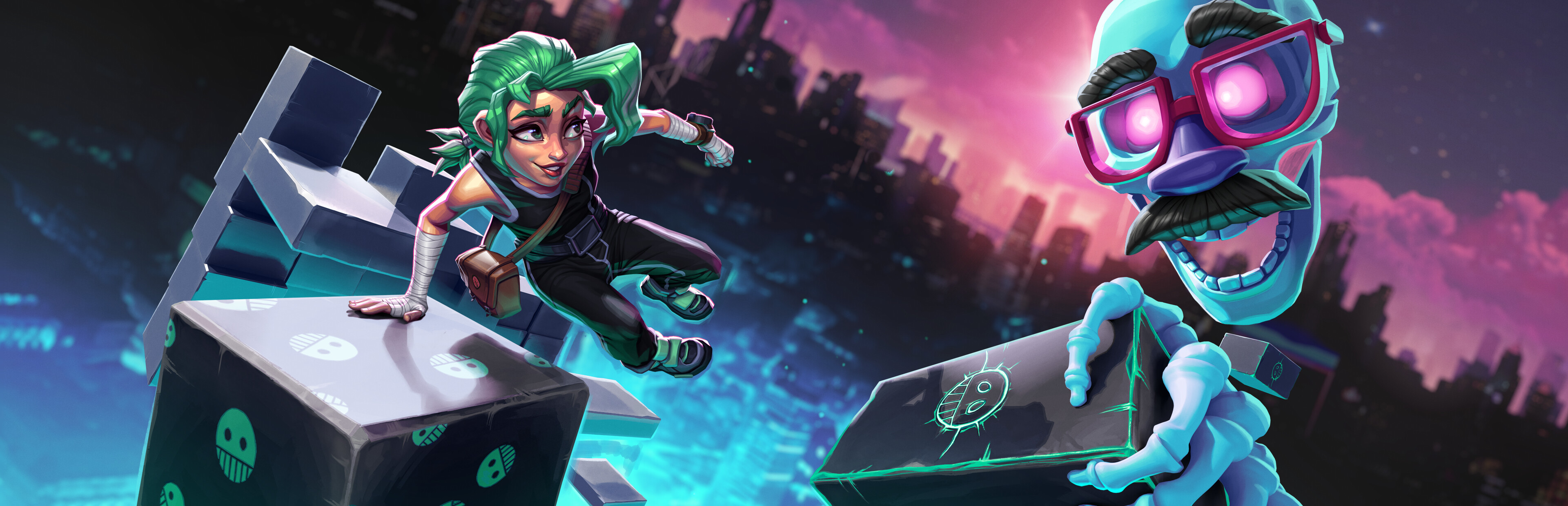
addedWhile we designed Carly and the Reaperman to be a two player game, we have always wanted to allow for people to play it alone - and now you can! Today we launched an update that adds a checkbox, both when starting a new game and continuing an old, that allows you to start the game in "Single player mode". When doing so you will control both Carly and the Reaperman at the same time. The exact controls used are outlined at the end of this post. It is worth noting that some of the puzzles in the game are specifically designed for two players communicating and those puzzles will be very easy when you play as a single player. On the other hand - some platforming challenges will be extremely challenging when you need to both jump and build at the same time. We have not done any specific balancing for single player mode - if you choose to play it that way, you are truly on your own...
changedControls HTC Vive:The Reaperman controls are the same as usual in single player mode, you grab stuff with the trigger button, move with the menu button and bring up the menu with the left grip button. When controling Carly you use the left touchpad to run. The right touchpad is divided into an upper half and a lower half. Press the upper half to jump and the lower to interact with things, such as levers and doors. You can also fist bump by squeezing the right grip button. Advanced In a future version chaning settiings for the controls will be exposed in Options, but until the you will need to locate and open a file called steamvr.ini in C:\Users\ \AppData\LocalLow\Odd Raven Studios\Carly and the Reaperman. In there you can change wether you need to press down the left touchpad to move or if it is sufficient to touch it and also the sensitivities of the buttons. If you need help with this, please send a mail to johan@oddravenstudios.com.
changedControls Oculus Rift:The Reaperman controls are the same as usual in single player mode, you grab stuff with the hand trigger, move with the index trigger and bring up the menu with the menu button. You can rotate the world in increments with the right thumbstick. When controling Carly you use the left thumbstick to run. Press A to jump and B to interact with things, such as levers and doors. You can also fist bump by pressing Y.
Carly and the Reaperman - Escape from the Underworld changes
addedWhile we designed Carly and the Reaperman to be a two player game, we have always wanted to allow for people to play it alone - and now you can! Today we launched an update that adds a checkbox, both when starting a new game and continuing an old, that allows you to start the game in "Single player mode". When doing so you will control both Carly and the Reaperman at the same time. The exact controls used are outlined at the end of this post. It is worth noting that some of the puzzles in the game are specifically designed for two players communicating and those puzzles will be very easy when you play as a single player. On the other hand - some platforming challenges will be extremely challenging when you need to both jump and build at the same time. We have not done any specific balancing for single player mode - if you choose to play it that way, you are truly on your own...
changedThe Reaperman controls are the same as usual in single player mode, you grab stuff with the trigger button, move with the menu button and bring up the menu with the left grip button. When controling Carly you use the left touchpad to run. The right touchpad is divided into an upper half and a lower half. Press the upper half to jump and the lower to interact with things, such as levers and doors. You can also fist bump by squeezing the right grip button. Advanced In a future version chaning settiings for the controls will be exposed in Options, but until the you will need to locate and open a file called steamvr.ini in C:\Users\ \AppData\LocalLow\Odd Raven Studios\Carly and the Reaperman. In there you can change wether you need to press down the left touchpad to move or if it is sufficient to touch it and also the sensitivities of the buttons. If you need help with this, please send a mail to johan@oddravenstudios.com.
changedThe Reaperman controls are the same as usual in single player mode, you grab stuff with the hand trigger, move with the index trigger and bring up the menu with the menu button. You can rotate the world in increments with the right thumbstick. When controling Carly you use the left thumbstick to run. Press A to jump and B to interact with things, such as levers and doors. You can also fist bump by pressing Y.
While we designed Carly and the Reaperman to be a two player game, we have always wanted to allow for people to play it alone - and now you can! Today we launched an update that adds a checkbox, both when starting a new game and continuing an old, that allows you to start the game in "Single player mode". When doing so you will control both Carly and the Reaperman at the same time. The exact controls used are outlined at the end of this post. It is worth noting that some of the puzzles in the game are specifically designed for two players communicating and those puzzles will be very easy when you play as a single player. On the other hand - some platforming challenges will be extremely challenging when you need to both jump and build at the same time. We have not done any specific balancing for single player mode - if you choose to play it that way, you are truly on your own...
Controls HTC Vive:
The Reaperman controls are the same as usual in single player mode, you grab stuff with the trigger button, move with the menu button and bring up the menu with the left grip button. When controling Carly you use the left touchpad to run. The right touchpad is divided into an upper half and a lower half. Press the upper half to jump and the lower to interact with things, such as levers and doors. You can also fist bump by squeezing the right grip button. Advanced In a future version chaning settiings for the controls will be exposed in Options, but until the you will need to locate and open a file called steamvr.ini in C:\Users\ \AppData\LocalLow\Odd Raven Studios\Carly and the Reaperman. In there you can change wether you need to press down the left touchpad to move or if it is sufficient to touch it and also the sensitivities of the buttons. If you need help with this, please send a mail to johan@oddravenstudios.com.
Controls Oculus Rift:
The Reaperman controls are the same as usual in single player mode, you grab stuff with the hand trigger, move with the index trigger and bring up the menu with the menu button. You can rotate the world in increments with the right thumbstick. When controling Carly you use the left thumbstick to run. Press A to jump and B to interact with things, such as levers and doors. You can also fist bump by pressing Y.