
HomeGamesUpdatesPricingMethodology
Steam News29 June 20224y ago

Patch Notes, June 29 2022

We neglected to mention in our recent Steam post that the minor update to Brigador that will change the splash art on launch will also reset your global.json file back to vanilla.

Full notes

Full Brigador: Up-Armored Edition update

Read the full published notes in a cleaner layout. The original post stays linked below.

What changed

1 fix1 addition3 changes0 removals
  • UI and audio
  • Gameplay
  • Maps
  • Fixes
changedClick the "Browse" button
addedSteam will then open up the folder on your computer where Brigador is located. Copy and paste this entire folder somewhere else on to your machine and it will remain untouched by the update. The overall file size of the Brigador folder (with the modkit included) is typically under 2 GB in size.
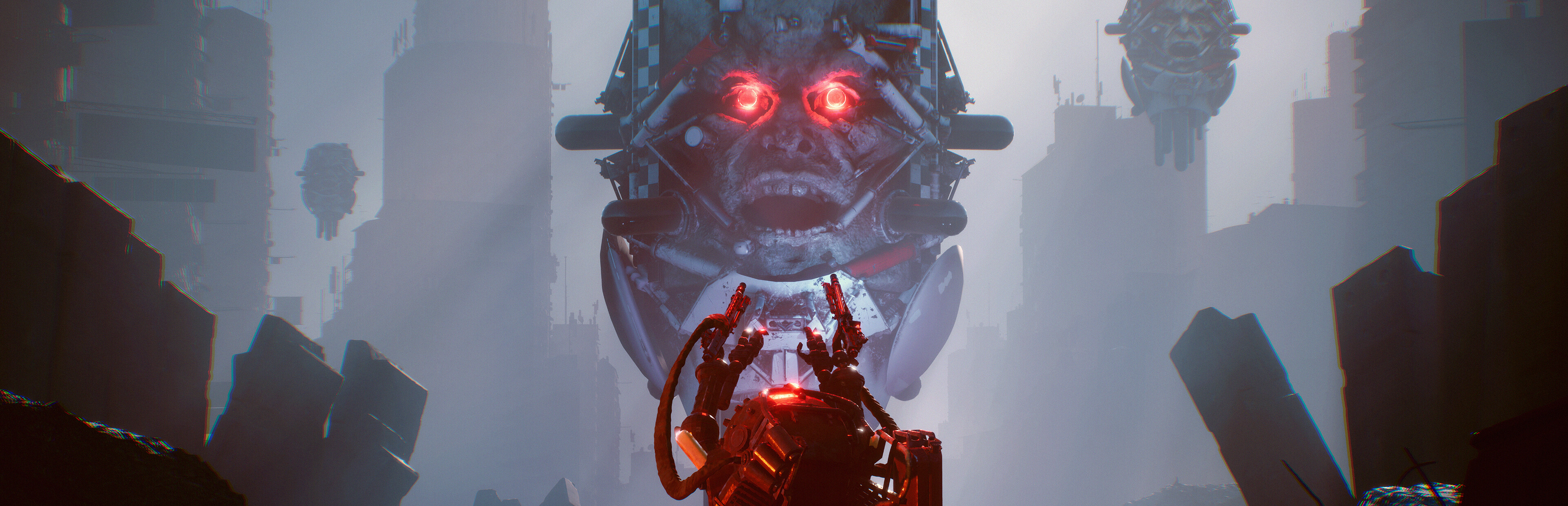
changedLaunch splash updated to Mongoose vs Zed Prime - Precursor James is taking a break from loading screen duties.
changedCommunity Compilation in Modkit & Map Editor DLC revised for 2022 - thanks to community moderators SCOREGOBLIN and Aniviron.
fixedIssue with Freelance Resign & Resume save file disappearing addressed - thank you for your reports.

Brigador: Up-Armored Edition changes

changedClick the "Browse" button
addedSteam will then open up the folder on your computer where Brigador is located. Copy and paste this entire folder somewhere else on to your machine and it will remain untouched by the update. The overall file size of the Brigador folder (with the modkit included) is typically under 2 GB in size.
changedLaunch splash updated to Mongoose vs Zed Prime - Precursor James is taking a break from loading screen duties.
changedCommunity Compilation in Modkit & Map Editor DLC revised for 2022 - thanks to community moderators SCOREGOBLIN and Aniviron.
fixedIssue with Freelance Resign & Resume save file disappearing addressed - thank you for your reports.

We neglected to mention in our recent Steam post that the minor update to Brigador that will change the splash art on launch will also reset your global.json file back to vanilla. This will nullify whatever mods you may have set up or other alterations you have made to the game's data. If you wish to keep your changes, you can back up a copy of your game.

The simplest way to back up a modded version of the game is to make a copy of your Brigador folder somewhere else on your computer. By default on PC this is usually

C:/Program Files (x86)/Steam/steamapps/common/Brigador

If you don't know where your copy of Brigador is on your computer, then:

  1. Go to your Library tab in the Steam client

  2. Right click Brigador

  3. Click "Properties..."

  4. Click "Local Files" in the window that appears

  5. Click the "Browse" button

Steam will then open up the folder on your computer where Brigador is located. Copy and paste this entire folder somewhere else on to your machine and it will remain untouched by the update. The overall file size of the Brigador folder (with the modkit included) is typically under 2 GB in size.

Changelog: [expand type="details"]

  • Launch splash updated to Mongoose vs Zed Prime - Precursor James is taking a break from loading screen duties.

  • Community Compilation in Modkit & Map Editor DLC revised for 2022 - thanks to community moderators SCOREGOBLIN and Aniviron.

  • Issue with Freelance Resign & Resume save file disappearing addressed - thank you for your reports.

[/expand]

Source

Steam News / 29 June 2022

Open original post

Changelog.gg summarizes and formats this update. How we read updates.