What changed
1 fix0 additions1 change0 removals
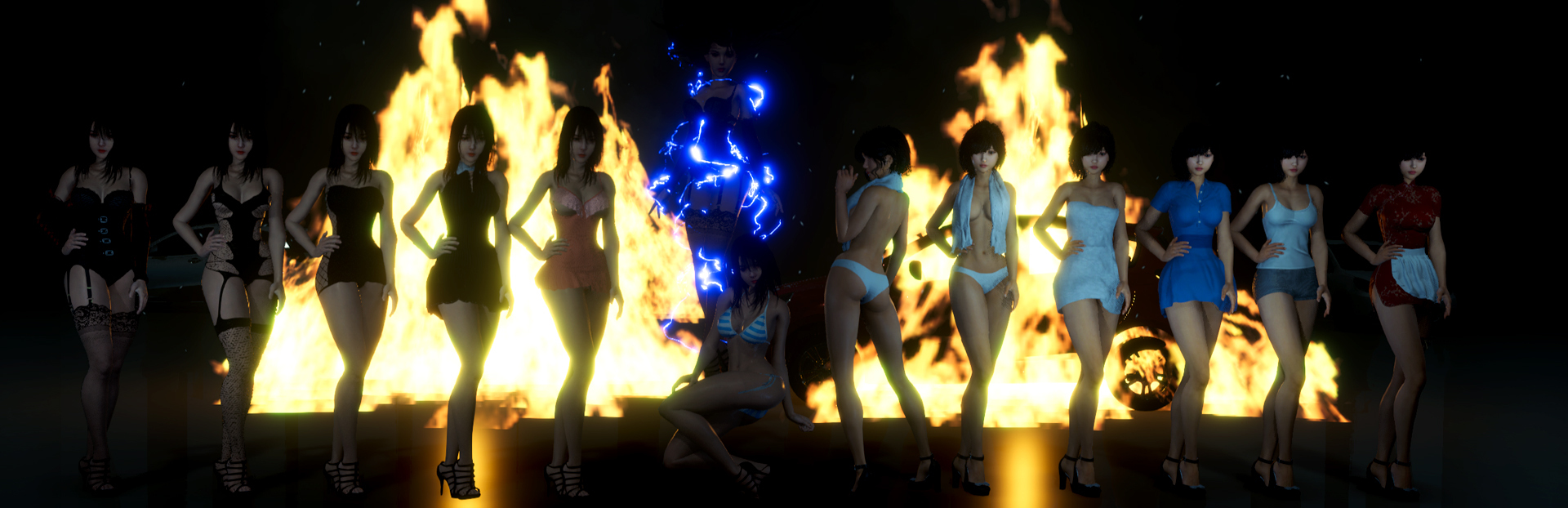
fixedMajor update contents 1 Engine version upgrade, enhanced graphics quality 2 Added main storyline, added 2 new endings 3 Added a large number of high-energy, a large number of new side quests in the mid and late stages 4 Remade some characters, better animations, more natural expressions 5 Added a large number of sexy new costumes, all for free 6 Added 2 new scenes, deleted Old Wang's Manor, optimized running maps 7 A large number of sexy enemies in the zombie mode 8 Map improvement, fixed the deformation of corpses in the zombie mode, pause will not continue to play the language, Various other optimizations, translation adjustments, etc.....
changedBUG Solution: A few people have problems where the saves cannot be retrieved. Please select Browse Local Files on STEAM Open the BlurredWeirdNight_Data\data\SavedGame folder, Move all the saves to another folder for backup Only keep the save with the last number For example, if the last save is Save68.sav, rename it to Save0.sav (.sav is the suffix. Some systems do not display it. Just change it to Save0) Re-enter the game and you can read it successfully.
迷离诡夜 blurred weird night changes
fixedMajor update contents 1 Engine version upgrade, enhanced graphics quality 2 Added main storyline, added 2 new endings 3 Added a large number of high-energy, a large number of new side quests in the mid and late stages 4 Remade some characters, better animations, more natural expressions 5 Added a large number of sexy new costumes, all for free 6 Added 2 new scenes, deleted Old Wang's Manor, optimized running maps 7 A large number of sexy enemies in the zombie mode 8 Map improvement, fixed the deformation of corpses in the zombie mode, pause will not continue to play the language, Various other optimizations, translation adjustments, etc.....
changedBUG Solution: A few people have problems where the saves cannot be retrieved. Please select Browse Local Files on STEAM Open the BlurredWeirdNight_Data\data\SavedGame folder, Move all the saves to another folder for backup Only keep the save with the last number For example, if the last save is Save68.sav, rename it to Save0.sav (.sav is the suffix. Some systems do not display it. Just change it to Save0) Re-enter the game and you can read it successfully.
Blurred Weird Night Enhanced Edition is online! Warning!!! The enhanced edition does not support the saves of the old version. It is recommended to uninstall the old version, browse the local files, delete the save files, and then reinstall the enhanced edition!!!
Major update contents 1 Engine version upgrade, enhanced graphics quality 2 Added main storyline, added 2 new endings 3 Added a large number of high-energy, a large number of new side quests in the mid and late stages 4 Remade some characters, better animations, more natural expressions 5 Added a large number of sexy new costumes, all for free 6 Added 2 new scenes, deleted Old Wang's Manor, optimized running maps 7 A large number of sexy enemies in the zombie mode 8 Map improvement, fixed the deformation of corpses in the zombie mode, pause will not continue to play the language, Various other optimizations, translation adjustments, etc.....
BUG Solution: A few people have problems where the saves cannot be retrieved. Please select Browse Local Files on STEAM Open the BlurredWeirdNight_Data\data\SavedGame folder, Move all the saves to another folder for backup Only keep the save with the last number For example, if the last save is Save68.sav, rename it to Save0.sav (.sav is the suffix. Some systems do not display it. Just change it to Save0) Re-enter the game and you can read it successfully.