
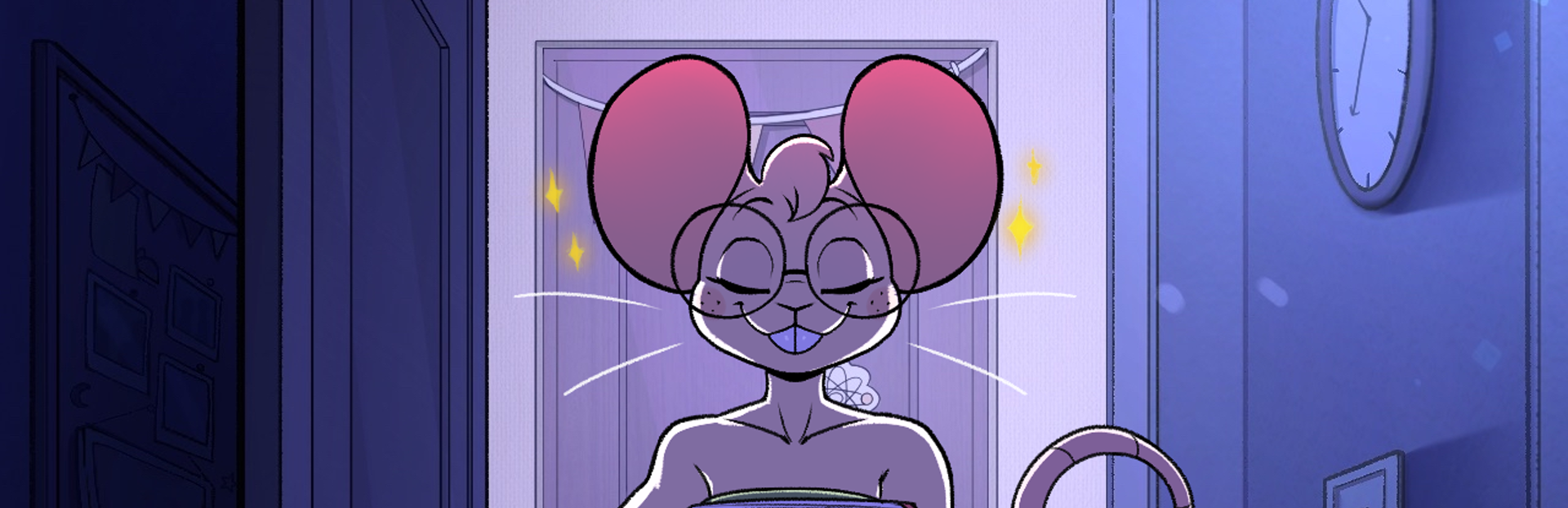
In this update10
Full notes
Full Beat Banger update
Read the full published notes in a cleaner layout. The original post stays linked below.
What changed
- Gameplay
- Fixes
- UI and audio
- Store
- Balance
- Maps
Beat Banger changes
This is a big one. It's been a while since our last update post, so this covers everything from the last few months, including a batch of changes that quietly went out in June.
Downscroll Mode
Steam post image
Notes can now fall down four lanes instead of scrolling in from the side. This isn't just the old bar turned on its side. Each lane has its own arrow that matches the key you actually have bound, so what's on screen lines up with what's under your fingers.
We also fixed the note fadeout while we were in there. It's distance-based now, so raising your note speed no longer makes notes disappear before you can read them.
How do I switch between downscroll and sidescroll?
Hit ESC to go to your Hot Menu, then Gameplay, then Scroll Mode. Downscroll is the new default, but sidescroll is right there if you prefer the classic layout.
Español, 日本語, Русский
( Work In Progress )
Beat Banger is now playable in Spanish, Japanese, and Russian. Menu labels, Level names, character bios, collectible descriptions, achievements. This is still a work in progress, so if you're a native speaker and notice something that doesn't sound very natural, report it as a bug! There's a bug report button right on the main menu.
How do I change the language?
Hit ESC to open your Hot Menu, then select Language. It should apply immediately
Mods Are Back!
( Work In Progress )
The online browser runs on our new mod backend. Clicking one opens an information panel with more information, and this screen will be updated momentarily. Also, Downloads run in parallel.
A lot's been pushed to this update, but rest assured, we'll be putting small patches here and there to make sure everything runs smoothly. As always, if you find any bugs, let us know by using the Report a Bug feature on the main menu.
Full Changelog
Gameplay
Better stroker support for linear toys, wired to note hits, holds, and the climax
Reworked toy vibration timing, with menu feedback
Alternate keybinds, so you can bind a second key to each note
PERFECT hit window widened from ±37.5ms to ±60ms
Player money capped at 99,999
New Jasmine nose-honk achievements at 20, 50, and 100 honks ( Icons WIP )
Fixed input locking up after a run of dense misses
Fixed slight note jitter when playing with high note speeds
Fixed auto-hold notes crashing sometimes
Content
Jasmine's shop now has more dialogue options
Added Makayla's character lore
New Patreon credits screen with tiered patrons, profile pictures, and auto-scroll ( WIP )
New images in the Patreon gallery
Clicking Zoe's boobs on the main menu takes her clothes off.
Mods
Added the Mod information panel with a metadata table
Added Alphabetical sort and a refresh button
Clicking an installed mod opens its levels instead of re-downloading it
Steam Cloud sync moved to the new backend and reconciles with what you have installed
A single corrupted mod no longer breaks the entire list
Fixed mod saves overwriting sibling levels in multi-level packs
Fixed extraction failing on zips with no directory entries
Level Editor
Camera keyframes get an edit menu and selectable tween interpolation
Video keyframes show as a duration-spanning bar with a hover preview
Custom start frame for videos, so an animation can begin on the beat you want
Scrubbing through a level now also scrubs through the videos on the timeline
Importing several loops from one video auto-numbers them
Edit sprite sheet data on animations without reimporting by hand
Added a tools menu with functions to open notes.cfg Config and Remove Duplicates
Help button linking to the wiki
Fixed capitalized file extensions breaking background imports
Fixed voice and SFX loop keyframes not scaling with the timeline
Menus and UI
Achievements are a grid now, with a hover panel showing progress and description
Resolution is a drop-down instead of a scrolling list, and Frame Rate moved to Video
Added a Change Theme button on the main menu to toggle Halloween mode
Scene viewer syncs loops to music, with a song selector and custom BPM
Keybind caps are tinted with their note color in the controls menu
Added arrows on the level select screen that move you to the next volume naturally
Improved controller focus in the hot menu, the mod browser side panel, and level select
Improved D-pad navigation for controllers
Fixed the game softlocking if you paused while a level was still loading
Performance and Stability
Upgraded to Godot 4.7
Level assets decode across multiple threads, cutting load times significantly
Mod Browser thumbnails load per page rather than all at once
Hardened save loading against data loss, and settings against resets
Malformed or incomplete levels no longer crash the game ( mostly )
Corrupted keybind files are detected and regenerated
Steam Deck fixes, including an on-screen keyboard for text fields
Source
Changelog.gg summarizes and formats this update. How we read updates.