
Full notes
Full Battle Marine update
Read the full published notes in a cleaner layout. The original post stays linked below.
What changed
- Store
- UI and audio
Battle Marine changes
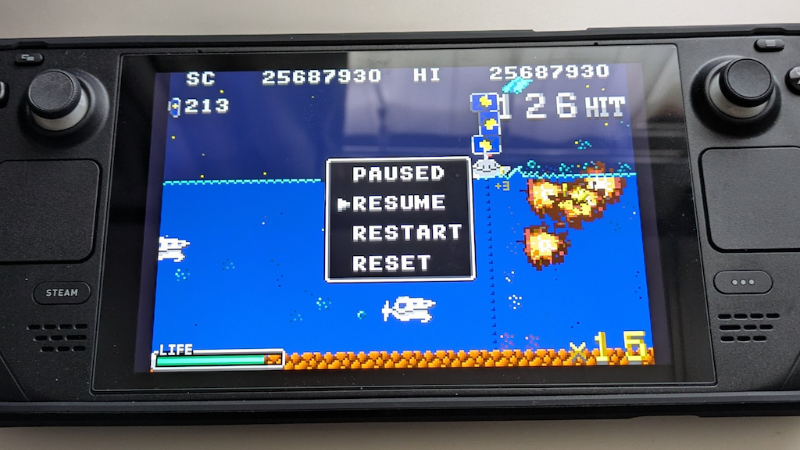
The GBA version is also playable on SteamDeck.
You need getting the RetroArch from the Steam Store. https://store.steampowered.com/app/1118310/RetroArch
Also needed the mGBA core. https://store.steampowered.com/app/1227448/RetroArch__mGBA/
However, you must first copy the ROM files under /home/deck as follows:
Switch to desktop mode.
Launch the desktop Steam client.
Find the ROM file in the “Browse local files” section of Battle Marine.
Press Y to copy the ROM file
Go to your home document.
Press the X button and tap the "Paest" soft key.
We have written this article to help you if you want to play only with SteamDeck, although we do not think you will have any doubts if you are using a PC.
Source
Changelog.gg summarizes and formats this update. How we read updates.