
In this update1
Full notes
Full Baldur's Gate: Enhanced Edition update
Read the full published notes in a cleaner layout. The original post stays linked below.
Repeated intro
Greetings once again to all Baldur’s Gate and Infinity Engine fans across the globe!
What changed
- UI and audio
- Gameplay
- Fixes
- Performance
Baldur's Gate: Enhanced Edition changes
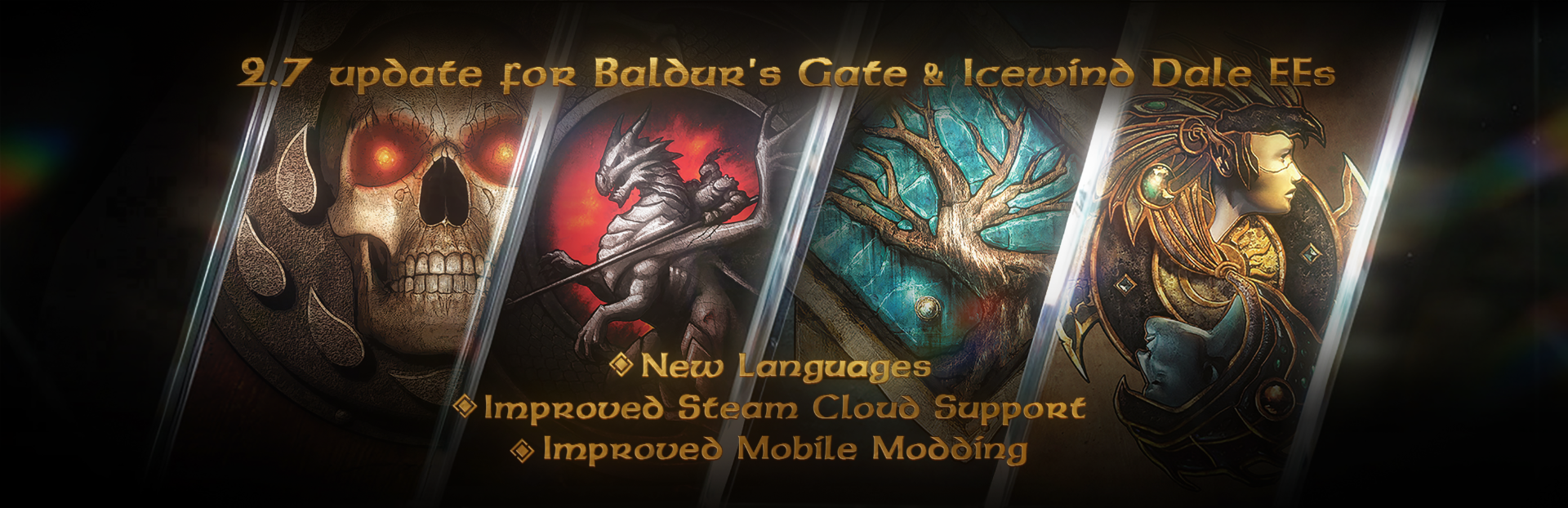
Baldur’s Gate: Enhanced Edition 2.7 patch improves the overall quality-of-life experience, bringing new languages, native Apple Silicon support, easier mobile modding & file transferring, and more.
ːbhaalː Patch Highlights ːbhaalː
Steam Cloud saves can now be controlled via the Steam client — Previously, the only way to enable or disable Steam Cloud Saves for BG1:EE, BG2:EE, and IWD:EE was within the Gameplay Options of the games. Now, Steam Cloud Saves are controlled by the Steam client and the individual game properties settings.
New localizations — We added the following community-translated languages to Siege of Dragonspear: Chinese Simplified, Korean, and Russian. Note: the Korean translation is currently 89% complete.
SoD language switch — Switching to the SOD campaign will now only display languages where SOD was translated. Previously, the game always displayed the full list of languages that BG1’s base game supported. If you are playing BG1 or The Black Pits in a language that SOD doesn’t support when you switch to the SOD campaign, the game will change the language to English automatically.
Dynamic language support — We made changes to allow easier language updates and additions in the future.
Chinese font change — At the request of the Chinese localization volunteers, we have changed the font for Chinese.
Font Size saved per font language — The Font Size zoom setting is now saved per font language.
Indexing Fix — Resolved an off‑by‑one error in rebuilt BIF files that affected some community tools.
Added Apple Silicon support — With native support for Apple Silicon, on Mac devices you can expect faster app launch times, overall improved performance, and faster rendering. In addition, laptops will benefit from lower power consumption while playing, leading to longer battery life.
(FYI) Android Modding now works — This update resolves a bug that caused incorrect permissions, preventing access to game files on Android via PC or file browsers.
(FYI) iOS Modding now supported — The game on iOS now stores and reads data from a location visible to standard file browsers. You can manage saves and other files directly on your device or by connecting it to a computer.
If you have enabled Steam Cloud Saves with the Gameplay Options setting, Steam Cloud Saves will continue to be enabled for you. Please note that with this in-game option enabled the game will sync your save games with the Steam Cloud Saves even if this option is disabled within the Steam client Cloud Save settings.
If you disable the in-game Steam Cloud Saves option, this option will no longer appear in the options menu. To enable Steam Cloud Saves, you will need to use the Steam Account and Application settings. See Steam Account and Application settings for Steam Cloud Saves.
For more information about mobile modding, check out the official Beamdog forum.
This patch has been a long time in the making, and it simply wouldn’t exist without the dedication of our amazing community. Your enthusiasm, feedback, and support made all the difference. Cheers to every one of you, and thank you from all of us at Beamdog!ːpartybooː
Source
Changelog.gg summarizes and formats this update. How we read updates.