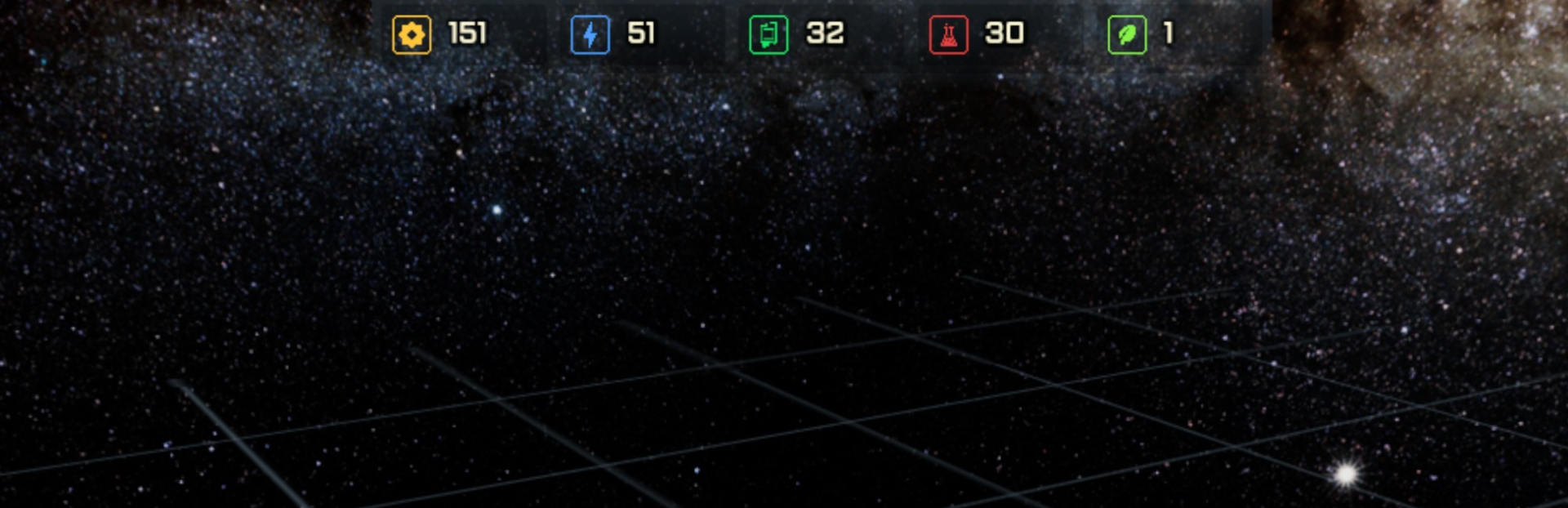
Ship editor now uses building parts from new resource system. We have also reworked and improved most of the editor features. Hopefully providing more streamlined and easier to understand interface.
Full notes
Full Azulgar: Star Commanders update
Read the full published notes in a cleaner layout. The original post stays linked below.
What changed
0 fixes5 additions2 changes0 removals
UI and audio
Gameplay
Store
addedShip editor now uses building parts from new resource system. We have also reworked and improved most of the editor features. Hopefully providing more streamlined and easier to understand interface. New features have also been added. Help overlay that explains functionality that can be turned on with F1. You can now rotate ship parts via right click context menu. Automatic snapping to ship surface can be toggled on and off. Along with improved dragging of parts (they are picked at the point under cursor), this allows for much more precision and creativity with ship designs. Last but not least, you can undo changes to the ship via Ctrl+Z up to five steps.
changedWe also started working on visual side of the game. Station parts have all been unified in style. Previously there were some pieces of stations that were not textured in the same style. In terms of graphics and visuals, this is not the final version and we plan to continually improve it along the way.
addedNext we will focus on changing the world generator and adding minable resources to the world. More information next month.
addedUses building parts from new resource & crafting system
addedAdded F1 help overlay
addedAdded rotation via context menu (right click on module)
Azulgar: Star Commanders changes
addedShip editor now uses building parts from new resource system. We have also reworked and improved most of the editor features. Hopefully providing more streamlined and easier to understand interface. New features have also been added. Help overlay that explains functionality that can be turned on with F1. You can now rotate ship parts via right click context menu. Automatic snapping to ship surface can be toggled on and off. Along with improved dragging of parts (they are picked at the point under cursor), this allows for much more precision and creativity with ship designs. Last but not least, you can undo changes to the ship via Ctrl+Z up to five steps.
changedWe also started working on visual side of the game. Station parts have all been unified in style. Previously there were some pieces of stations that were not textured in the same style. In terms of graphics and visuals, this is not the final version and we plan to continually improve it along the way.
addedNext we will focus on changing the world generator and adding minable resources to the world. More information next month.
addedUses building parts from new resource & crafting system
addedAdded F1 help overlay
Ship editor now uses building parts from new resource system. We have also reworked and improved most of the editor features. Hopefully providing more streamlined and easier to understand interface. New features have also been added. Help overlay that explains functionality that can be turned on with F1. You can now rotate ship parts via right click context menu. Automatic snapping to ship surface can be toggled on and off. Along with improved dragging of parts (they are picked at the point under cursor), this allows for much more precision and creativity with ship designs. Last but not least, you can undo changes to the ship via Ctrl+Z up to five steps.
We also started working on visual side of the game. Station parts have all been unified in style. Previously there were some pieces of stations that were not textured in the same style. In terms of graphics and visuals, this is not the final version and we plan to continually improve it along the way.
Next we will focus on changing the world generator and adding minable resources to the world. More information next month.
Editor Changes:
Uses building parts from new resource & crafting system
Added F1 help overlay
Snapping to ship can be toggled (Alt)
Undo function with 5 steps (Ctrl+Z)
Added rotation via context menu (right click on module)