
Full notes
Full Astro VR update
Read the full published notes in a cleaner layout. The original post stays linked below.
What changed
- Maps
- Gameplay
- UI and audio
Astro VR changes
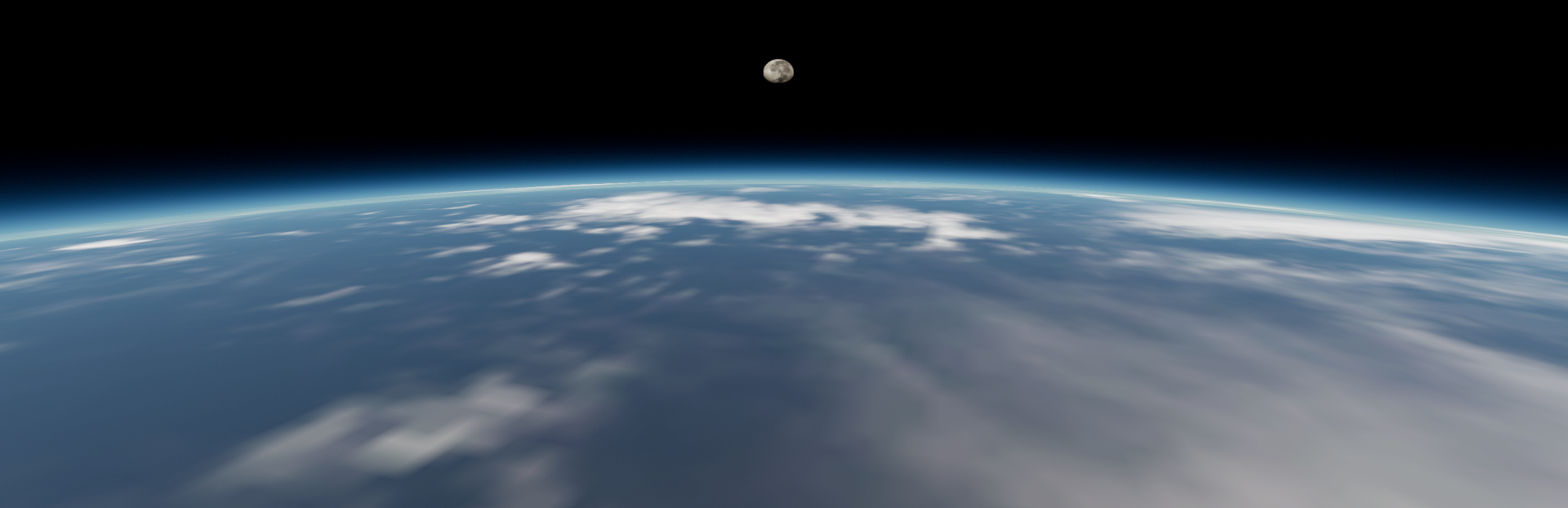
AstroVR now features realistic planetary terrain and atmospheres allowing true one-to-one scale exploration. Descend from space and walk directly on the surfaces of asteroids, moons, planets, and exoplanets. Dynamic terrain and irregular body support make small worlds feel physically distinct, while large planetary surfaces can be explored at human scale with detailed textures, lighting, and surface geometry.
All bodies have some form of terrain whether typical (exoplanets or unsurveyed solar system bodies), height mapped or Digital Elevation Models (DEM). Atmospheres (even micro-atmosphere) have been added to bodies known to have them.
Features:
Surface Frame - Once a planetoid is highlighted, just zoom in until the on-screen/right controller display turns light blue. When that happens you have entered the surface frame and can continue zooming or just point the movement controller in any direction.
Keyboard 'T' or VR control 'B' button if available toggles text on/off.
Background auto-brightness brightens or dims the background stars depending on the overall scene brightness.
Bug Fixes:
Brightness fixes to some coronas and brown dwarf planet lighting.
Planet sudden change in size when zooming.
Known Issues:
Some moons or asteroids are from 3rd party models and will have texture shake at 1:1
Some solar system objects use inaccurate image based elevations.
Haumea shifts terrain imagery when LOD-ing.
Infrequently, zooming to ground can stutter and zoom to extreme distances. Return Home to reset the scale.
Command line for VR/NON VR use does not solve the problem of SteamVR auto-starting when headset is plugged in.
Source
Changelog.gg summarizes and formats this update. How we read updates.