
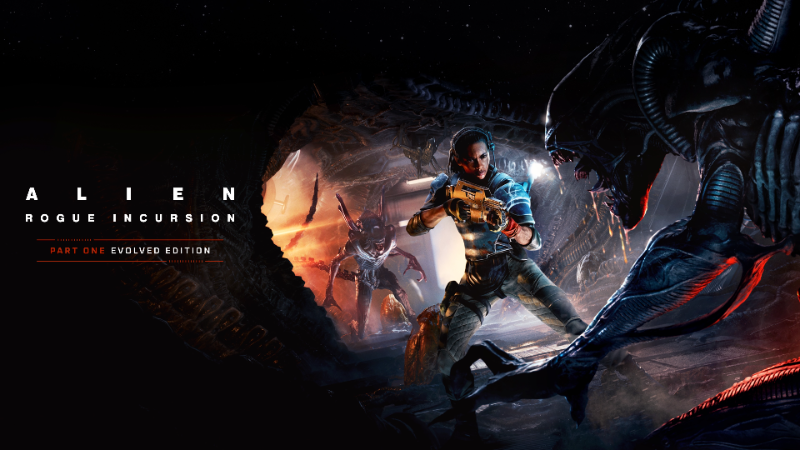
Update log
Full Alien: Rogue Incursion Evolved Edition update
The complete published notes, normalized for clean reading and source attribution.
Repeated intro
Hello Community,
We’re currently investigating reports of crashes affecting players using RTX 50‑series GPUs. Our initial findings suggest the issue may be connected to the latest NVIDIA 595.xx driver branch. Our team is actively working on a permanent fix.
Temporary Workaround:
While we continue collaborating with NVIDIA on a long‑term solution, some users have had success by rolling back to driver version 591.86. We understand this isn’t ideal and may come with its own limitations, but it may help stabilize your experience in the meantime.
How to Roll Back Your Driver:
Open Device Manager in Windows
Select Display adapters
Right-click your NVIDIA GeForce GPU and select Properties
Navigate to the Driver tab
Select Roll Back Driver
Once complete, download and install driver version 591.86
If you continue to experience issues after trying these steps, please reach out to us at
support@survios.com. We’re here to help and are happy to assist you directly.
Thank you for your patience and continued support.
The Survios Team
Source