
Full notes
Full Album3D update
Read the full published notes in a cleaner layout. The original post stays linked below.
What changed
- Gameplay
Album3D changes
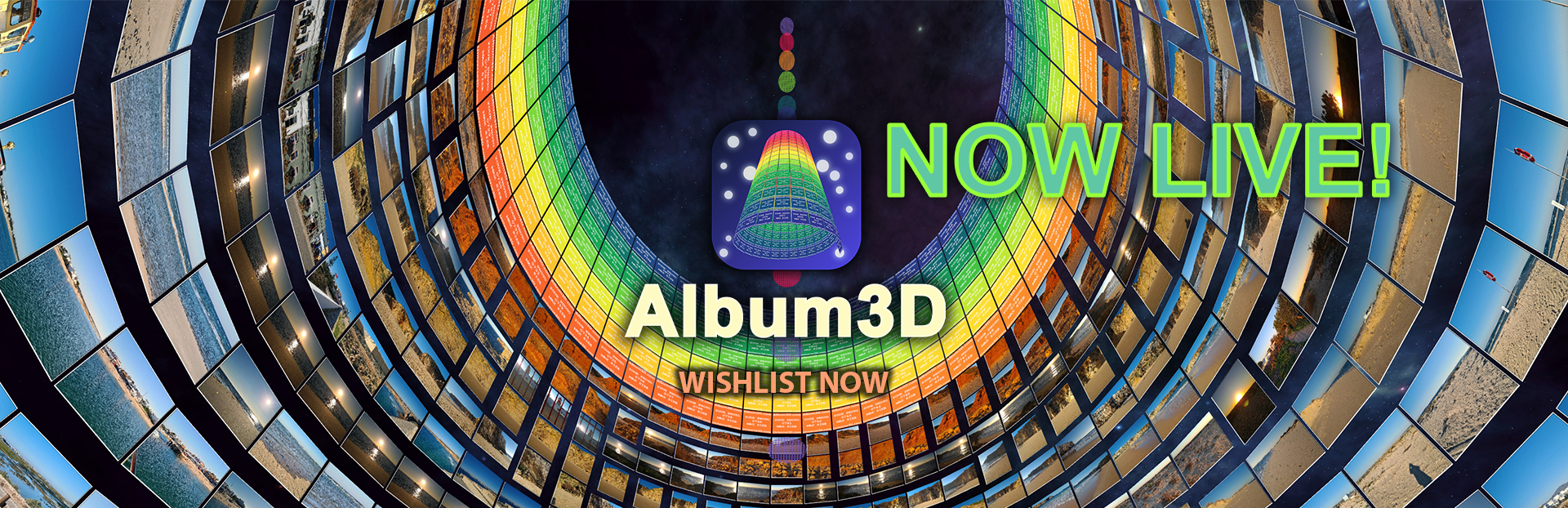
Album3D is fun and efficient to use. Looking for a way to view zillions of photos? This is the way to go. Try it, explore it, play with it. You'll see what I mean.
A VR version will probably arrive in a year or two, so stay tuned.
For those who haven’t heard about Album3D, you can find some information about it below.
Album3D offers a fun and efficient way to view hundreds or thousands of photos. Once you start using it, learn how it works, and understand the concept behind it, it will save you a lot of time and make revisiting the memories stored in your photos much more enjoyable.
Album3D is powered by Universe3D, a technology I created and use across my 3D apps. It will also power future apps and games, including “PlanetMars3D: Spirit Mission”, which is planned for release on 30 July. Anyone who likes astronomy and anything related to space and Mars might be interested in it.
I plan to keep extending Album3D, “PlanetMars3D: Spirit Mission”, future apps, and the Universe3D technology that powers them with more 3D views / layouts, 360 panorama viewing, and other improvements. I also plan to release different 3D scenes (environments) in which photos can be displayed - in the form of separate apps or add-ons (DLCs on Steam).
Lower-cost Album3D viewer/reader apps may follow as well (with different 3D scenes, for example), without photo import - only the option to open Album3D projects.
In the longer term, at least one DRM-free version of an Album3D reader is planned. At some point, at least one reader app might become completely free so that users will always be able to open their Album3D projects no matter what.
If you like Album3D, please spread the word :).
Get Album3D here:
Source
Changelog.gg summarizes and formats this update. How we read updates.