What changed
0 fixes2 additions0 changes0 removals
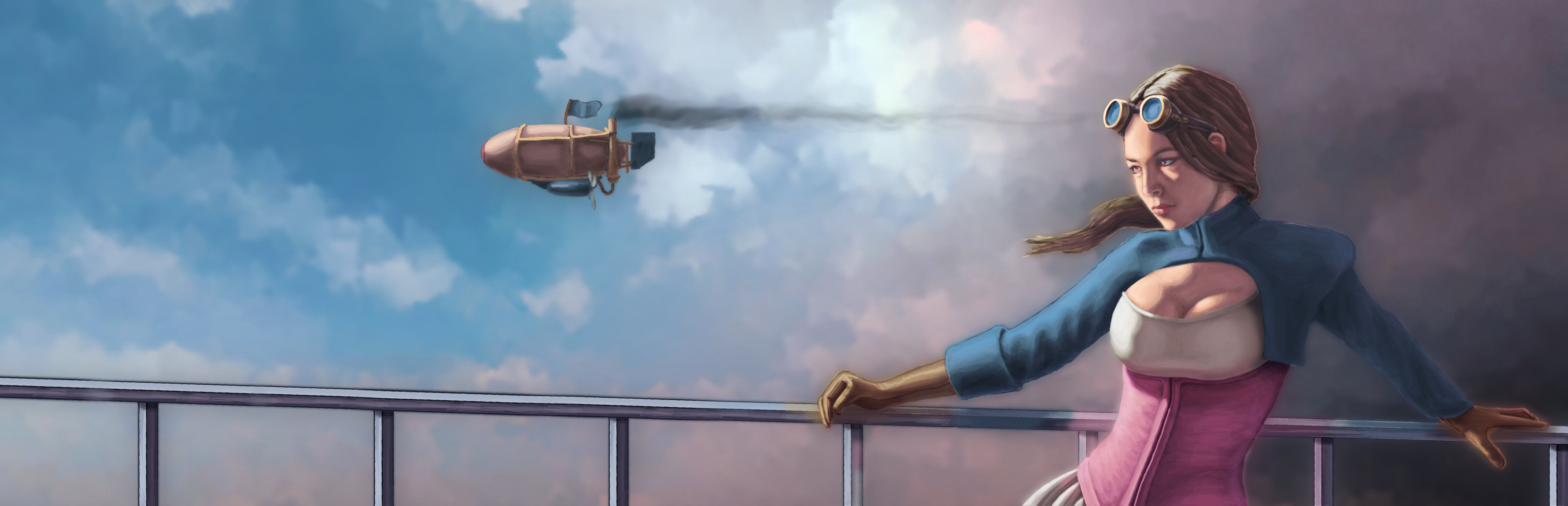
addedThe RealismMod Total Conversion has been directly added into the main Airship Dragoon steam build. This is a total conversion which replaces the standard abstracted aesthetic with high resolution textures, high-poly models and parallax terrain (with shader quality settings set to "High"). To make it available for play you need to add the line:
addedto the mods/main.cs file inside your saved games folder using notepad or similar text editor. eg: \documents\AirshipDragoon_GameSave\mods\main.cs The line is actually already in there as an example but is commented out. Things to note: The replacement levels use their own pathfinding system, so it is advised not to mix-and-match saved battles with the standard levels. Swapping mid-campaign is fine, as long as the saved game is from the Strategy Mode (big world map thing, airships, hexes) and not Battle Mode (tactical combat). The Realism Mod places a lot more strain on the CPU and GPU than the standard levels. Running the game with the mod enabled on an old PC or non-gaming laptop may give low fps and poor performance.
Airship Dragoon changes
addedThe RealismMod Total Conversion has been directly added into the main Airship Dragoon steam build. This is a total conversion which replaces the standard abstracted aesthetic with high resolution textures, high-poly models and parallax terrain (with shader quality settings set to "High"). To make it available for play you need to add the line:
addedto the mods/main.cs file inside your saved games folder using notepad or similar text editor. eg: \documents\AirshipDragoon_GameSave\mods\main.cs The line is actually already in there as an example but is commented out. Things to note: The replacement levels use their own pathfinding system, so it is advised not to mix-and-match saved battles with the standard levels. Swapping mid-campaign is fine, as long as the saved game is from the Strategy Mode (big world map thing, airships, hexes) and not Battle Mode (tactical combat). The Realism Mod places a lot more strain on the CPU and GPU than the standard levels. Running the game with the mod enabled on an old PC or non-gaming laptop may give low fps and poor performance.
The RealismMod Total Conversion has been directly added into the main Airship Dragoon steam build. This is a total conversion which replaces the standard abstracted aesthetic with high resolution textures, high-poly models and parallax terrain (with shader quality settings set to "High"). To make it available for play you need to add the line:
loadMod("mods/realism_yorks/realismMod.cs");to the mods/main.cs file inside your saved games folder using notepad or similar text editor. eg: \documents\AirshipDragoon_GameSave\mods\main.cs The line is actually already in there as an example but is commented out. Things to note: The replacement levels use their own pathfinding system, so it is advised not to mix-and-match saved battles with the standard levels. Swapping mid-campaign is fine, as long as the saved game is from the Strategy Mode (big world map thing, airships, hexes) and not Battle Mode (tactical combat). The Realism Mod places a lot more strain on the CPU and GPU than the standard levels. Running the game with the mod enabled on an old PC or non-gaming laptop may give low fps and poor performance.