
In this update2
Full notes
Full Active Matter update
Read the full published notes in a cleaner layout. The original post stays linked below.
What changed
- Events
- Balance
- UI and audio
- Store
Active Matter changes
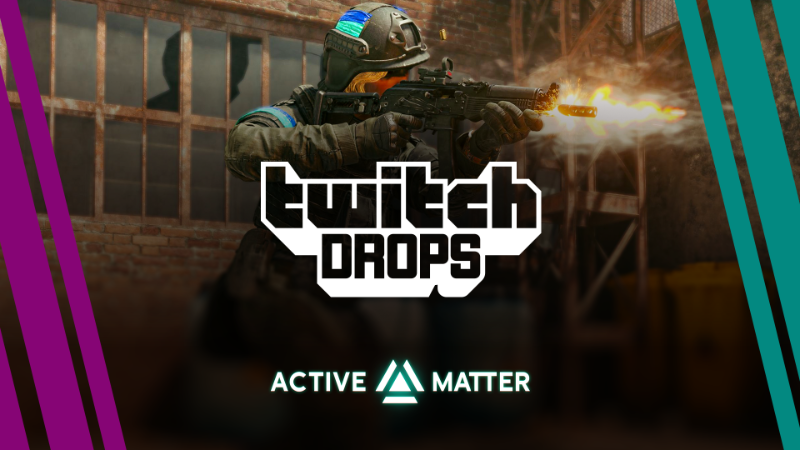
It’s time for new rewards for watching Active Matter streams on Twitch!
From May 2nd (15:00 UTC) until May 10th (15:00 UTC), watch live streams to receive rewards in Active Matter.
Log into your Twitch account → link your Gaijin account → click "Allow" to receive Twitch Drops!
Rewards
Beacon — 5 PCS for 1h of watching
Makarov Honorary pistol + researched Replicator blueprint — 3 PCS for 2h of watching
Equipment pack (armor plates, medicines) – for 3h of watching
"Unstable sample" ribbons pattern – for 4h of watching
Large safe container — 5 PCS for 5h of watching
Heavily-modded XV ACP – 3 PCS for 6h of watching
FAQ
What should I do to be able to receive the rewards?
You should link your Gaijin and Twitch accounts:
Register or log into your Twitch account.
Log into your Gaijin account you use to play (or plan to use to play) Active Matter on this page, then press the "Link" button.
Press the "Allow" button!
What will happen to the rewards if I haven’t purchased Active Matter yet?
These rewards are tied to your account — as soon as you buy any edition of Active Matter and launch the game, they will appear in your storage.
Where can I find my rewards in Active Matter?
They will be automatically placed in your storage.
Which streams do I need to watch to get rewards?
Any Active Matter streams. If you see a pop-up at the top of the chat saying "Watch to earn Drops!", you will start receiving rewards for watching!
How will I know that I’ve received a reward?
You’ll get a notification on the Twitch stream page. After that, you can find the item in the game.
NOTE: You must click the “Claim” button for each obtained reward in your Twitch inventory before the Twitch Drops campaign ends on May 10th (15:00 UTC).
For which platforms are the rewards available?
Active Matter rewards can only be claimed on PC (the game is currently PC-only).
I’m a streamer and want to broadcast Active Matter. How do I enable Drops on my channel?
Link your Twitch account to your Gaijin account.
Enable Drops in the Twitch settings.
Play Active Matter, start your Twitch stream, and ensure the broadcast category is set to Active Matter in the Stream Manager.
Source
Changelog.gg summarizes and formats this update. How we read updates.