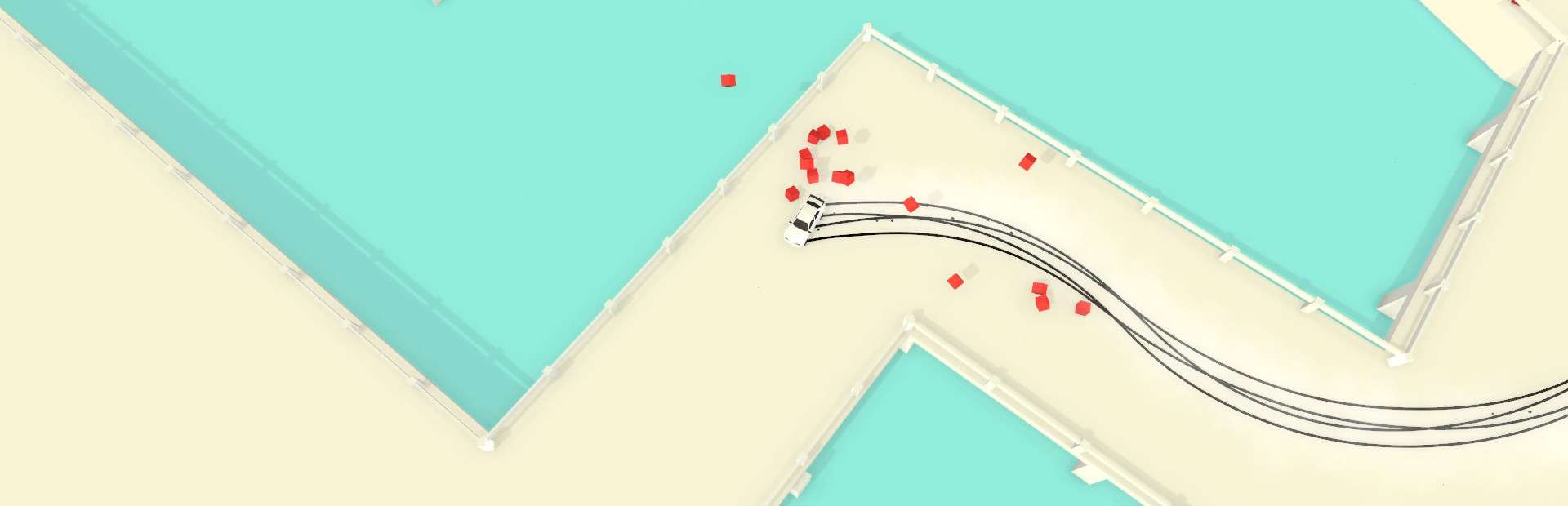
The game engine for Absolute Drift has been updated to the latest version which should bring more performance improvements. Also, the input system has been changed which should fix the Xbox One controller bugs.
Full notes
Full Absolute Drift update
Read the full published notes in a cleaner layout. The original post stays linked below.
What changed
0 fixes2 additions5 changes0 removals
Performance
Gameplay
Fixes
Compatibility
changedThe game engine for Absolute Drift has been updated to the latest version which should bring more performance improvements. Also, the input system has been changed which should fix the Xbox One controller bugs. Please try it out and report any bugs in the forum! To Enable the Beta: 1.Go to your Steam Library and right click on Absolute Drift 2. Select “Properties” from the drop-down menu. 3. Select the “Betas” tab 4. Select the beta option in the drop-down menu. NOTE: If you get a crash on startup, delete the local content and then install the game again. Improvements:
addedUpgraded the game engine from Unity 4 to 5. The new version has performance improvements, such as an upgraded physics system.
changedChanged the input system which should have better support for controllers.
changedIf you get a crash on startup, delete the local content and then install the game again.
changedUPDATE: THIS IS FIXED NOW* The Mountain Drift Tracks and the Mountain Tracks in Free-Roam have an issue with the car sliding around uncontrollably.
changedIf you still encounter crashes or problems, submit a bug report here: http://steamcommunity.com/app/320140/discussions/0/611701360839562983/
Upgraded the game engine from Unity4→5↑Upgraded the game engine from Unity increased, buff
Absolute Drift changes
changedThe game engine for Absolute Drift has been updated to the latest version which should bring more performance improvements. Also, the input system has been changed which should fix the Xbox One controller bugs. Please try it out and report any bugs in the forum! To Enable the Beta: 1.Go to your Steam Library and right click on Absolute Drift 2. Select “Properties” from the drop-down menu. 3. Select the “Betas” tab 4. Select the beta option in the drop-down menu. NOTE: If you get a crash on startup, delete the local content and then install the game again. Improvements:
addedUpgraded the game engine from Unity 4 to 5. The new version has performance improvements, such as an upgraded physics system.
changedChanged the input system which should have better support for controllers.
changedIf you get a crash on startup, delete the local content and then install the game again.
changedUPDATE: THIS IS FIXED NOW* The Mountain Drift Tracks and the Mountain Tracks in Free-Roam have an issue with the car sliding around uncontrollably.
The game engine for Absolute Drift has been updated to the latest version which should bring more performance improvements. Also, the input system has been changed which should fix the Xbox One controller bugs. Please try it out and report any bugs in the forum!
To Enable the Beta
1.Go to your Steam Library and right click on Absolute Drift 2. Select “Properties” from the drop-down menu. 3. Select the “Betas” tab 4. Select the beta option in the drop-down menu.
NOTE
If you get a crash on startup, delete the local content and then install the game again.
Improvements
Upgraded the game engine from Unity 4 to 5. The new version has performance improvements, such as an upgraded physics system.
Changed the input system which should have better support for controllers.
Known Issues:
If you get a crash on startup, delete the local content and then install the game again.
Fixed*UPDATETHIS IS FIXED NOW* The Mountain Drift Tracks and the Mountain Tracks in Free-Roam have an issue with the car sliding around uncontrollably.
If you still encounter crashes or problems, submit a bug report here: http://steamcommunity.com/app/320140/discussions/0/611701360839562983/
If you are on Linux you may have to add add this option in the steam client (in properties -> set launch options): %command% -force-opengl