
Update log
Full World of Warships update
The complete published notes, normalized for clean reading and source attribution.
Extracted changes
- Gameplay
- UI and audio
- Server
Well-coordinated actions are especially important when it comes to team play. World of Warships is a game that encourages players to coordinate their actions with those of their allies to secure victories in battle. But is this possible in a team composed of random players? If you doubt it, there's a solution—create a Division!
Divisions allow two or three players to join together and fight in battle. You can play with your friends and cover one another like partners do in your favorite action movies, try different combat tactics, have lots of fun, and generally enjoy the game together. If you don't have any friends in the game yet, Divisions will help you find some. You just have to take the first step, or in this case—simply click a couple of buttons!
| How to Create a Division Communicating in a Division Tactics for Playing in a Division |
|---|
[hr]
How to Create a Division
Division menu
You can find the Division menu in the Port to the left of the Battle! button. By opening it, you'll see a list of your contacts, as well as the nicknames of players who are currently looking for a Division. Click a player's nickname to instantly invite them to your Division. After that, all you need to do is select ships and head into battle. You can also use the "Looking to Join a Division" button in the Division menu. Click it, and your nickname will become visible to other players who will be able to invite you to a Division.
Chat in Port
The chat button can be found in the bottom-left corner, under the ship carousel. One of chat channels is specifically dedicated to searching for Divisions. Enter this channel and introduce yourself.
In battle
Found a player with admirable skill? Invite them to your Division right in the heat of battle! Press the Tab key to open the Divisions tab, where you can quickly create a Division or submit a request to join an existing one. Divisions created right in battle are called "dynamic."
External channels
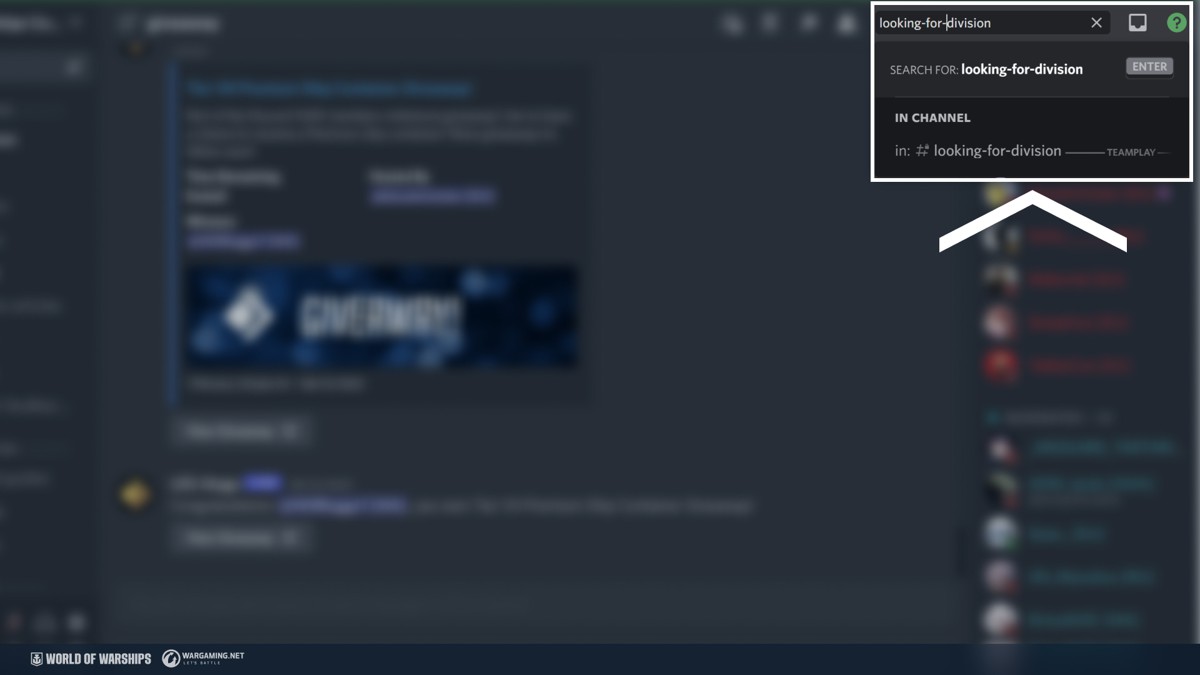
To look for Divisions, you can use a special section of our official forum or a separate channel on Discord. The advantage of this option is that you can be more thorough in choosing your brothers and sisters in arms by communicating with them in advance of banding together.
Your friends
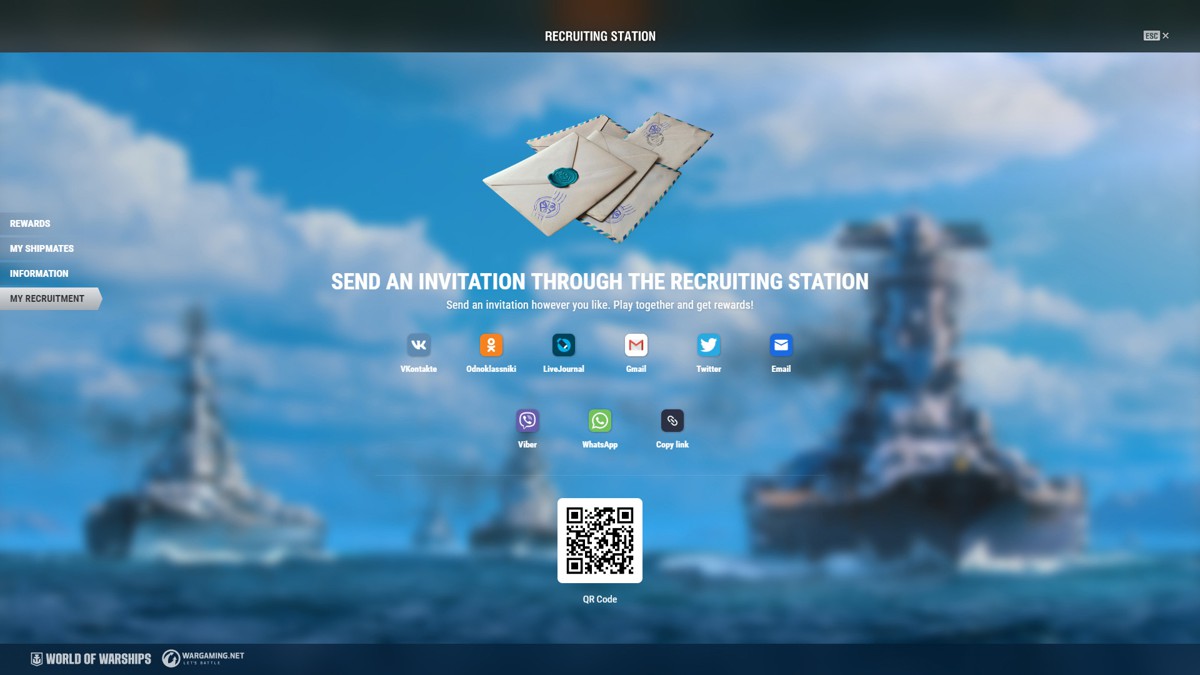
If you have a friend who's eager to play, it's even simpler— just add them to your contacts using a dedicated button in the bottom-left corner of the Port and invite them to your Division by clicking their nickname. If your friend doesn't have a World of Warships account yet, send them a referral link via the Recruiting Station program. By registering with this link, your friend will receive loads of in-game presents, and both of you will obtain rewards for playing together afterwards.
[hr]
Communicating in a Division
Not everyone likes communicating in battle. When fighting in a Division, theoretically, you can work together without direct communication and use quick commands instead. But communication is one of key advantages of playing in a Division. It helps improve interaction like nothing else. For this purpose, Division members can use:
A separate text chat both in the Port and in battle.
Internal voice chat.
In general, you can use any means of communication, including Discord (vacant rooms are always readily available on our server). [hr]
Tactics for Playing in a Division
We've already made a
Source